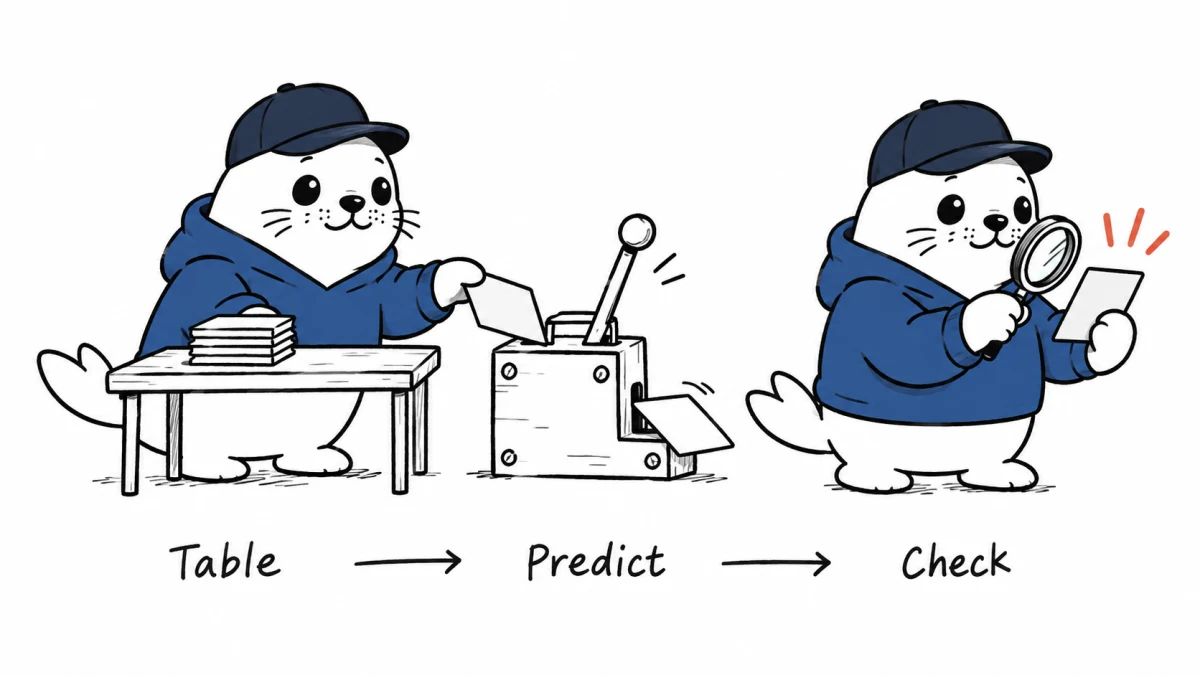
BigQuery TabFM lets analysts request regression or classification from table rows without first training a customer-specific model. One SQL function lowers the setup cost. It does not remove the need for a holdout set, a baseline or a cost estimate.
Google announced the BigQuery integration on September 8, 2026. TabFM is a tabular foundation model exposed through AI.PREDICT in preview. Google positions it for predictions when teams lack enough labeled data or time to build a traditional model.
What AI.PREDICT does
The function accepts a table or query plus the target column and task configuration. For regression, it returns a numeric prediction. For classification, it returns a predicted category. The source table remains in BigQuery, which can simplify data movement compared with an external inference service.
The important boundary: no customer-specific training command does not mean no evaluation work.
Preview limits that shape the use case
| Constraint | Current limit | Practical effect |
|---|---|---|
| Feature columns | Up to 20 | Wide operational tables need feature selection or a different method |
| Classification categories | Up to 10 | High-cardinality labels do not fit directly |
| Lifecycle | Preview | Interfaces, availability and billing can change |
| Task types | Regression and classification | Not a general forecasting or text-generation interface |
A minimal SQL workflow
Create a stable training-style input view that excludes identifiers, future information and the target column from the feature set. Call AI.PREDICT on a holdout table whose outcomes you already know, then use AI.EVALUATE to measure the result.
For regression, inspect error distribution as well as one aggregate score. For classification, inspect per-class precision, recall and the confusion matrix. A strong overall score can hide failure on the rare category the business cares about.
The baseline matters more than the demo
Compare TabFM with at least two baselines: a simple rule or historical mean, and an existing BigQuery ML model such as boosted trees where appropriate. Use the same rows, time split and target definition.
- Freeze a dated holdout table before trying prompts or feature combinations.
- Prevent leakage from timestamps, post-outcome fields and record identifiers.
- Measure accuracy by important segment, not only across the full table.
- Record null handling, category mapping and any preprocessing outside SQL.
- Price the full query and prediction volume before scheduling recurring jobs.
The October 30 pricing change
During the initial preview, Google says AI.PREDICT is billed through BigQuery query processing, using bytes processed under on-demand pricing or slot time under capacity pricing. Google documents a move to token-based model charges on October 30, 2026.
That date makes a cost notebook essential. Record rows, feature widths, input tokens, output tokens, query bytes and slot time now. Re-run the same job after the pricing transition and compare cost per accepted prediction, not just cost per query.
A seven-day production-readiness test
- Day 1: select one bounded prediction with an outcome that becomes known quickly.
- Day 2: freeze train, validation and holdout tables with a time-aware split.
- Day 3: run a simple baseline and one established BigQuery ML model.
- Day 4: run TabFM with the same permissible features.
- Day 5: audit errors by class, customer segment and time window.
- Day 6: estimate current and post-October cost at production volume.
- Day 7: define a rollback rule and choose the simplest model that clears the business threshold.
Where TabFM is likely to help
The preview is most interesting for a narrow tabular problem with limited labels, fewer than 20 useful features and a need for a fast baseline. It is less attractive when the table has hundreds of engineered variables, the target has many classes, or the workflow already has a well-calibrated low-cost model.
If an agent helps create the query, keep data-access and cost boundaries explicit. Our AI agent cost-control guide covers spend caps and approval points. Our MCP migration guide covers stateless tool access to data systems.
My take: treat TabFM as a fast challenger
TabFM can shorten the distance from a table to a credible first prediction. The best deployment posture is challenger, not automatic replacement. Put it beside a transparent baseline, measure on untouched data and promote it only when the gain survives segment and cost checks.
Primary sources
Checked September 8, 2026. Preview behavior, limits and pricing timing come from Google Cloud documentation. Test guidance is Musthave.ai analysis.