The promise of an always-on agent is easy to like: it notices work before you ask. The difficult part is deciding what it may read while you are away and what it may change when it finds something.
OpenAI introduced dots on September 29, 2026. A dot is a persistent agent powered by GPT-6 Astra with its own cloud computer and access to apps you choose to connect. You can inspect its computer and activity, give it goals, and set rules for action. That product design is more consequential than another chat interface because the dot can keep working between conversations.
Who can try dots now?
OpenAI’s setup guide says Pro rollout excludes the European Economic Area, Switzerland, and the UK. Business Premium users can get access across supported ChatGPT regions. Enterprise workspaces, including Edu and Healthcare, can try the beta when an administrator enables it. Access is gradual and may take several days. The first dot is included in a Pro or Business Premium plan; tasks it starts in Codex or ChatGPT Work still count against those products’ usage limits.
OpenAI’s current Help Center says a plan includes an allowance for deeper work, with extended limits during the first month after launch. Conversations with a dot do not count toward regular ChatGPT limits, but tasks the dot starts in Codex or ChatGPT Work still count against those products’ usage limits. Check the allowance shown in your own account before planning a long-running workflow.
You create the first dot in the ChatGPT desktop app or a desktop browser. Mobile messaging follows setup where available; mobile web does not support dots at launch. OpenAI is also piloting specialist dots with dedicated organizational responsibilities, but those focused enterprise pilots are not a general rollout. Treat the examples in the announcement as illustrations, not proof that a dot can reliably run every business process.
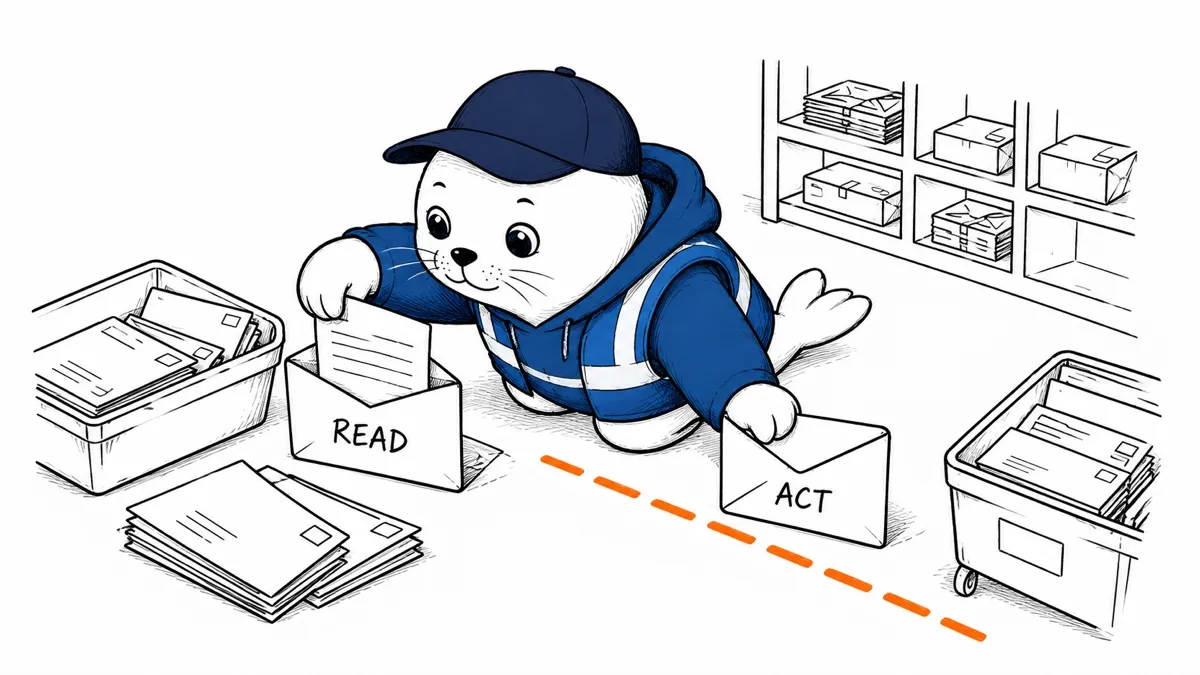
The most important boundary is read versus act.
OpenAI calls the background mode proactive research. When you are not actively working with the dot, it may look through connected apps using tools restricted to read-only operations. OpenAI says that mode cannot send messages, edit app content, or control a browser or computer. The difference is practical: a dot can surface an overdue invoice in the background, but sending it is a separate action.
That does not make reading harmless. A connected inbox or drive can contain confidential information, misleading documents, and prompt-injection attempts. OpenAI’s safety explanation says it combines tool restrictions, monitoring, and action checks, while acknowledging that dots can still make mistakes. I would connect a small set of low-risk apps first, then inspect what the dot actually retrieved before broadening access.
Your laptop is not the dot’s cloud computer.
Each dot’s default work environment is a separate cloud computer. Connecting your personal computer is a further choice, not an automatic consequence of creating a dot. OpenAI says saved passwords for supported sites can be used without exposing them to the model. That protects one credential path, but it does not decide whether the agent should have access to an account in the first place.
The Help Center says local-computer access starts turned off. If you explicitly allow it, the dot can work with local files, create Work or Codex tasks, use local skills, and use your browser when its cloud browser is blocked. You can revoke that access later. I would verify the switch is off before connecting sensitive apps, then test any local access with a disposable folder first.
For a business account, I would start with a dedicated low-privilege identity where the application permits it. Give the dot only the folders, channels, or projects it needs. Our WebMCP permission-boundary guide makes the same point for website tools: a clear operation name does not replace server-side authorization.
Disconnecting an app is not a full reset.
A dot can form memories from connected apps. OpenAI says disconnecting an app stops that connection but does not delete information the dot already obtained from it. Resetting the dot removes its conversations, saved memories, and scheduled tasks. That is a bigger step than revoking one connection, so inspect what the dot retained before sharing another workspace with it.
Set a first-week approval policy.
Dots start with built-in rules, and you can add Custom Rules that permit, require approval for, or block specific actions. OpenAI says auto-review checks consequential steps against those rules and safety requirements. Some tasks, including changing a password, stay with the person. Activity View lets you follow background work and redirect it.
- Connect one or two sources needed for a reversible task. Keep finance, customer messages, and production administration out of the first run.
- Let the dot research and prepare drafts, but require approval before sending, publishing, purchasing, or deleting.
- Inspect the dot’s activity and the source records behind its recommendation every day of the trial.
- Test a wrong or stale instruction. Confirm that a changed rule or revoked app access stops later actions.
- Record what human review caught, not just how much time the dot appeared to save.
OpenAI describes an early tester whose dot prepared an invoice and sent it after approval. That is the right distinction to look for in a live trial: useful preparation can be autonomous while the commercial commitment stays reviewable. Our high-impact agent-actions article explores when a stronger human checkpoint is warranted.
The profile also shows scheduled work, which you can review or pause. OpenAI says a dot cannot initiate a call to you at launch. Text messaging is a limited US beta for Pro users, not a Business or Enterprise feature. Those limits matter more to a rollout plan than the broad possibilities shown in a product demo.
My verdict
Dots make the most sense for ongoing research and draft preparation where the cost of a mistaken suggestion is low, and the benefit of continuity is real. I would not start by handing one a broad account and asking it to run unattended. Begin with narrow access, a visible activity trail, and explicit approval for any step that changes the outside world.
Go deeper
- Read OpenAI’s dots announcement for rollout and product examples.
- Check OpenAI’s setup guide for the latest availability, local-access, and reset instructions.
- Review OpenAI’s safety and privacy explanation for the stated controls and limits.