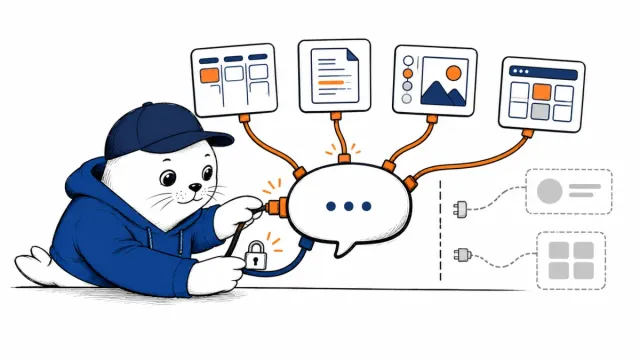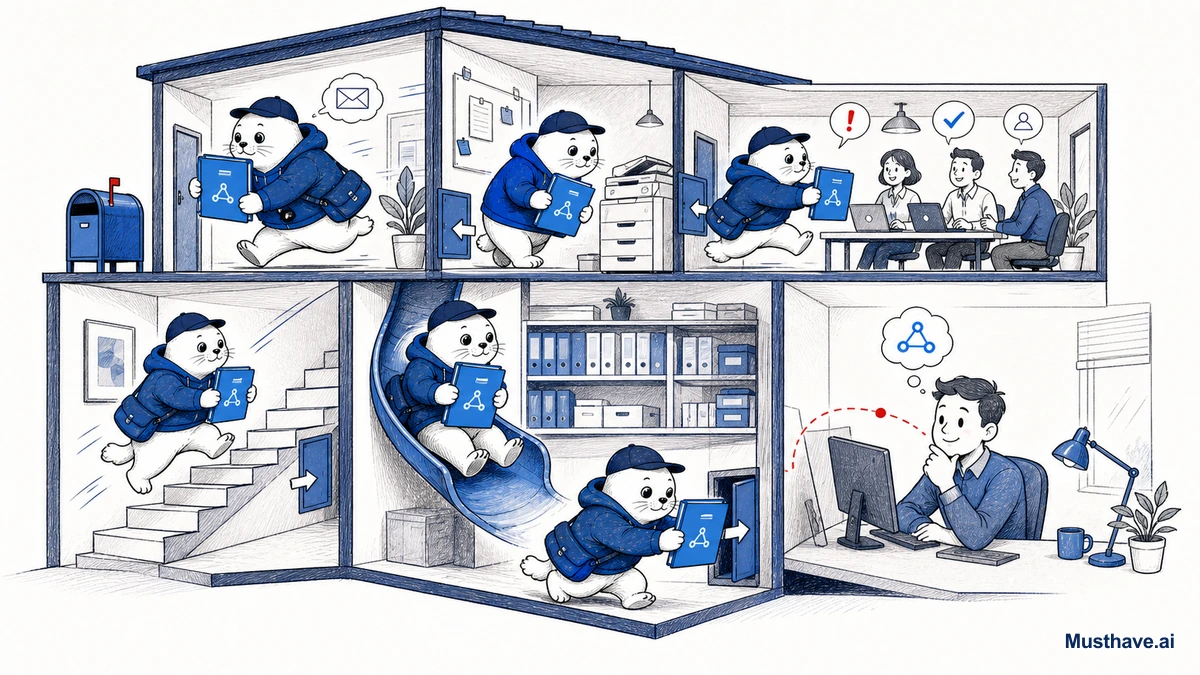
Here’s the thing most “Gemini update” posts miss: Google’s real strategy was never to win the chatbot you visit. It’s to put Gemini inside the apps you already live in (Chrome, your phone, your email) until using AI stops being a destination and becomes the background. In 2026, that plan is well underway.
The model layer: Gemini 3 is the new normal
Let’s start with what’s under the hood, quickly, because it sets up everything else. Gemini 3 Flash is now the default model in the Gemini app and across Workspace, a real step up from the 2.5 era, tuned for speed. Above it sits Gemini 3.5 Flash, which adds genuine agentic ability (it can carry out multi-step tasks) while staying fast, and Gemini 3 Pro for the heavier reasoning jobs.
Update: Google has since shipped its next Flash generation, see our full breakdown of Gemini 3.6 Flash and its two new siblings.
You don’t need to memorize the version numbers. The point is that the baseline got meaningfully smarter and faster, and that upgrade flows into every place Gemini shows up.
Chrome: the browser that can now act
This is the update I’d actually pay attention to. Gemini is now built into Chrome (on Mac, Windows, and Chromebook) with a new side panel that lets you work with a page without leaving your tab. But the real leap is auto browse, a preview of agentic browsing where Gemini can navigate and complete tasks for you, while keeping you in the loop to approve what matters.
It’s also wired into Connected Apps: Gmail, Calendar, YouTube, Maps, Google Shopping, and Google Flights. So instead of just answering questions, it can pull your calendar, compare flights, or dig through your inbox to actually finish something. You can even edit images right there with Nano Banana, without opening another tool.
Android: the same power in your pocket
All of that is coming to the phone, too. Gemini in Chrome for Android brings auto browse and agentic assistance to mobile, and you can tap the Gemini logo from the address bar to connect straight to Workspace apps, Docs, Drive, Keep, Calendar, and more. For anyone who does real work on their phone, that closes the gap between “quick question” and “get the task done.”
Workspace: AI folded into the tools you already pay for
If you use Google Workspace, Gemini is increasingly just… there. Gemini 3 Flash powers most Workspace AI interactions by default, with Gemini 3 Pro available for complex work through an expanded-access add-on. Practical touches keep landing, like higher usage limits for “Fill with Gemini” and AI functions in Sheets. The theme is consistent: less “open the AI,” more “the AI is in the document.”
The agent features: Daily Brief and Spark
Two additions hint at where this is going. Daily Brief is a personalized overview built with Gemini that distills your priorities from connected apps like Gmail and Calendar into one easy-to-read view, a genuine time-saver if your morning starts with triage. And Gemini Spark is positioned as a 24/7 personal AI agent that handles tasks on your behalf, nudging Gemini from “assistant you ask” toward “partner that acts.”
My builder’s read: what to actually use
So how should you treat all this? With interest, and a little caution. The genuinely useful stuff today: if you live in Chrome and Google apps, the side panel and Connected Apps remove real friction, try them this week. Daily Brief is worth a look if you drown in email each morning.
The agentic features (auto browse, Spark) are the exciting frontier, but they’re also where you keep a hand on the wheel. Let an agent that can click and buy things earn your trust on low-stakes tasks first, and never assume “it did something” means “it did the right thing.” The direction is clear and powerful: AI that does, not just answers. Just adopt it the way you’d onboard a fast new assistant, useful immediately, supervised until proven.
The one Gemini feature to try first
If you only test one thing this week, make it the Chrome side panel with Connected Apps. Open Gemini beside a web page and ask it to pull something real from your own Google apps, “check my calendar and find a free two-hour block this week,” or “summarize the last email from [name].” It’s the fastest way to feel the difference between a chatbot you visit and an assistant wired into your actual life. If that clicks, try Daily Brief next for a triage-free morning. Start where the friction you feel every day is highest.
Which Gemini surface do you actually use, the app, Chrome, or Workspace? And would you let auto browse complete a task for you? Tell me in the comments.
Verification sources and related guides
Primary reference: Google Gemini product updates. This is an official provider source. Treat performance, adoption, and product claims as company-reported unless the article identifies an independent check.