
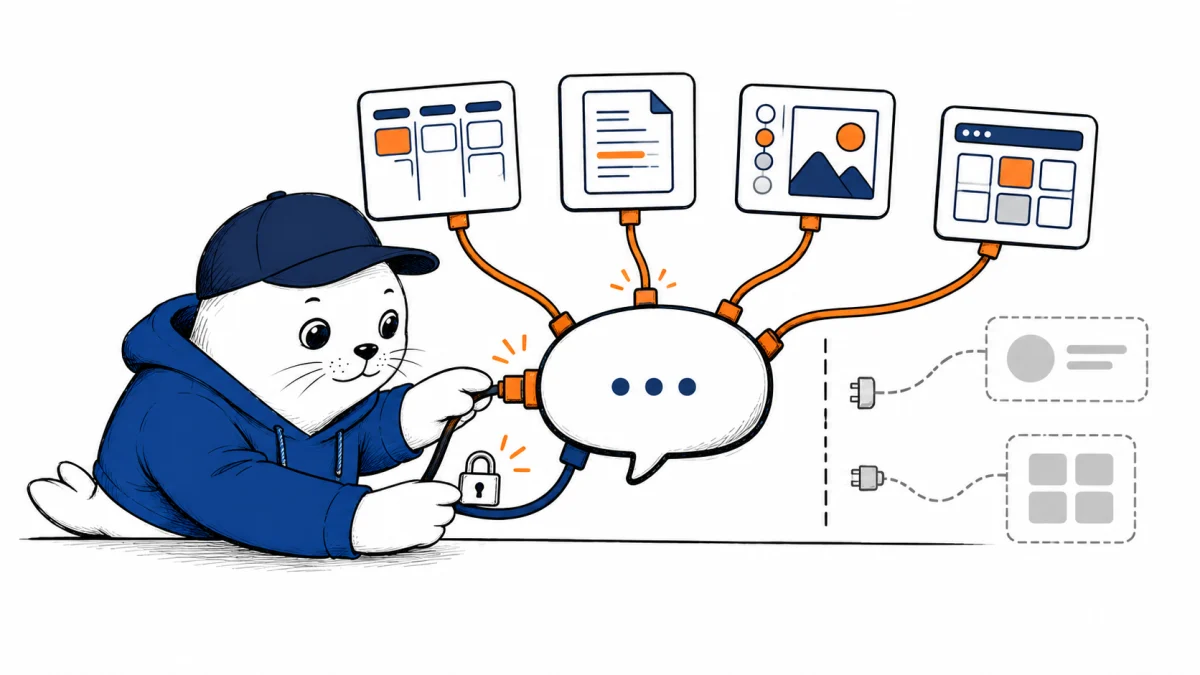
Gemini can now reach more of the services where projects actually live. The useful question is not how many logos appear in the announcement, but what each connection can read or change.
Google announced a new wave of Gemini Connected Apps on September 23, 2026. The rollout includes Airtable, Linear, monday.com, PandaDoc, Wispr AI, Zoho, Adobe, Picsart, Squarespace, Webflow, apartments.com, Experian, Peloton, and SeatGeek. Availability and supported actions differ by app, account, and location, so the list is a starting point, not a promise that every user can complete every task today.
Which apps are in the new rollout?
The clearest way to understand the announcement is by job. Airtable, Linear, monday.com, and Zoho connect project or business data. PandaDoc covers document workflows. Adobe and Picsart relate to creative work, while Squarespace and Webflow concern websites. Wispr AI is a voice-writing connection. Apartments.com, Experian, Peloton, and SeatGeek extend Gemini into search, personal information, fitness, and ticketing contexts.
Those groups are editorial shorthand, not a permissions table. Google’s announcement names the integrations but doesn’t say every service offers both reading and writing. The live connection card and confirmation screen are the authority for an individual action.
How to check what your Gemini account can use
- Open Gemini’s Connected Apps settings and look for the service by name. The list can vary by device, country, and account type.
- Connect only the account you intend to use, then inspect the access request before accepting it.
- Start a chat with a narrow request and name the app, or use an @ mention where Gemini offers one.
- Before any external change, read the proposed action, destination, and affected record. Verify the result inside the original service.
If a connection does not appear, first check Google’s current support page and your account type. A company-managed Google Workspace account can have different extension controls from a personal Google account. Some integrations also depend on Gemini Apps Activity settings.
Connected Apps are not the same as Workspace MCP connectors
This rollout is for the Gemini app’s Connected Apps experience. Do not confuse it with the separate Gemini in Workspace MCP connector rollout, which has its own administrative setup and service list. A Linear connection in a personal Gemini chat does not imply that the same capability is enabled in your organization’s Workspace environment.
The distinction matters when an employee says, “Gemini has access to our projects.” Which Gemini product, which identity, and which project account? Answer those before evaluating the output. The same account-boundary issue appears in our ChatGPT Work permissions guide.
A sensible first test for a team
Try a read-only question against one known item: ask Gemini to summarize a specific Linear issue or Airtable record, and compare its answer with the source. Record whether the connection found the right object, preserved dates and owners, and linked back to it. Only then test a reversible edit in a noncritical workspace.
That sequence separates retrieval quality from action reliability. A good summary does not prove that Gemini can safely update a project. Conversely, an app that can write a field may still misread the surrounding context. Neither result should be inferred from the integration logo alone.
What Google has not specified yet
Google has not published one complete matrix covering every plan, country, device, app action, and permission in this announcement. It also describes a rollout, not simultaneous global availability. For an operational guide, the safest source is the connection’s current in-product description paired with Google’s maintained help page. We will update this article when that matrix becomes clearer.
Sources and further reading
Checked September 24, 2026. The integration list and rollout are Google’s statements. The staged test is MustHave.ai editorial guidance.

Abdessalam Alaoui
I'm Abdessalam Alaoui, founder of Musthave.AI. I write practical guides to AI models, tools, generative media, and ways real people make money with this stuff. No press-release fluff. 20+ years shipping digital products; you'll also find my work around HowTik, Yumasty, and IncomeHelpful.