

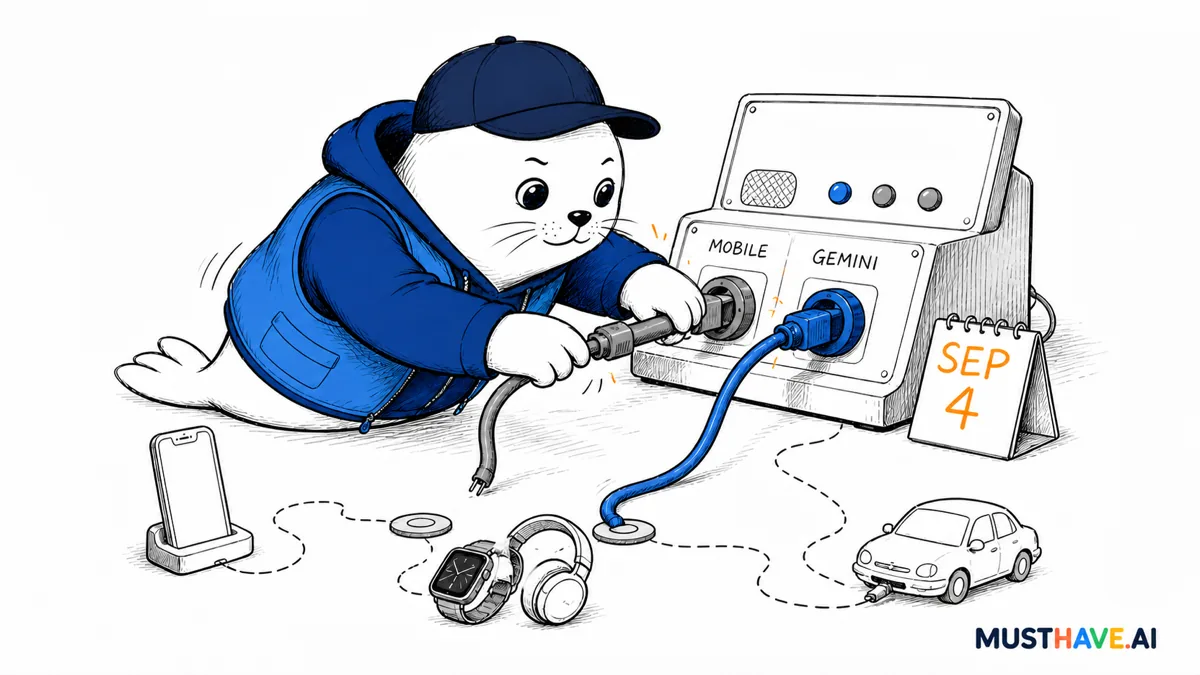
The awkward part of an assistant migration is not swapping one app icon for another. It is discovering that your timer, headset button, commute command, or work phone depends on a voice workflow that is about to change.
A Google email sent to existing Assistant users says access will start disappearing from affected mobile devices on September 4, 2026, with the rollout potentially taking several weeks. The notice, reproduced by 9to5Google and The Verge, turns Google’s long-planned migration to Gemini into a practical deadline. This Google Assistant shutdown is broad enough to touch Android phones and tablets, paired watches and headphones, and Android Auto sessions projected from a phone.
The right response is not panic or a blind upgrade. It is a short audit: confirm that the device can run Gemini, list the voice commands that matter, test them on the actual hardware, and keep a fallback for anything consequential.
The date is new; the direction is not
Google announced in March 2025 that it would upgrade mobile Assistant users to Gemini and later make the classic Assistant unavailable on most mobile devices. It also said the transition would expand across tablets, cars, headphones, watches, speakers, displays, and TVs, while Assistant would continue on those devices until their Gemini experience was ready. The September email supplies the first firm start date for the mobile removal wave.
The mobile handoff
- March 14, 2025: Google publicly says Gemini will replace classic Assistant on most mobile devices.
- August 4, 2026: Google’s user email surfaces in public reporting.
- September 4, 2026: Removal of mobile Assistant access is scheduled to begin.
- Following weeks: The change rolls out rather than landing on every device at once.
That distinction matters for sourcing. Google’s public transition announcement verifies the direction and device strategy. The exact September 4 timing comes from the company email independently reproduced by two publications, not from a new Google newsroom post. If Google changes the schedule, the emailed notice and live product behavior should outrank old assumptions.
This is a rollout, not a midnight switch
The reported notice says that once Assistant is removed from an affected device, the user cannot switch back. That makes September 4 the beginning of the risk window, not a promise that every phone changes at midnight. Two people with the same handset could see different timing during a staged rollout.
What the mobile notice covers
In the removal wave
- Android phones and tablets
- Paired Wear OS watches
- Paired headphones
- Android Auto projected from a phone
Not the same deadline
- Cars with Google built in continue for now
- Home speakers and displays were not named in the mobile email
- TVs were not named in the mobile email
"Not named" does not mean "unchanged forever." Google’s earlier announcement still points toward a wider Gemini migration. It means the September mobile notice should not be stretched into a claim about every Google-powered screen or speaker.
Gemini eligibility is the first gate
Before testing features, check whether the replacement can run at all. Google’s current Gemini mobile requirements say Android devices need Android 9 or newer and at least 2GB of RAM. Android Go is not supported. The Gemini app is also unavailable inside an Android Work Profile, and availability varies by country, language, age, and account type.
Language deserves special attention. Google notes that some supported languages do not offer "Hey Google" voice activation or certain actions. A device can therefore pass the operating-system check and still fail the one interaction a household or field team relies on.
If you manage company phones, do not treat a personal Gemini test as proof for managed devices. Work Profile restrictions, administrator controls, and account eligibility can change the result. This is the same reason we recommend testing the real environment when evaluating Google’s broader agent push: access and execution matter more than a demo.
The expensive surprise is a broken habit
Most voice commands are low stakes until they are not. Starting music is easy to replace. A hands-free navigation command while driving, a medication reminder, or a household routine used by someone with limited mobility deserves more care.
A simple risk score makes the audit less subjective. Rate each workflow from 1 to 3 for frequency, consequence if it fails, and difficulty of the fallback. Multiply the three numbers. A daily smart-light command might score 3 × 1 × 1 = 3. A commute workflow used daily, with a meaningful distraction cost and an awkward manual fallback, could score 3 × 3 × 2 = 18. Test the highest scores first. This is a planning tool, not a Google metric.
A 20-minute voice workflow audit
- Inventory: write down the commands you used in the last seven days.
- Score: frequency × consequence × fallback difficulty, each from 1 to 3.
- Test: run the highest-scoring commands on the actual phone, watch, headset, and car link.
- Record: note changed wording, missing actions, and account or language limits.
- Back up: create a manual shortcut, app icon, printed instruction, or alternate routine.
Decision rule: do not retire the fallback until the replacement succeeds repeatedly in the real context.
That last point is easy to skip. AI assistants can appear interchangeable in a comparison table while behaving differently when a phone is locked, a headset button is pressed, or a car connection is active. Our Gemini, ChatGPT, Claude, and Grok guide is useful for choosing a general assistant; this migration needs a device-level test.
What builders and small teams should test
Builders should separate conversational quality from integration reliability. A better answer is not enough if the wake phrase, intent handoff, notification, or app action fails. For each business-critical command, capture four pieces of evidence: the trigger, the account and device state, the expected action, and the observed result.
Pay particular attention to custom routines, smart-home actions, accessibility use, navigation, messaging, calendar events, and reminders. If a workflow creates or changes data, confirm that Gemini asks for the expected confirmation and uses the correct account. If it only retrieves information, verify freshness and source attribution rather than accepting a fluent response.
Teams buying hardware this quarter should also stop specifying "Google Assistant support" as a timeless feature. Ask which Gemini experience the device supports, in which languages and regions, under which account types, and what happens when the linked phone is unavailable. The difference resembles the transition now facing Apple users: assistant branding is less important than the actual capability and access tier, as our look at Siri AI pricing and access explains.
My verdict: migrate the workflow, then the assistant
The September 4 start date makes the Google Assistant shutdown actionable, but it would be wrong to pretend that every Google device changes on the same day. The verified picture is narrower: Google has publicly committed to replacing classic mobile Assistant with Gemini, and its emailed notice says the mobile removal begins September 4 across phones, tablets, and several paired experiences.
Use the remaining window to test the commands that carry real consequence. If Gemini handles them reliably, the migration may be uneventful. If it does not, a written fallback and a short list of failed interactions will be far more useful than discovering the gap from behind the wheel or after the old switch has vanished.


