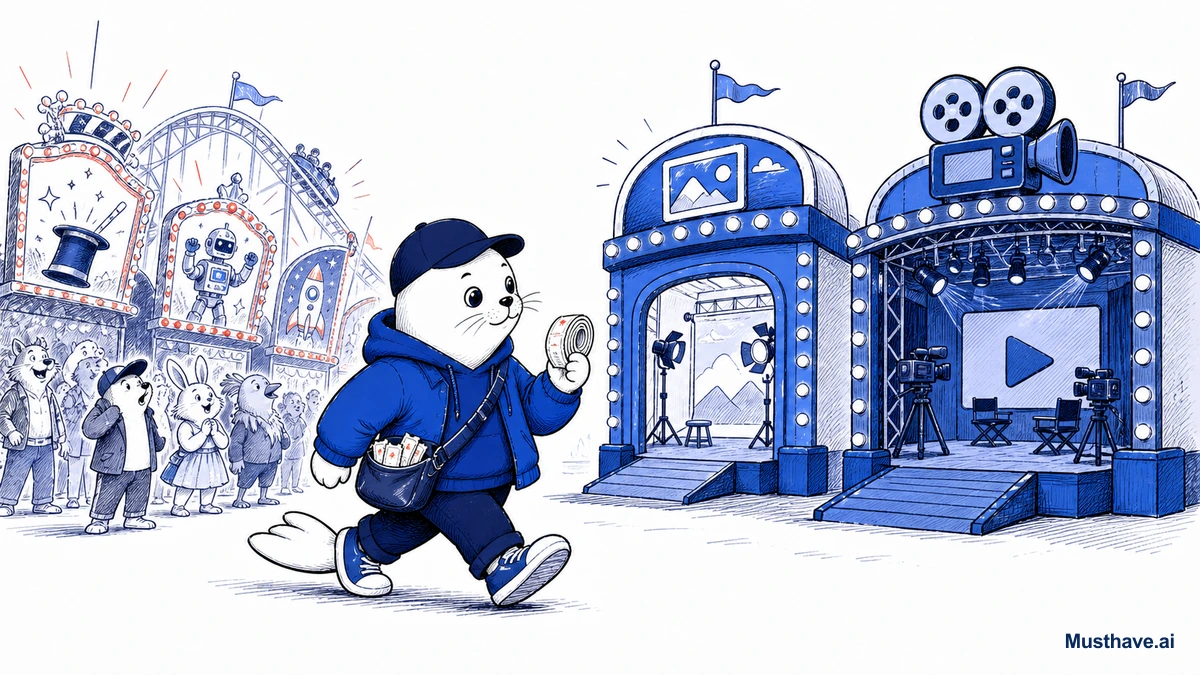
Every week another AI image or video tool claims the crown, and if you tried to pay for all of them you’d go broke subscribing to software you open twice. So let’s skip the race commentary and answer the only question that matters for your wallet: in 2026, what should a creator actually pay for?
First rule: don’t buy the race
The single biggest money mistake is treating the leaderboard like a shopping list. New tool tops a benchmark, you subscribe, repeat, and now you’ve got five half-used accounts draining your card. The tools leapfrog each other constantly; chasing “the best” is a full-time job that produces nothing.
What you actually want is a small, deliberate stack: one strong tool for each job you really do, and the discipline to ignore the rest until something genuinely blocks your work. Loyalty to outcomes, not to whichever logo trended this week.
Images: two jobs, two tools
For still images, the key insight is that “text in the image” and “art direction” are different jobs that different tools win.
- Readable text (posters, merch slogans, quote graphics): Ideogram, which renders correctly-spelled text where most tools produce gibberish.
- Style and mood (lifestyle shots, product concepts, cinematic scenes): Midjourney, the art-direction specialist.
- Finishing for print: a design tool like Kittl to keep type and edges clean.
Most creators need exactly one of the first two most of the time. Pay for the one that matches your work, and add the second only when you actually keep hitting its wall.
Video: a genuinely moving target
Video is where the race is fiercest, so hold your grip loose. Grok Imagine is fast for short, sound-on clips. Google Flow leans cinematic with native audio and a real editing workspace. Seedance specializes in human motion and longer single shots. Meta’s tools bring unbeatable social reach. None is permanently “best”, each wins a different kind of shot, and the ranking reshuffles every few weeks.
So don’t marry one. Pick a primary that fits your usual work, keep a backup for when it’s down or wrong for the shot, and re-test after big releases instead of switching on every announcement.
What to actually pay for
Here’s the filter that keeps your spending honest: pay for the tool you use in real work every week; free-tier or skip the rest.
- If a tool touches a paying deliverable weekly, its subscription is cheap. Keep it.
- If you open it out of curiosity and it never ships anything, it’s entertainment. Cancel it.
- Most tools have a free tier that’s genuinely enough to test, use it before you ever pay, and only upgrade when the free limits actually block a real deadline.
Run a monthly review: which tool earned its fee, which created cleanup, which subscription can die. That five-minute habit saves more money than any discount code.
The bottom line
The AI image and video race is thrilling to watch and expensive to chase. Win it by not competing: build a small stack matched to your actual jobs, lean on free tiers to test, pay only for what earns its keep weekly, and keep a backup for the fast-moving video category. The creators who profit from this race aren’t the ones with the most subscriptions, they’re the ones with the tightest, cheapest stack that actually ships work.
Pick your tools once a year
Here’s a calmer way to handle a category that reshuffles weekly: audit your creative tools on a fixed schedule instead of chasing every launch. Once or twice a year, spend an afternoon running your actual jobs through the current top options, pick your image tool and your video tool, and commit for the next six months, ignoring the leapfrogging in between unless something genuinely blocks you. You’ll miss nothing that matters and save yourself dozens of hours of FOMO. The people who profit from this race aren’t the ones testing the most tools; they’re the ones who chose and got back to making things.
Which AI creative tool is the one you’d actually keep paying for, and which did you cancel? Tell me in the comments.
Verification sources and related guides
Primary reference: Google Flow official product page. This is an official provider source. Treat performance, adoption, and product claims as company-reported unless the article identifies an independent check.

Abdessalam Alaoui
I'm Abdessalam Alaoui, founder of Musthave.AI. I write practical guides to AI models, tools, generative media.