

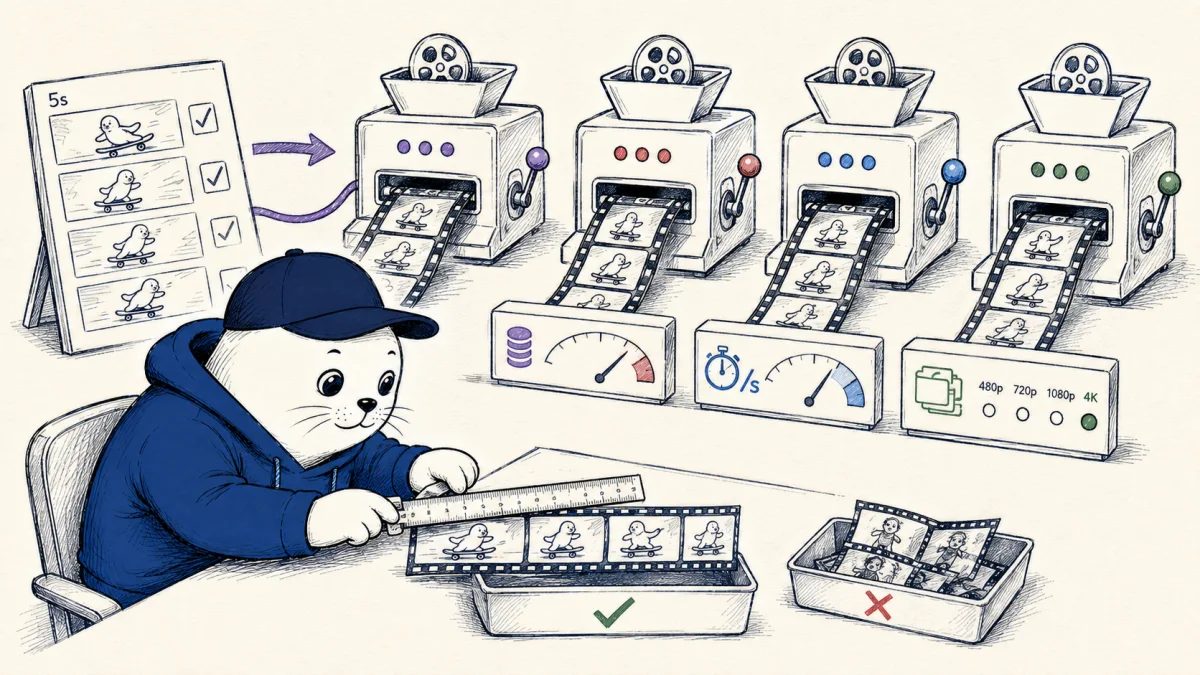
AI video prices look comparable until one service bills credits per second, another bundles monthly credits, a third changes the rate with audio, and a fourth charges more for resolution. The honest comparison starts by normalizing the meter, then counting only footage you would keep.
This guide uses published rates from Runway’s API, Adobe’s generative credit table, and Google Cloud’s Veo pricing page. It does not claim identical quality. The same five-second prompt can produce different motion, audio, identity, and editability across models.
A five-second cost snapshot
| Route | Published meter | Five-second meter |
|---|---|---|
| Runway Gen-4.5 API | 12 credits/sec, $0.01/credit | 60 credits, $0.60 |
| Veo 3.1 via Runway API, audio | 40 credits/sec | 200 credits, $2.00 |
| Veo 3.1 via Runway API, no audio | 20 credits/sec | 100 credits, $1.00 |
| Seedance 2.5 via Runway API, 1080p | 68 credits/sec | 340 credits, $3.40 |
| Adobe Firefly Video, 1080p | 100 Adobe credits/sec | 500 Adobe credits |
| Adobe Firefly Video, 720p | 50 Adobe credits/sec | 250 Adobe credits |
The Runway API conversions are direct because Runway states that one API credit costs one cent. Adobe credits should not be treated as one-cent units. A plan bundles credits with software access, and unused or purchased-credit rules differ.
Resolution is a pricing decision
Runway’s Seedance 2.5 listing rises from 20 credits per second at 480p to 30 at 720p and 68 at 1080p. A five-second 1080p generation therefore uses 340 credits through that API route, compared with 100 at 480p. Input or reference video can add charges, and the documentation lists an 80-credit minimum.
Generate at the resolution your test needs. Composition and motion exploration may not need a final-delivery resolution. Raise resolution after the shot has proved its value, while checking whether the service regenerates rather than upscales.
Audio can double the Veo meter
Runway lists Veo 3.1 at 40 credits per second with audio and 20 without audio. The fast route is 15 with audio and 10 without. If the final edit will replace sound, paying for generated audio during every visual test can waste half the meter.
Google Cloud offers its own Veo pricing with resolution and audio variants. Do not assume a partner route and a direct provider route use the same billing unit, feature set, queue behavior, or contract. Confirm the exact endpoint on the invoice.
Monthly credits need an expiry column
Runway’s web plans include monthly credits, while API credits are separate. The company says Standard includes 625 credits, Pro and Unlimited include 2,250, Max includes 9,500, and Team includes 6,900 per seat. Plan credits generally expire; purchased API credits follow separate rules.
A nominally cheaper annual plan can become expensive if production is bursty and credits expire unused. Track credits granted, used, rolled over, expired, and purchased. Our Runway Unlimited to Max analysis calculates how the 9,500-credit ceiling changes a creator’s monthly generation budget.
Retries change the winner
Suppose route A costs $0.60 per five-second attempt and produces one usable clip in four attempts. Its generation cost per accepted clip is $2.40. Route B costs $2.00 but succeeds half the time, so its accepted clip cost is $4.00. Add review and edit time before declaring the cheaper workflow.
Use one acceptance rubric: subject identity, motion coherence, camera instruction, temporal consistency, text, audio, safety, and editability. Count a clip only when it is usable for the stated job. Pretty failures are still failures.
Run one controlled comparison board
- Choose five shots with different motion and identity difficulty.
- Fix duration, resolution, aspect ratio, references, and audio requirement.
- Run each route at least three times.
- Record meter units, queue time, failures, accepted clips, and edit minutes.
- Calculate cost per accepted second and cost per finished deliverable.
Do not mix exploration with final rendering. The agentic video workflow guide shows how planning, shot generation, review, and assembly should have separate budgets.
Archive the invoice label and endpoint with every comparison. Product names travel across first-party apps, partner APIs, and creative suites, but the price and capabilities do not necessarily travel with them. A comparison without the route is not reproducible.
My verdict: buy accepted seconds
For a campaign budget, multiply accepted-second cost by the planned final duration, then add edit labor, upscaling, audio, storage, and a contingency for late creative changes. Keep exploration and delivery in separate accounts or ledgers when possible. That makes it clear whether a cost spike came from learning, client revision, or production failure, and it prevents a monthly credit balance from becoming a reason to publish weaker footage.
AI video generator costs should be reviewed whenever a provider changes model access, plan credits, resolution tiers, or audio behavior. Save the pricing-page date beside every benchmark.
When a client requests variants, quote a revision allowance in accepted clips rather than raw generations. This aligns the commercial promise with the work that has value. It also creates a natural checkpoint for changing the prompt, reference, or model when repeated attempts fail in the same way instead of spending through the remaining balance.
No published price table can tell you which model wins your campaign. It can tell you how to avoid false comparisons. Normalize seconds, resolution, audio, reference inputs, and expiry. Then divide total spend by footage that passes your acceptance test.
For most teams, the first saving is procedural: explore cheaply, reserve high resolution and audio for approved shots, and stop retrying a model after the same failure repeats.
Read the live pricing sources
- Check the Runway API pricing guide.
- Review Runway web plan credit rules.
- Read Adobe’s generative credits FAQ.
- Confirm current Google Cloud generative AI pricing.
Runway Enhance Frame Rate adds a post-processing option priced by input duration, with targets up to 120 fps and a five-minute input limit.
Checked September 3, 2026. Rates come from the linked provider documentation. Five-second totals are Musthave.ai arithmetic. Prices and terms can change.

Abdessalam Alaoui
I'm Abdessalam Alaoui, founder of Musthave.AI. I write practical guides to AI models, tools, generative media, and ways real people make money with this stuff. No press-release fluff. 20+ years shipping digital products; you'll also find my work around HowTik, Yumasty, and IncomeHelpful.