Midjourney can finally enter the same controlled-editing test as ChatGPT and Nano Banana. Its first V8.2 Edit model is promising, but Midjourney itself says the edge cases are still being found.
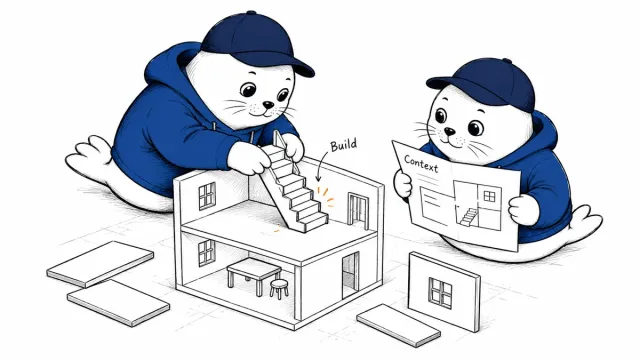
Midjourney V8.2 Edit adds instruction-based editing, generation with up to four image references, inpainting, outpainting, Personalization, Moodboards, and Style References. The August 27 release changes this comparison because Midjourney is no longer only the tool I would open for a beautiful first frame.
It does not become the automatic winner. ChatGPT Images remains easier for a long conversational brief. Nano Banana is strong when reference consistency and world knowledge drive the work. Ideogram still has the cleanest route for typography and transparent print assets. Recraft remains the specialist when the client expects editable SVG paths.
What Midjourney V8.2 Edit actually adds
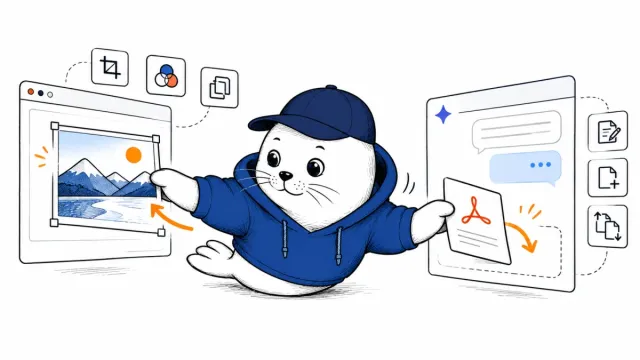
Midjourney’s first V8.2 image edit model supports four practical operations: editing an image from written instructions, generating from up to four image references, changing a selected area through inpainting, and extending the canvas through outpainting.
The model also accepts Personalization, Moodboards, and style references. Midjourney notes that Moodboards and style references may need extra prompt direction in this version. Users can attach images in the prompt bar, open Edit from an image lightbox, upload through the Edit tab, or use --edit with an image URL in Discord.
The status matters: this is broad testing, not a claim that every edit is production-stable. Midjourney says there will be many edge cases and that the alpha interface will change rapidly. Save the input, prompt, references, version, job ID, and output before using a result in paid work.
The practical winner for each image job
| Job | First pick | Why | Main risk |
|---|---|---|---|
| High-style editorial art | Midjourney V8.2 | Strong taste controls, Moodboards, Personalization, and style references | A beautiful raster can still need production cleanup |
| One targeted edit on Midjourney art | Midjourney V8.2 Edit | The source, edit model, and style system now stay in one workflow | Testing status and unrelated-detail drift |
| Long brief with repeated revisions | ChatGPT Images | Natural-language iteration makes multi-turn repair easier to direct | Later edits can alter details that were meant to remain fixed |
| Reference-heavy asset family | Nano Banana | Multiple references and consistency-focused workflows | File-production features vary by product surface |
| POD text and transparent art | Ideogram | Typed text, layout, palettes, transparency, and alpha-preserving edits | Normal output remains raster rather than editable vector paths |
| Editable vector deliverable | Recraft | Actual SVG generation and vector editing | Complex photographic material does not convert cleanly to paths |
Midjourney now deserves an edit-survival test
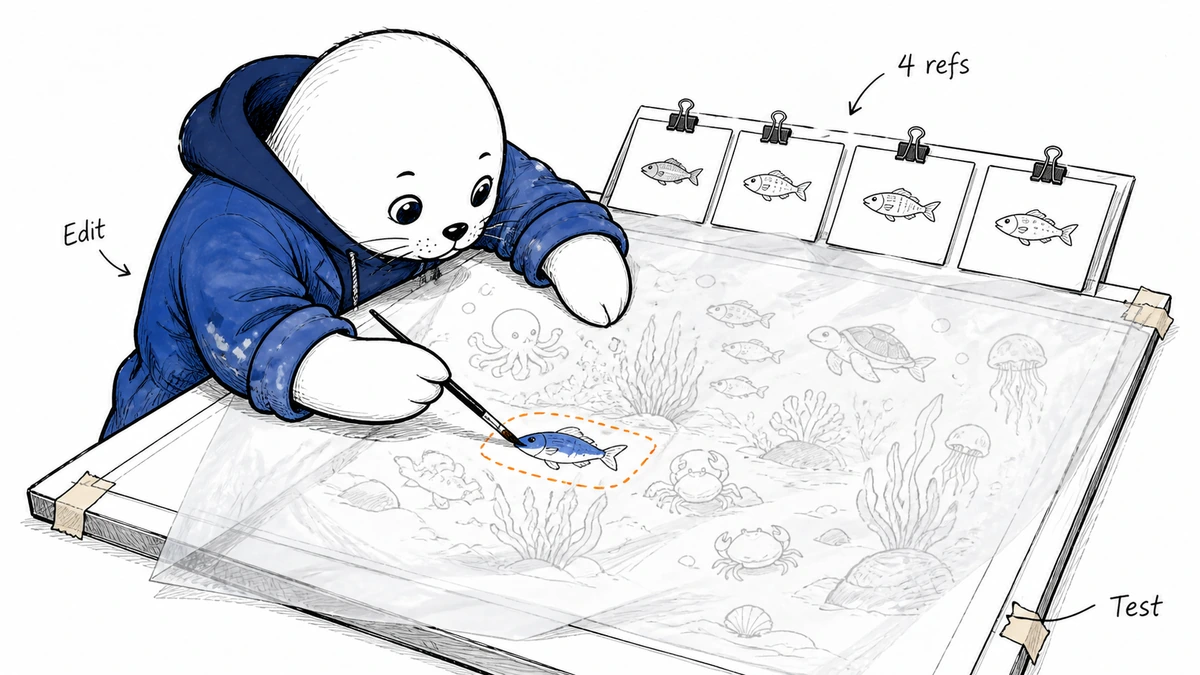
The important question is not whether the model can replace a red cup with a blue cup. It is whether it changes only the cup while preserving crop, lighting, hands, text, product geometry, background objects, and visual style.
- Start with one accepted image and write down five details that must not change.
- Make one local edit through a mask and one instruction-only edit.
- Repeat with one, two, and four image references.
- Expand the canvas in two directions and inspect new perspective and light.
- Score the requested change, protected-detail survival, reference consistency, edge quality, and cleanup time.
- Repeat the same test in ChatGPT Images and Nano Banana from a fresh session.
This is a better buying test than comparing showcase images. The cheapest workflow is the one that reaches an accepted file with the fewest fragile repairs.
For realism, separate taste from controllability
I would still start with Midjourney for a cinematic editorial frame, fashion concept, campaign world, or illustration where visual taste is the hard problem. V8.2’s release focused on creativity, selectivity, and Personalization, while the edit model creates a route for repairing the chosen frame without immediately leaving the platform.
I would start with ChatGPT Images when the client brief is likely to evolve in conversation: keep the composition, rewrite the label, change the prop, open space for a headline, then create three regional variants. I would start with Nano Banana when the work depends on recurring people, products, or environments supplied through several references.
The V8.2 Edit test should focus on preservation. Midjourney can now accept the instruction; it still needs to prove that one repair does not create a second repair elsewhere.
For print on demand, Ideogram keeps the shorter handoff
POD work exposes file problems that a gallery thumbnail hides: an exact slogan, clean alpha, printable edges, limited colors, sufficient dimensions, and a design that survives fabric or sticker production.
Ideogram remains my first stop for typography-led shirts, stickers, and merchandise. Typed text, layout controls, palettes, transparent generation, background removal, and edits that preserve alpha remove several cleanup steps. Midjourney is the stronger art-direction route for an illustrated back print or unusual mascot, and V8.2 Edit should make that art easier to repair before handoff.
Do not confuse generation resolution with print readiness. A 4,500 × 5,400-pixel file supports a 15 × 18-inch print at 300 PPI. A 2,048-pixel side supports only about 6.83 inches at 300 PPI. Upscaling cannot repair wrong lettering, halos, or broken edges. Our upload-ready Merch guide covers the production steps after generation.
Transparency is a file property, not a checkerboard look
Ideogram offers dedicated transparent-generation and alpha-preserving edit workflows. ChatGPT accepts requests for transparent backgrounds. Midjourney’s editor can erase areas and export a transparent PNG, but the new V8.2 Edit announcement does not say that every generated background arrives as clean alpha.
- Open the final PNG in software that displays the alpha channel.
- Place it over white, black, red, and a patterned background.
- Inspect hair, smoke, holes, handles, and soft shadows at 200%.
- Resize and optimize a copy, then confirm alpha survives the export.
- Reject painted checkerboard pixels pretending to be transparency.
Four image references create new failure modes
Using up to four image references can help combine a character, product, environment, and style. It can also make attribution ambiguous: which reference controlled the pose, colors, face, material, and composition?
Add references one at a time during testing. Record what each is meant to control, then remove it and observe the difference. If a workflow only works when four unrelated images are attached with no documented role, it will be difficult to reproduce next month.
For a consistent brand mascot, preserve the original reference, the accepted pose, the exact prompt, and the edit mask. Our product-photo and mockup workflow explains why provenance belongs beside visual quality.
A vector-looking image is still not an SVG
Midjourney, ChatGPT, Nano Banana, and Ideogram can create flat geometric art. Their ordinary raster output does not become editable vector paths because the prompt contains "vector style."
Use Recraft or rebuild the accepted concept in vector software when the client expects an SVG logo, icon set, plotter file, or recolorable paths. Automatic tracing can work for simple shapes. It can also produce thousands of dirty points that are scalable and miserable to edit.
My verdict: V8.2 Edit closes a gap, not the comparison
Midjourney now has a credible native route from art direction to targeted repair. That makes V8.2 Edit the first tool I would test for editing an image already accepted inside the Midjourney style system.
I would not move every workflow. Keep ChatGPT for negotiated, multi-turn briefs; Nano Banana for reference-heavy consistency; Ideogram for text and transparent POD assets; and Recraft for real vectors. Re-run the six-step edit-survival test after Midjourney’s fast-follow updates. A beta improves when evidence changes, not when enthusiasm does.
Read the primary sources
- Read Midjourney’s V8.2 Edit announcement and V8.2 release.
- Review OpenAI’s ChatGPT Images release.
- Use Google’s Nano Banana image-generation guide.
- Inspect Ideogram 4.0 and Recraft’s SVG workflow.
Updated August 31, 2026. Midjourney feature and testing-status claims come from its official announcement. Tool recommendations and the controlled edit-survival test are Musthave.ai’s editorial analysis; this is not a sponsored ranking.