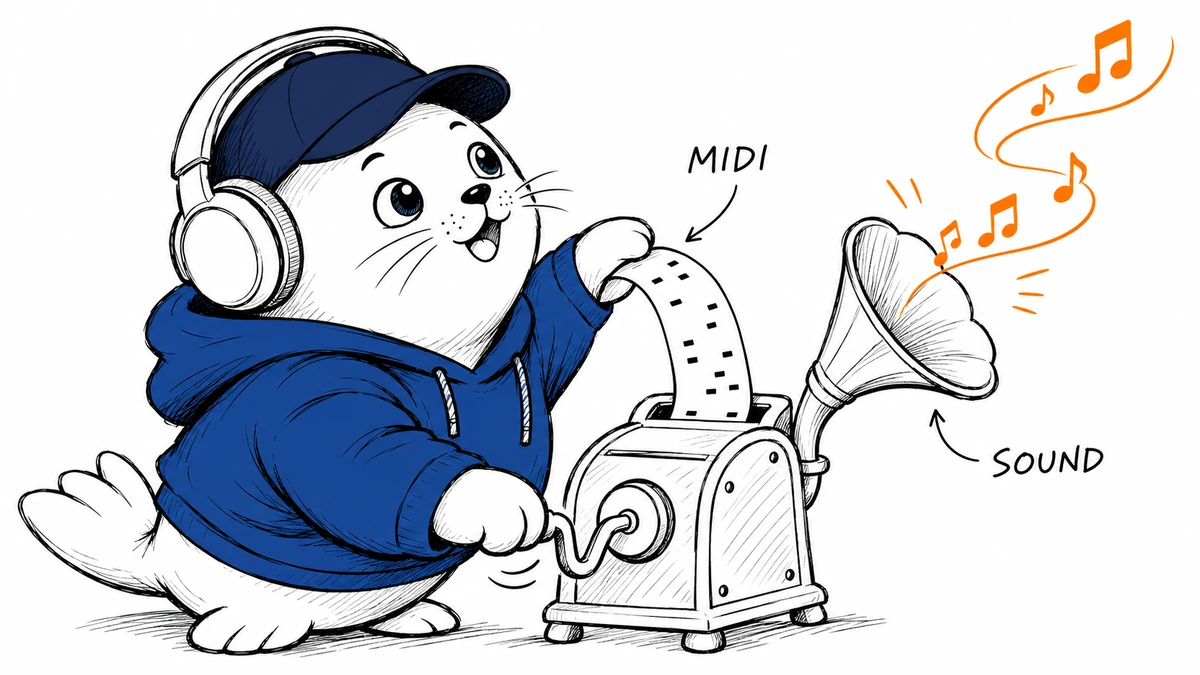
A melody written in a sequencer can now start a Suno song.
Suno added MIDI input to song creation on November 4. Users can drag a .mid or .midi file onto the Create page or select MIDI from its upload menu. At launch, access requires Pro or Premier and uses Simple Create mode with v6-wild.
The input describes notes rather than recorded sound
A MIDI file carries musical instructions such as note pitches and timing. It does not contain the recorded sound of a voice or instrument. That makes the new input different from uploading a WAV or MP3 recording for an audio-based transformation.
A composer can export a passage from a sequencer, then describe the instrumentation or arrangement they want. The same underlying notes can become the starting point for a different musical treatment without first recording a performance.
Prompt for preservation or development
Suno says users can ask the model to follow the supplied notes or to develop a motif into a new idea. The company gives examples involving orchestral arrangements and string quartets. These demonstrate the intended workflow; they don’t show how faithfully every generated piece follows a score.
That distinction affects how to judge the result. A new interpretation may help you explore a melody, while a score audition requires closer attention to pitch, rhythm, and omitted parts. A convincing instrument sound can still conceal a changed note.
Use a short passage for the first comparison
An initial trial could use an original four-bar phrase with a deliberate rhythmic change. Generate one version requesting strict note preservation and another allowing development. Compare the output with the MIDI in the same sequencer, then listen for the specific change. MustHave has not run this test.
The new input format does not itself establish permission to upload someone else’s composition or use every resulting recording commercially. Subscription access and the rights attached to source material remain separate questions.
Suno says it plans to expand MIDI capabilities. For the current release, keep the plan, Create mode, and model restriction in view. Our Suno Free and Pro comparison covers the broader subscription choice; check MIDI access against the current plan before purchase.

Abdessalam Alaoui
I'm Abdessalam Alaoui, founder of Musthave.AI. I write practical guides to AI models, tools, generative media, and ways real people make money with this stuff. No press-release fluff. 20+ years shipping digital products; you'll also find my work around HowTik, Yumasty, and IncomeHelpful.