

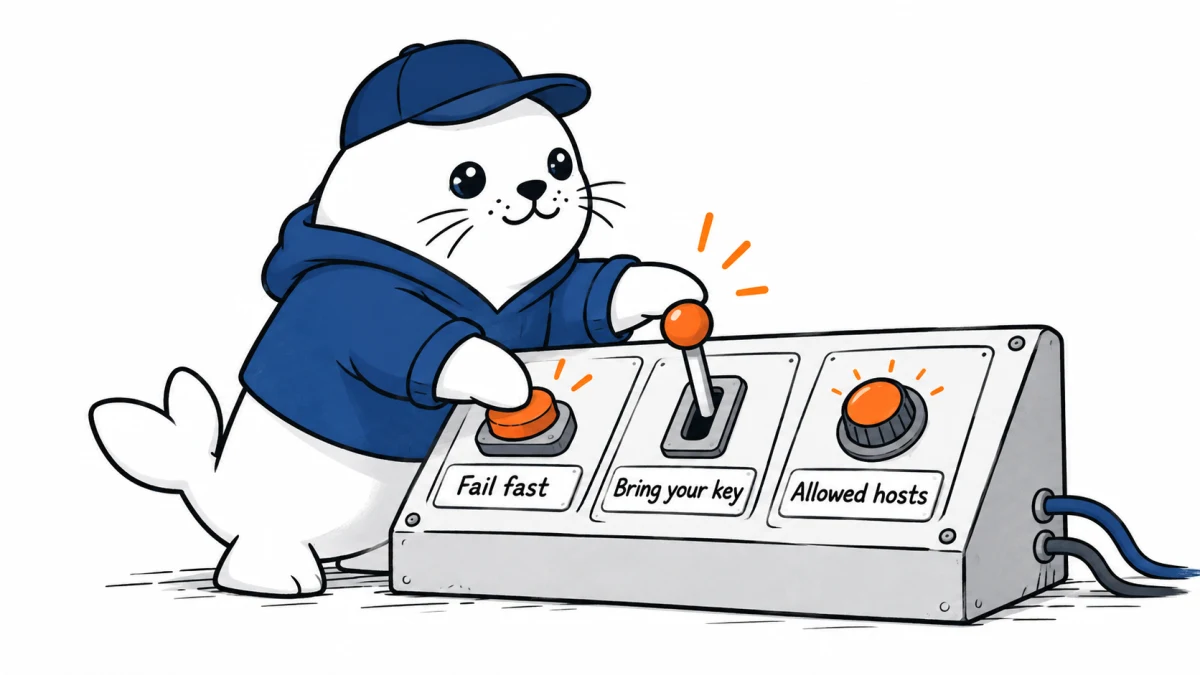
Three small Cloudflare settings answer three expensive production questions: how long should inference wait, who is allowed to pay for it, and where may a browser agent go?
Cloudflare production AI controls added in September 2026 give operators sharper boundaries around overloaded inference, third-party model credentials and browser-agent network access. Workers AI now supports rejectIfBusy, AI Gateway can enforce byok_only, and Browser Run can restrict sessions to an allowed hostname set while issuing read-only Live View links.
September 20 update: Browser Run adds session-recording evidence
Cloudflare’s September 18 changelog adds an observability layer to the Browser Run controls covered below. The session-recording Inspect panel can expose console logs, network activity and DOM state from a browser-agent run. Cloudflare also documents a HAR API for retrieving network evidence programmatically.
| Evidence | Useful for | Privacy boundary |
|---|---|---|
| Console logs | Script failures and runtime warnings | Logs can contain tokens or user data |
| Network activity | Redirects, failed requests and unexpected destinations | Headers and payloads may be sensitive |
| DOM state | What the agent could see when it acted | Pages may contain personal or confidential content |
| HAR API | Automated incident collection and comparison | Access, retention and export need explicit policy |
A recording is evidence, not prevention. Keep the origin and action guardrails in place, require confirmation for irreversible steps and restrict who can retrieve session data. Set a retention period, redact secrets before long-term storage and connect the session identifier to the application trace without placing customer data in the identifier itself.
- Trigger one approved run and one deliberately blocked navigation.
- Confirm that the recording captures the decision-relevant network and DOM state.
- Test whether sensitive headers, form values or cookies appear.
- Restrict HAR access to the incident and security roles that need it.
- Document how a recording is exported, redacted and deleted.
Primary documentation: Cloudflare AI changelog. Availability and retention behavior can change, so verify the current Browser Run documentation before relying on recordings for compliance or incident response.
The three controls solve different failure classes
| Control | Boundary | Failure when enabled |
|---|---|---|
rejectIfBusy | Latency and capacity | A synchronous Workers AI request fails instead of waiting in a capacity queue. |
byok_only | Credential and billing authority | A third-party request without applicable credentials returns HTTP 400 instead of falling back to Unified Billing. |
| Browser Run guardrails | Network reach | The session may request only permitted HTTP and HTTPS hostnames. |
| Read-only Live View | Observer authority | The viewer can watch but cannot click, type, navigate or execute JavaScript through that link. |
Use rejectIfBusy as a circuit-breaker input
Cloudflare says rejectIfBusy is for synchronous inference that should not wait when capacity is unavailable. It can be passed as the third argument to the Workers AI binding or placed under options in a native REST request. The useful design decision happens after the rejection.
- Interactive request: return a fast, honest message and invite the user to retry.
- Non-urgent work: move the job to an application-owned queue with an explicit deadline.
- Model-flexible task: try a tested fallback model only within a bounded retry budget.
- Critical workflow: stop and require human action instead of silently changing behavior.
Fail-fast does not create capacity and it does not define the retry policy. A client that retries immediately and indefinitely can amplify an overload. Record rejection rate, end-to-end latency, fallback use and final user outcome. Set a total time budget that includes every attempt, not a fresh timeout for each retry.
byok_only is a billing-authority boundary
AI Gateway can now require credentials for third-party provider requests. With byok_only enabled, credentials must accompany the request or be stored on the gateway. A request without applicable credentials receives HTTP 400 rather than falling back to Cloudflare-managed credentials and Unified Billing.
This is more than a preference for where a key lives. It answers who is authorized to incur a provider charge. Cloudflare also offers a request-level cf-aig-no-wholesale header. That header can make one request stricter, but it cannot relax a gateway-wide requirement. Workers AI requests remain allowed and keep their configured billing mode.
- Enable the gateway-level rule in a non-production environment.
- Send a third-party request with a valid stored credential and confirm success.
- Remove that credential and confirm HTTP 400 rather than managed fallback.
- Repeat with a request-supplied key and verify which account receives the charge.
- Check Workers AI separately because the setting does not block it.
- Alert on unexpected HTTP 400 spikes so a revoked key is not mistaken for model downtime.
Browser allowlists must include the real page graph
Browser Run guardrails accept allowed domains when a session starts through Puppeteer, Playwright or the REST API. A domain list should be built from the workflow’s actual network graph, not only the landing page. Redirects, authentication hosts, content delivery domains, fonts, images and first-party subdomains can all affect whether the session succeeds.
| Test | Expected evidence |
|---|---|
| Direct allowed URL | Page loads and requests stay inside the approved set. |
| Redirect to an unlisted host | Navigation or resource request is blocked and logged. |
| Approved subdomain | Wildcard behavior matches the intended hostname scope. |
| Third-party script or font | The dependency is explicitly allowed or deliberately blocked. |
| HTML-to-PDF with an external image | External content cannot load unless its hostname is permitted. |
| Read-only observer | The viewer can see the run but cannot interact through the Live View link. |
A production pattern that composes the controls
- Start with an application deadline and a small retry budget.
- Enable
rejectIfBusyfor user-facing synchronous calls that cannot tolerate queue delay. - Make the fallback path explicit: retry later, use a tested model, or stop.
- Enable
byok_onlywherever managed credential fallback would violate cost ownership. - Launch browser sessions with the narrowest hostname list that passes the dependency test.
- Give reviewers a read-only link unless they need interactive control.
- Log the selected model, credential source class, hostname decision and final outcome without logging secrets.
These settings do not establish model accuracy, safe page content or successful task completion. They reduce ambiguity at three control points. A separate evaluation must still test the model output, browser action sequence and business result.
Our guide to Cloudflare Content Signals covers publisher-declared use boundaries. This release addresses the other side of the system: the operator’s responsibility to bound capacity, payment and agent reach.
The practical verdict
The value of these Cloudflare updates is not a new model. It is a clearer production contract. rejectIfBusy can protect a latency budget, byok_only can protect billing authority, and Browser Run guardrails can protect the network boundary. Each control is useful only when the application defines the failure path, tests the negative case and gives an owner the evidence needed to respond.
Primary source
Checked September 18, 2026. Documented behavior comes from Cloudflare. Retry, egress-testing and governance recommendations are MustHave.ai analysis; Cloudflare did not publish an independent reliability benchmark for these controls.


