

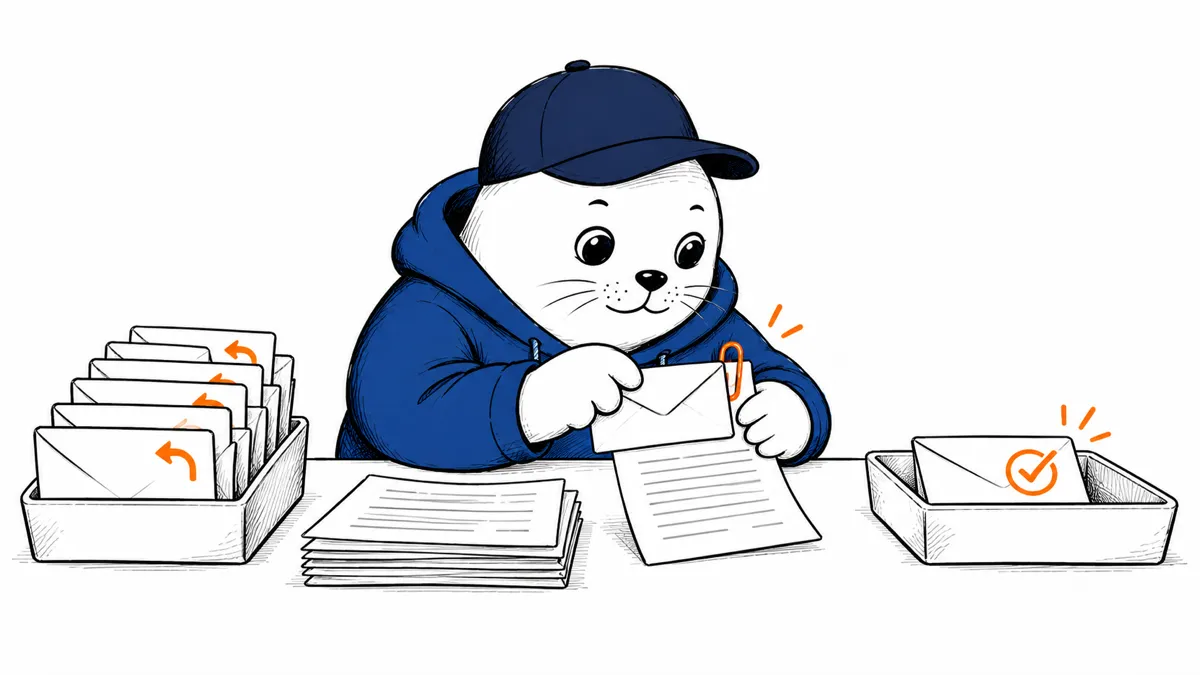
A follow-up workflow can save time, but an extra reply should not trigger another round of messages.
What Google announced
Google’s October 9 Workspace update adds nested conditions and a Gmail option for ignoring follow-up replies in thread triggers. It also adds document search and more Calendar metadata from Meet steps.
Google will roll out the update gradually starting October 13, 2026, with up to 15 days for visibility. The stated audience is Workspace customers and Individual subscribers who have Workspace Studio access. Domain policies still apply.
Plan a draft-only follow-up.
A proposed trial starts with a test message asking for a document. The workflow finds a relevant file and prepares a reply for review. A person checks the recipient and the file before sending. Keep this trial separate from customer correspondence.
The new reply-filtering option may help avoid repeated triggers. Treat that as a configuration to test. It does not prove that every workflow is immune to loops.
- Create a test folder with non-sensitive files.
- Send a new synthetic message that should match the trigger.
- Reply to the thread and check whether another run starts.
- Test a query that should return no suitable document.
- Review the draft recipient and linked file.
- Keep a way to turn off the flow before enabling broader use.
Test the missing-file branch.
A failed search should lead to a clear review step. Do not let the workflow choose an unrelated document to finish. Define what happens when several files share a name or when the requested file is unavailable.
For a meeting follow-up, review the invitee list against the intended recipients. An invitation list can include people who should not receive every attached document.
Check policies before expanding access.
Google says feature controls inherit Workspace Studio policies at domain and organizational-unit levels. Ask your administrator which prerequisites are enabled. A feature being on by default does not override your organization’s access decisions.
Our API-key permission guide covers a different automation boundary. The Gemini Skills migration guide addresses reusable instructions in the Gemini app, not Workspace Studio flows.
Keep the first workflow small.
I would start with one reviewed reply and a disposable test folder. Expand only after the wrong-recipient and missing-document cases behave as expected. Which follow-up task has clear enough rules for that trial?


