
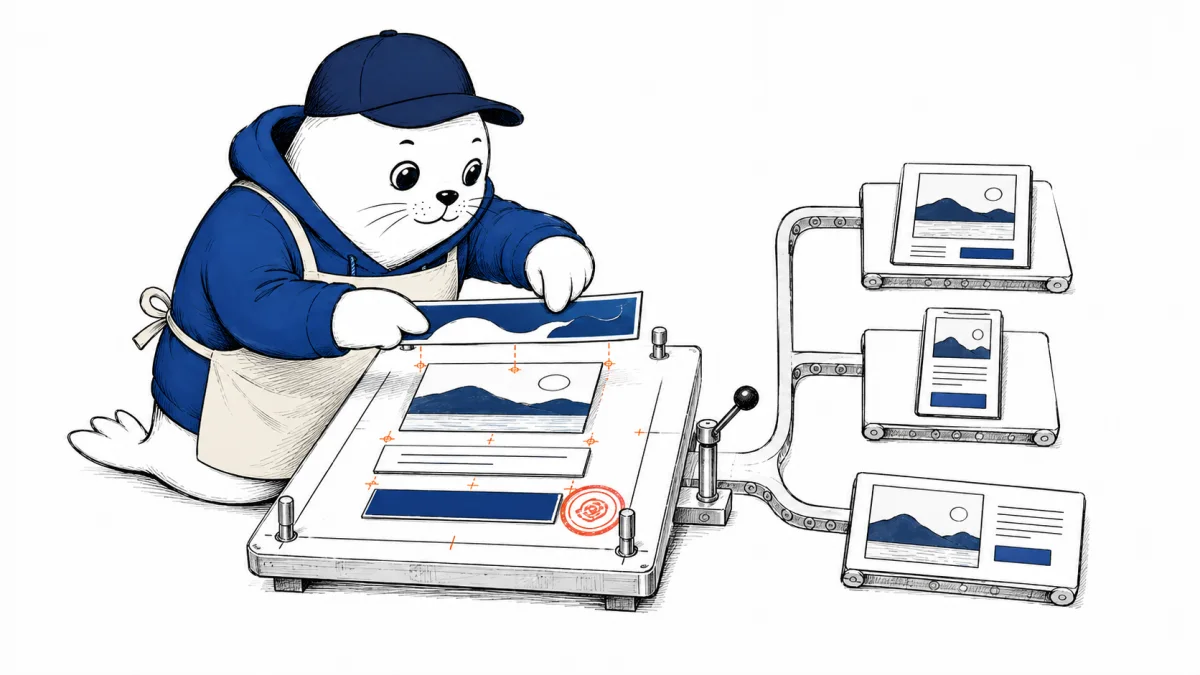
Canva AI 2.0 is trying to turn one brief into the whole campaign: research, layered designs, brand styling, connected source material, scheduled production, and published output. That is more useful than another image demo, but it also means the migration decision now touches permissions, approvals, repair time, and plan limits.
Canva calls this its biggest product launch yet. The company says its new Design Model can generate layouts as individual editable objects, while an agent coordinates tools across the creative process. It also introduces connectors, persistent memory, web research, background scheduling, Brand Intelligence, Sheets AI, and Canva Code 2.0.
The important footnote is timing. Canva announced Canva AI 2.0 as a research preview on September 3, 2026 and said general availability would roll out over the coming weeks. Treat every capability below as something to confirm in your own account, not as a promise that every plan, region, or workspace has it today.
What Canva AI 2.0 actually changes
The old AI-design question was usually narrow: can the model generate the image, remove the background, rewrite the copy, or resize the post? Canva AI 2.0 makes a wider claim. Give it a campaign goal and it can coordinate several parts of the job rather than returning one isolated asset.
Canva says conversational design maintains context as a project evolves. Agentic orchestration chooses tools and combines them. Layered object intelligence produces separate editable elements instead of one locked image. The Memory Library remembers working patterns and styles. Those claims move the product closer to a campaign operator than a prompt box.
That distinction matters. A flat generated poster may look finished until a client changes the headline, a legal reviewer removes a claim, or a designer needs the hero image without the text. Editable layers can reduce regeneration, but only if the layers are cleanly selected, named, resized, and exported. The useful test is not whether the first result looks impressive. It is whether the fifteenth revision remains controllable.
The new workflow in one decision table
| Canva AI 2.0 capability | What Canva reports | What your team should test |
|---|---|---|
| Layered output | Individual editable objects instead of a flat generated image | Selection accuracy, text editability, grouping, resizing, export, and repair time |
| Connectors | Context from tools including Slack, Gmail, Drive, Calendar, Notion, Zoom, HubSpot, Microsoft, Atlassian, and Linear | Source permissions, stale documents, sensitive inputs, reviewer visibility, and revocation |
| Scheduling | Creative and research tasks can run in the background, including while the user is offline | Approval gates, stop controls, failed-run handling, ownership, and output review |
| Brand Intelligence | Fonts, colors, templates, and style can be applied automatically | Logo rules, locked elements, regional variants, accessibility, and exception handling |
| Canva Code 2.0 | Responsive interactive experiences, HTML import, forms, domains, and SSO protection | Accessibility, data collection, mobile behavior, hosting boundaries, and developer handoff |
The table exposes the real change: the larger the workflow, the more ways a good-looking output can still fail. Connectors can save copy-and-paste work, but they also expand the information the assistant can draw from. Scheduling can remove repetitive production, but a background task still needs an owner, a review state, and a reliable way to stop or rerun it.
Editable layers are the feature to test first
Canva’s most concrete product claim is that generated work remains layered and editable. If it works consistently, that changes the economics of AI design. A designer can replace a product photo, shorten a headline, move the call to action, or create a regional version without regenerating the whole composition.
Run the test with difficult changes, not easy ones. Replace a four-word headline with twelve words. Swap a horizontal product photo for a vertical one. Remove a badge without leaving an awkward gap. Translate the design into a language with longer copy. Export a print PDF and a compressed social image. Then hand the file to someone who did not write the prompt.
Record the number of elements that need manual regrouping or rebuilding. A layered file that takes twenty minutes to understand is technically editable but operationally expensive. This is also why our AI image generator comparison answers a different question. Generation quality matters, but campaign production is decided by everything that happens after generation.
Connectors and scheduling need a permission map
Canva lists connectors for communication, storage, calendars, CRM, work management, and collaboration products. It gives examples such as turning a Zoom transcript into a summary, customer emails into sales material, or Slack activity into a company newsletter. Those are valuable shortcuts because the source context can travel directly into the design.
Before enabling that workflow, write a one-page permission map. Name the source system, the folders or records the assistant may use, the content it must never read, the person who approves the output, and the procedure for removing access. Confirm what the connected account can see rather than assuming the agent inherits only the document mentioned in the prompt.
Background scheduling needs an equally clear runbook. Every recurring task should have an owner, expected output, review deadline, failure notification, and stop condition. "Create next week’s campaign every Friday" sounds efficient. It becomes risky when the product facts change on Thursday and the scheduled job silently uses an old brief.
Plan limits can change the cost of the workflow
The US Canva pricing page showed Free at $0 a year, Pro at $180 a year for one person, and Business at $250 a year per person when checked. That works out to $15 a month for Pro and about $20.83 per person per month for Business when annual prices are divided by twelve. Those are Musthave.AI calculations, not monthly billing offers, and taxes may apply.
The plan differences are not just storage. Canva lists one limited Brand Kit and up to 200 Standard AI uses or 20 Premium AI uses on Free. Pro lists five Brand Kits, social scheduling, Canva AI 2.0, connectors, and an allowance described as ten times Free. Business lists 100 Brand Kits with approvals and an allowance described as twenty times Free.
Canva also warns that paid plans share an allowance across Standard, Premium, and Ultra AI, and that higher-tier actions consume more. Usage varies by tool. Do not translate "ten times more AI" into a campaign count until you measure your own briefs. A video generation, a copy edit, and a layered campaign may not consume the allowance in the same way.
Effective cost per accepted campaign = (plan allocation + labor + retries + specialist repair) / campaigns approved for use.
Run this five-brief Canva AI 2.0 migration test
Create a small test team with one marketer, one designer or brand owner, and one final approver. Use real material that has already been cleared for testing. Give Canva AI 2.0 these five jobs:
- Product launch kit: one brief becomes a landing-page hero, square post, vertical story, presentation slide, and email header.
- Late factual change: update a price, product name, date, and disclaimer across every format without rebuilding the campaign.
- Brand stress test: use a crowded brief and see whether fonts, colors, logo spacing, tone, and locked elements survive.
- Connected-context job: build a summary asset from one approved source folder or transcript, then check every factual statement against that source.
- Editable handoff: give the file to a teammate who did not create it and ask for three changes plus final exports.
Track accepted asset rate, repair minutes, brand deviations, factual corrections, handoff steps, export failures, and AI allowance consumed. Keep the five briefs identical when testing another platform. Our Google Pics vs Canva vs Adobe Express comparison explains when the same work is better kept inside Workspace, inside Canva’s campaign system, or inside an Adobe finishing stack.
Canva AI 2.0 is not a reason to remove the reviewer
Persistent context and Brand Intelligence may reduce repetitive instructions, but they do not turn a remembered preference into an approved brand rule. A campaign can match the color palette and still contain an expired offer, an inaccessible contrast choice, an unlicensed asset, or a claim legal has not approved.
The safest acceptance flow is simple: source check, brand check, format check, then publication approval. The person approving the work should be able to see which brief, sources, connected systems, and brand version produced it. If the current product cannot show enough of that trail, record it beside the campaign rather than pretending the gap does not exist.
Adobe Express takes a different path by automatically routing design tasks among Firefly and partner models. Our Adobe Express AI Assistant review covers why model routing still needs human checkpoints. Canva’s broader orchestration makes the same principle more important, not less.
My verdict: pilot the production loop, not the demo
Canva AI 2.0 is a serious workflow update because it connects generation to editing, context, brand control, scheduling, and publishing. If your team already produces many formats in Canva, the five-brief test is worth running as soon as the relevant features reach your account.
I would not migrate a team based on the launch video or the promise of one-prompt campaigns. I would migrate when editable layers cut repair time, connectors remove verified handoffs, scheduled work remains reviewable, and the plan allowance produces a lower cost per accepted campaign.
Until then, keep the current production path and run the pilot beside it. A research preview is the right place to learn where the workflow breaks. It is not the right place to discover that the only person who knew how to fix the campaign already left for the weekend.
Canva can also sit downstream from Claude. Our Claude Design integrations guide separates direct Canva exports from connector-driven work, reusable skills, plugins, and Claude Code handoffs.
Product availability, plan features, and US annual prices were checked on September 3, 2026. Monthly equivalents are Musthave.AI calculations from listed annual prices. Canva features, allowances, regional access, and prices can change, so confirm the live account and plan page before buying or migrating.

Abdessalam Alaoui
I'm Abdessalam Alaoui, founder of Musthave.AI. I write practical guides to AI models, tools, generative media, and ways real people make money with this stuff. No press-release fluff. 20+ years shipping digital products; you'll also find my work around HowTik, Yumasty, and IncomeHelpful.