A new AI video tool trends every week, and you can’t chase all of them without losing your mind (and your content calendar). Seedance is worth understanding not just on its own merits, but because it perfectly illustrates the smartest way to think about AI video in 2026: as a toolbox of specialists, not a hunt for one model to rule them all.
What Seedance actually is
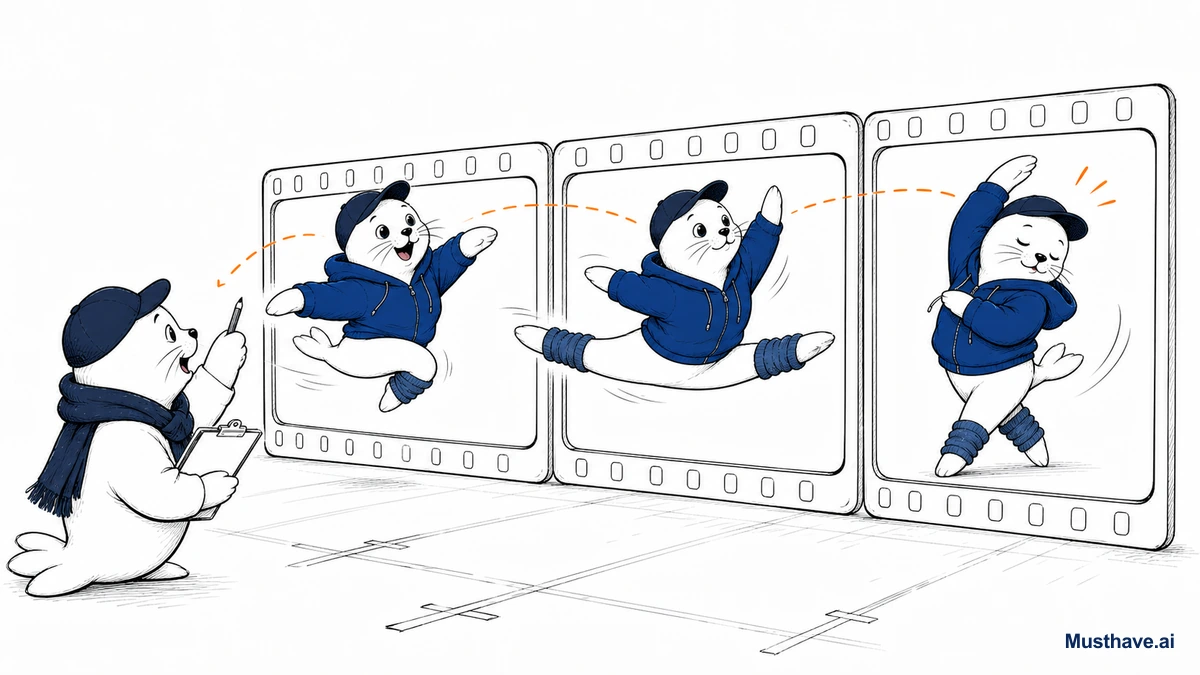
Seedance is ByteDance’s AI video model, and the name is a hint: it’s especially strong at generating realistic human motion, dance sequences, and character animation, exactly the areas where a lot of competitors still produce that uncanny, rubbery movement. If your content features people moving, that specialty matters.
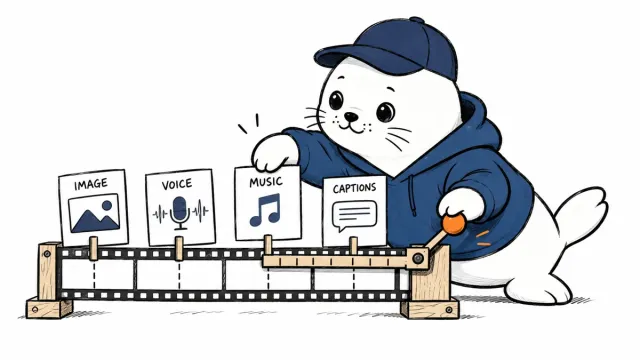
The latest version, Seedance 2.5 (announced mid-2026), pushed several things forward at once. It generates native 30-second clips in a single shot, notably longer than the roughly 5-to-15 seconds most rivals manage. It accepts up to 50 multimodal reference inputs (images, audio, style, even 3D), which gives you far more control over the output. And it co-processes audio and video together rather than bolting sound on afterward, which helps everything feel in sync.
The feature creators will actually feel
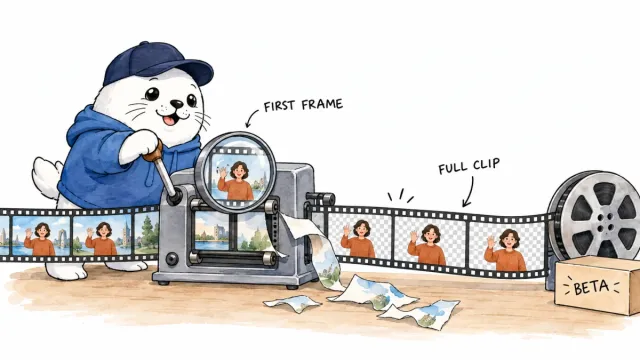
Two capabilities stand out for real work. First, that 30-second single-shot length changes what you can do, you’re no longer stitching a dozen tiny clips to build one coherent scene. Second, region-level editing lets you swap a specific element (a product variant, a different background, a seasonal overlay) without re-running the whole generation. Anyone who’s regenerated an entire clip just to fix one detail knows how much time that saves.
A fair caveat: at the time of writing, the newest version was rolling out through enterprise beta rather than being wide open, so exact access and pricing depend on when you check. Treat cutting-edge announcements as “coming into reach,” not “available to everyone today.”
The real lesson: specialists beat generalists
Here’s why I’d have you pay attention to Seedance even if you never use it. It proves a point about 2026: the winning move in AI video isn’t finding one perfect tool. It’s knowing which specialist wins which shot.
Seedance is your pick for human motion and dance. Google Flow leans into cinematic scenes with native audio and a full editing workspace. Grok Imagine is fast for short, punchy, sound-on clips. Meta’s features have unmatched social reach. None of them is “the best”, each is the best at something. The creators getting the most out of AI video treat these like a camera bag: different lenses for different shots.
How to actually use a toolbox this big
The risk with a field this crowded is thrashing, bouncing between tools every week and finishing nothing. So keep the discipline I always come back to.
- Write one 5-second test prompt and run it on two or three tools, including a specialist like Seedance if your content fits its strength.
- Score realism, motion, faces, and audio side by side.
- Pick a primary and a backup, don’t build your whole workflow on one tool that could change access overnight.
- Drop the winner into a real draft before you celebrate.
The bottom line
Seedance is a genuinely impressive specialist, especially if people and motion are central to your content. But the durable takeaway is bigger than any one model: in 2026, match the tool to the shot, keep your toolbox small and deliberate, and remember that your taste and honesty are still the brand. The tools got specialized, your judgment about which to use is the new skill.
The routing rule for AI video
Here’s a rule that instantly tells you which video tool to reach for. Ask one question about your shot: is a human body moving in it? If yes (a person dancing, walking, gesturing, demonstrating) start with a motion specialist like Seedance, because realistic human movement is exactly where most tools still look uncanny. If it’s product motion, abstract scenes, or short social hooks, a fast general tool like Grok Imagine or a cinematic one like Google Flow will usually serve you better. Match the tool to the hardest thing in the frame, and you’ll waste far fewer generations.
Which AI video tool has surprised you most lately, and for what kind of shot? Tell me in the comments.
Verification sources and related guides
Primary reference: ByteDance Seed official AI research page. This is an official provider source. Treat performance, adoption, and product claims as company-reported unless the article identifies an independent check.