Most people open ChatGPT, ask it to write a birthday message, and close it, using maybe 5% of what it does. That’s fine, but it’s leaving enormous value on the table. Here’s how a regular person (not a prompt engineer) should actually use OpenAI’s stack in 2026 to save real time.
Stop thinking of it as a chatbox
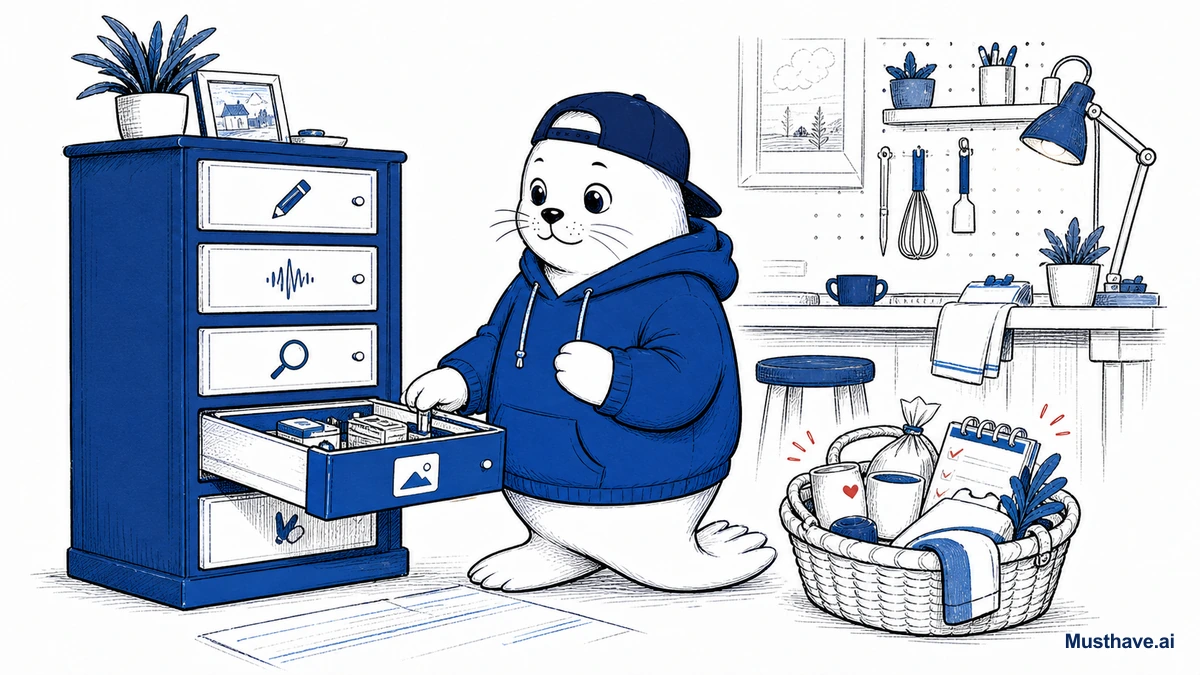
The first mental upgrade is realizing ChatGPT isn’t one thing anymore, it’s a small suite of tools wearing one interface. Text chat is just the front door. Behind it: voice conversation, image generation, file and data analysis, persistent memory, and custom assistants. Once you know they exist, you start reaching for the right one instead of typing everything.
The features regular people actually benefit from
You don’t need to master all of it. Just start using these, one at a time.
- Voice mode: talk to it like a person while you cook, walk, or drive. It’s a shockingly good brainstorming partner, patient tutor, and “explain this to me simply” machine when your hands are busy.
- File analysis: upload a PDF contract, a confusing bill, a spreadsheet, or a photo and just ask questions about it. “Summarize this,” “what’s the catch in this agreement,” “what does this chart actually say.” This alone saves hours.
- Image generation: make illustrations, mockups, and social graphics right in the chat, handy for anyone who needs a quick visual and can’t draw.
- Memory: let it remember your job, your projects, your preferences, so you stop re-explaining your context in every conversation. It quietly gets more useful the more it knows about how you work.
- Custom GPTs: pre-built assistants tuned for a specific task. If you keep doing the same kind of job, there’s probably one (or you can make one) so you’re not starting from scratch each time.
A few everyday jobs it’s genuinely great at
To make it concrete, here are uses that pay off immediately for normal life and work: turning messy notes into a clean email; planning a trip itinerary and adjusting it by chatting; drafting and then improving a tough message; explaining a medical letter or legal clause in plain language (as a starting point, not final advice); meal-planning around what’s in your fridge; and prepping for an interview or difficult conversation by role-playing it. None of these require special skill, just the habit of asking.
How to get better answers without “prompt engineering”
You don’t need tricks. You need to give it context, the way you would a competent assistant. Three habits do most of the work: tell it who it’s for and what “done” looks like (“write this for a nervous first-time customer, keep it under 100 words”); give it an example of what you like; and don’t accept the first draft, just say “make it warmer” or “shorter” or “less formal” and iterate. Conversation, not incantation.
The one habit that keeps you safe
Here’s the non-negotiable. ChatGPT can be confidently wrong, it can invent a fact, a citation, or a number and present it with total certainty. So use it freely for drafting, brainstorming, and explaining, but verify anything that matters before you act on it: figures, medical or legal specifics, names, dates. Trust it for the first draft; check it for the final decision.
And protect your privacy, don’t paste passwords, financial details, or other people’s sensitive information into it. Used with that bit of caution, the OpenAI stack is one of the biggest time-savers available to a regular person in 2026. The tools are already there. The only upgrade needed is the habit of reaching for them.
Five everyday jobs to try this week
To actually build the ChatGPT habit, put it to work on five real tasks this week, one per day. Monday: paste a confusing email or bill and ask “what is this really asking, and how should I respond?” Tuesday: upload a long PDF and ask for the three things you need to know. Wednesday: talk to it by voice while cooking, brainstorming something you’re stuck on. Thursday: have it turn your messy notes into a clean message. Friday: role-play a hard conversation or interview. By the weekend you’ll have used five different capabilities, and found the two you’ll keep forever.
Which of these features have you never actually tried, voice, file uploads, memory, custom GPTs? Tell me in the comments and I’ll suggest a first thing to do with it.
Verification sources and related guides
Primary reference: OpenAI ChatGPT overview. This is an official provider source. Treat performance, adoption, and product claims as company-reported unless the article identifies an independent check.