

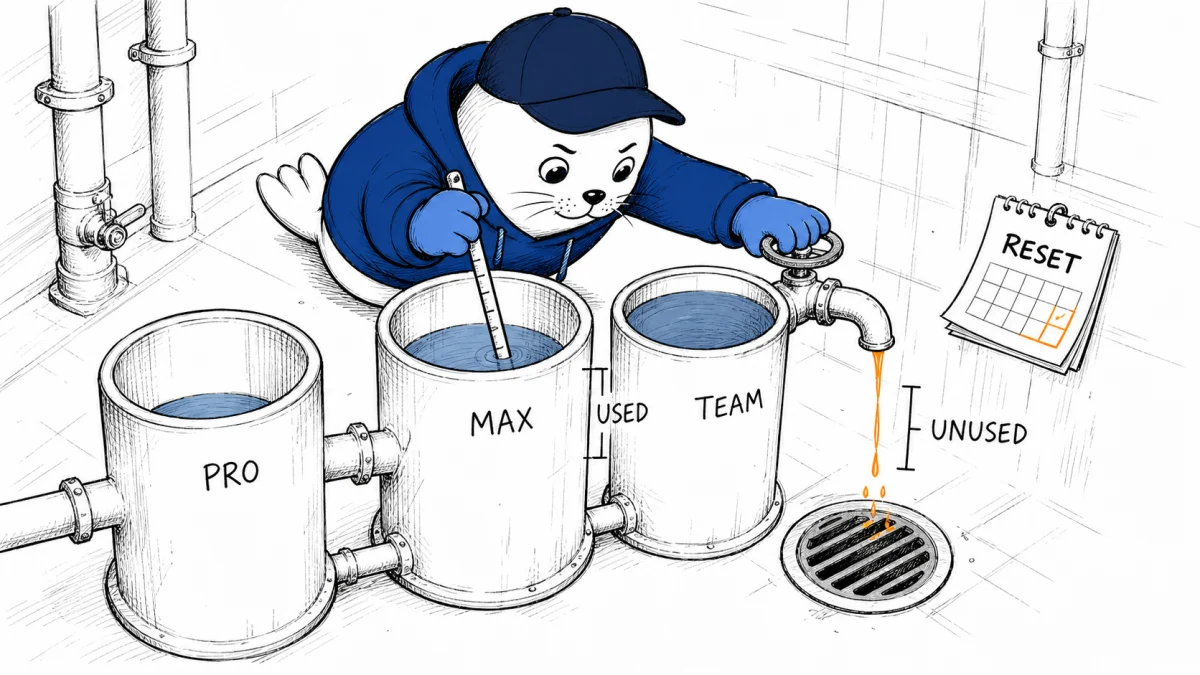
Ollama replaced GPU-time limits with a token meter and gave every new paid plan more included usage than its monthly fee. That sounds simple. It is only cheaper when your actual model mix, prompts, outputs, and unused monthly balance agree with the headline credit.
The new Ollama plans trade time windows for a ledger
Ollama introduced transparent per-token pricing on August 31, 2026. New Pro, Max, and Team customers receive a monthly pool of usage credits. When that pool runs out, usage continues at the same published per-token rate with no separate service fee.
The new plans remove the old five-hour and weekly limits. Existing paid customers can keep their current plan or switch in billing settings. New signups start on the token-based plans.
This fixes one real problem with the old GPU-time approach: two models could consume the same wall-clock minute while producing very different amounts of useful work. Token billing gives teams a unit they can log per request. It also moves the risk from session limits to variable output.
Included credit is not the same as savings
| Plan | Monthly fee | Included usage | Credit-to-fee ratio |
|---|---|---|---|
| Pro | $20 | $60 | 3.0x |
| Max | $100 | $300 | 3.0x |
| Team | $500 introductory price | $1,000 shared | 2.0x |
Pro and Max each advertise three dollars of token credit for every dollar of subscription fee. Team advertises two. That ratio does not prove a discount against another provider because the underlying per-token rates vary by model.
It also assumes you consume the pool. Ollama says unused included usage does not roll over. If a Pro customer uses only $12 before the reset, the effective cost of that consumed usage is the full $20 subscription fee. In that month, the realized ratio is 0.6x, not 3.0x.
Calculate the bill from tokens, then add the subscription
For each model, multiply input tokens by its input rate and output tokens by its output rate. Sum those costs across the month. Then compare the result with the included pool.
Monthly cash cost = subscription fee + usage beyond the included pool
Realized credit value = used included credit divided by subscription fee
The second equation tells you whether the bundle fits your workload. A 3.0x advertised ratio can collapse if the plan resets while most of the pool remains unused. A heavy workload can still make the plan attractive, but the comparison should use the exact models you run.
- Log input, cached input if applicable, and output tokens separately.
- Record the model and rate that applied when the request ran.
- Split interactive chat, coding, batch extraction, embeddings, and agent tasks.
- Measure retries and failed runs because they still consume tokens.
- Track the unused balance on the day before the monthly reset.
Our Muse Spark pricing analysis showed why a percentage cut needs a baseline and a data-policy check. Ollama needs the same discipline. A large included pool is useful only after you map it to real work.
Output length can dominate an agent workload
Token billing makes long answers, tool traces, and repeated planning visible. A coding agent that reads a large repository and writes concise patches may have a different cost shape from a research agent that generates long intermediate summaries on every turn.
Run a seven-day audit before switching. Sample at least 100 representative requests, then group them by model and job. Calculate median cost, 90th-percentile cost, successful-task cost, and cost after retries. The successful-task number matters most because cheap failed attempts are still waste.
| Metric | Why it matters | Decision signal |
|---|---|---|
| Cost per request | Shows the raw token bill | Useful for simple, repeatable jobs |
| Cost per successful task | Includes retries and failures | Best routing and provider comparison |
| 90th-percentile cost | Finds long-tail agent runs | Sets alerts and spending controls |
| Pool utilization | Measures how much included credit expires unused | Determines whether the plan size fits |
| Human repair time | Captures quality differences the token bill misses | Prevents a cheap model from looking efficient when it creates more rework |
Switching resets usage and removes old limits
Ollama says a customer who switches from an existing Pro or Max plan receives the new plan’s full monthly amount immediately. The old session and weekly limits stop applying, while the monthly reset date remains tied to the original subscription start date.
That timing creates a migration choice. If your reset date is close, compare the remaining legacy allowance with the immediate new pool. Do not switch in the middle of an important batch without first setting a cash-spend alert for usage beyond the included amount.
Existing customers can also wait. That gives you time to collect a baseline under the old plan and replay the same workload against the public token rates. A billing migration is easier to judge with both ledgers side by side.
Team removes seat math, not governance work
The Team plan starts at an introductory $500 per month and includes $1,000 of shared usage for unlimited users. Shared credit can be useful for a company with uneven demand across many builders. It can also hide which user, model, or automation drained the pool.
- Require per-user and per-project usage labels.
- Set alerts at 50, 75, 90, and 100 percent of the included pool.
- Separate human exploration from unattended production jobs.
- Restrict expensive models to workflows that have passed an evaluation.
- Review top token consumers before the reset, not after the invoice.
Ollama says its dedicated compute runs in the United States and Europe, with limited Qwen availability in Singapore. The company also says it retains no data, does not log prompts, and does not train on customer traffic. Confirm the region and data terms that apply to your account and model before sending sensitive work.
My verdict: choose the pool from evidence, not ambition
The new pricing is easier to instrument than GPU minutes and more flexible than five-hour or weekly windows. That is a meaningful improvement for teams that can measure requests and control unattended runs.
I would not choose Max because a future project might need it. Start from last month’s token replay, add a reasonable growth margin, and select the smallest pool you are likely to consume. Upgrade when the utilization data demands it.
This is the same mistake builders face with generation credits. Our analysis of Runway’s move from Unlimited to a hard budget found that the named plan matters less than the number of finished outputs it buys. For Ollama, the honest unit is successful work per dollar.
Read the primary material
- Read Ollama’s transparent pricing announcement and migration FAQ.
- Check the current Ollama plan and model rates before calculating a workload.
- Review billing settings if you are comparing an existing plan with the new option.
What does your current AI workload cost per successful task after retries and human repair?


