A CLI can become easier for an agent to read while still being risky for that agent to run. Cloudflare’s new cf tool makes the migration boundary worth checking before you change a deployment script.
Cloudflare launched cf in open beta on September 28. It brings JSON-oriented output, command discovery, and typed configuration to more of the Cloudflare API. The announcement describes more than 3,000 API operations; the documentation describes more than 2,900 commands. Those are different units, not conflicting counts of the same thing.
Where cf can fit without a project migration
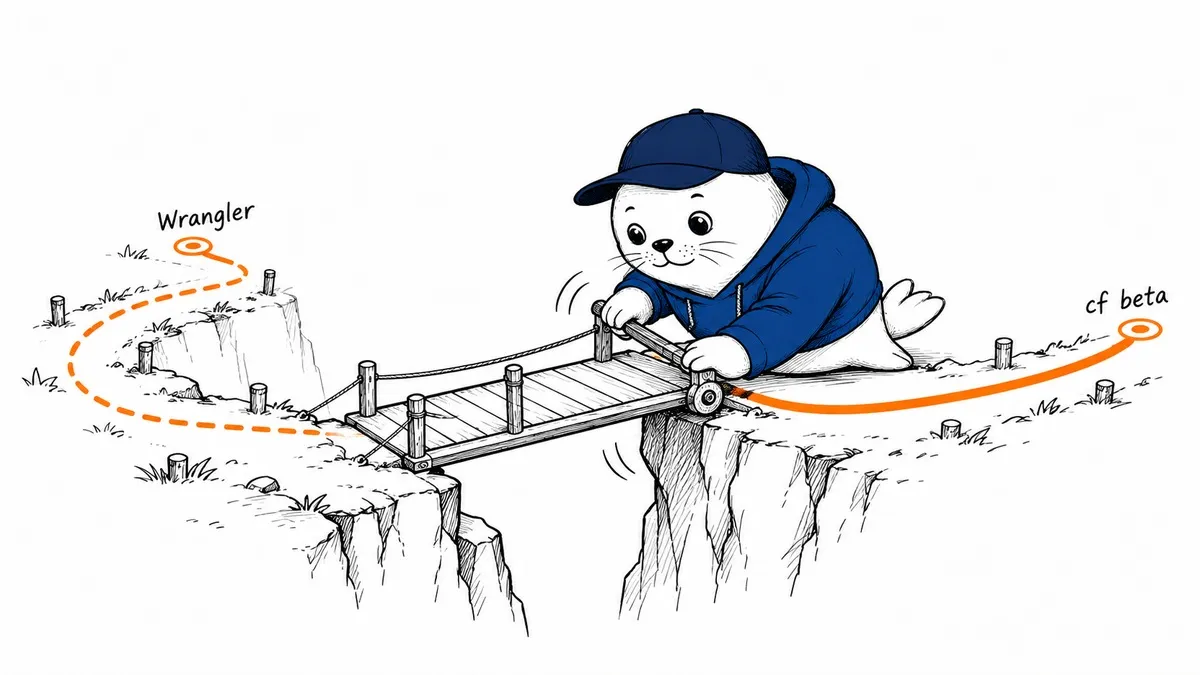
The Wrangler transition guide separates account and resource commands from project commands. You can use cf to inspect resources while retaining Wrangler for development and deployment. cf has its own login and does not read the account ID from the Wrangler configuration for those resource commands. Choose the account explicitly rather than relying on context left by another tool.
For a team evaluating an agent, this is a useful first boundary. Give it a read-only inventory task, compare the output with an inventory you already trust, and check which account it selected. Do not begin the evaluation with a production deploy just because both tools expose familiar command names.
Project commands can change more than you expect
Cloudflare warns against running cf dev, cf build, or cf deploy in an unmigrated Wrangler project. Automatic configuration can change files and, in some cases, treat a project as a static site without its original Worker code or bindings. In CI, those changes can happen without an interactive confirmation. Run the migration in a separate working copy first.
The guide provides cf migrate --dry-run to preview conversion. Migration preserves important Worker identifiers and configuration, but some settings require manual work. Live log streaming and setting a single secret remain gaps in the beta, so a migrated project may still need Wrangler. Keep the old configuration while it remains part of your workflow.
JSON output helps automation, not authorization
The cf overview describes the beta and its machine-readable interface. Structured output is useful when a script needs to identify a resource or inspect a failure without parsing a table. It does not tell an agent whether a requested mutation is allowed. Our Cloudflare production AI controls guide explains why the tool interface and the permission to act need separate controls.
I would make the deployment policy explicit: which account, which resources, which action, and which approval owner. A successful command proves that a credential worked. It does not prove the action matched the user’s intent or the correct environment.
A CI trial should be reproducible.
Cloudflare’s CI documentation recommends a pinned dependency version, an API token, and an explicit account ID. Limit the token to the required operations and keep deployment credentials out of earlier build steps where possible. Test the same build artifact before promoting it, rather than rebuilding implicitly during the final deployment.
Record the chosen cf version, generated-file diff, build output, and deployment result. Then exercise rollback using the retained workflow. If a script cannot explain which project files changed or which resource it targeted, the migration is not ready for unattended use. This is a proposed rollout check, not a claim that we tested a production deployment.
Wrangler is not retiring on a launch-day countdown
Cloudflare says Wrangler’s maintenance window lasts 18 months after cf leaves beta. That does not establish a retirement date 18 months after September 28. Follow the official repository and release documentation for changes instead of inventing a calendar deadline.
For now, I would try read-only resource commands first, then migrate one noncritical project. Teams already evaluating MCP can compare this direct CLI approach with our private MCP deployment guide. The right interface is the one you can constrain, observe, and roll back.