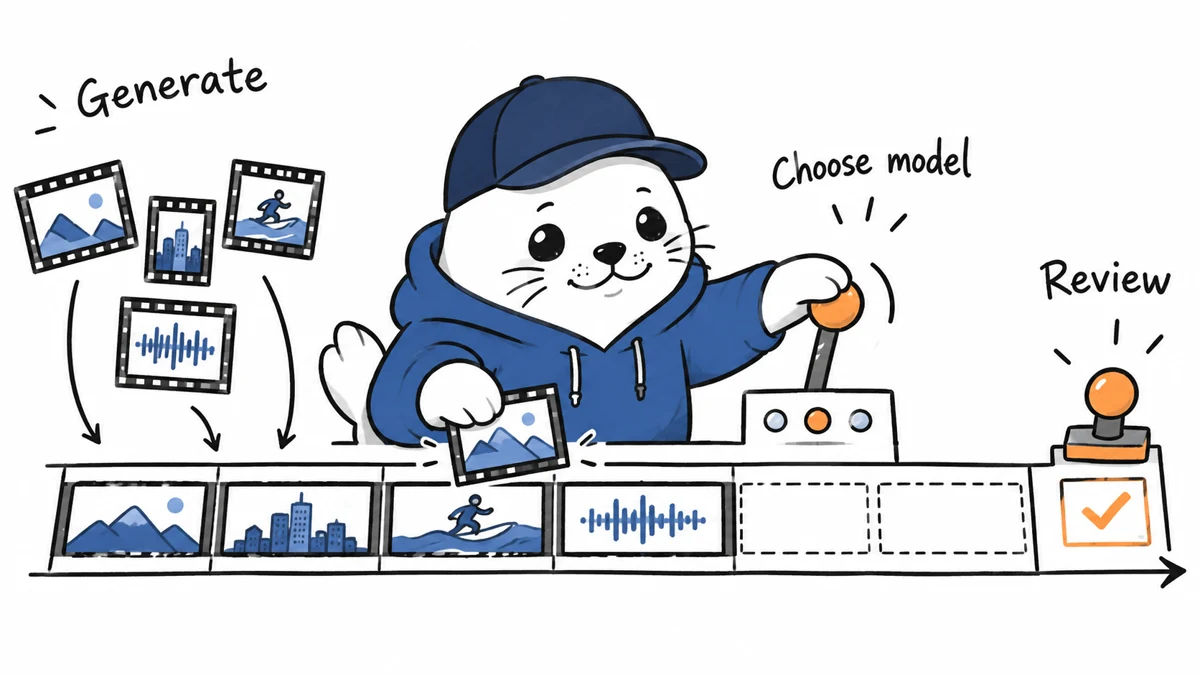
Adobe is moving generation into the professional editing timeline. That removes a round trip, but it also makes model choice, credit accounting and review part of the edit instead of a separate experiment.
Adobe announced the Premiere and After Effects release on September 8, 2026. Premiere gains a Generative Media tool for video and sound effects. After Effects gains a public-beta AI Assistant that can operate across a project, not only the open composition.
What is new in Premiere
An editor selects where a result should appear, describes the needed media and receives a clip inside the timeline. Generate Video can use reference frames sampled from the project. Generate Sound Effects can use a voice performance to guide rhythm, timing and intensity.
The important workflow change is context. A generated insert can be created beside the shots it must match. That can reduce exporting, uploading and reimporting, but it does not guarantee continuity. The editor still has to inspect motion, subject identity, lighting, cuts and audio transitions.
The release mixes available tools and beta features
| Feature | Label in Adobe announcement | Practical boundary |
|---|---|---|
| Generate Video | Part of Generative Media | Check model, credits, duration and current account access |
| Generate Sound Effects | Part of Generative Media | Review timing, rights and unwanted artifacts |
| Generate Soundscape | Beta | Analyzes up to 15 seconds and creates editable starting layers |
| Generate Music | Beta | Offers variations, tempo and loop controls |
| Enhance Audio and Separate Crosstalk | Public beta audio tools | Keep original tracks and inspect separation errors |
| After Effects AI Assistant | Public beta | Can act across the entire project under user direction |
Model choice is now an editing decision
Adobe lists Firefly and partner models from Google Veo, Kling, Runway and Luma. Those names should not be treated as interchangeable presets. Each provider can have different strengths, generation limits, credit costs, content rules and provenance behavior.
Before a team standardizes the tool, save the selected provider and model with each generated clip. Our AI video generator cost comparison explains why a final clip price needs retries and rejected generations in the denominator.
What editable should mean in your test
Adobe describes the generated clips as editable in Premiere. Teams should define that promise operationally. Can the editor trim, retime, color and mix the clip like normal media? Are soundscape layers separated? Can a generation be reproduced from saved settings? Does changing the surrounding sequence preserve the intended result?
Keep the original prompt, reference frame, model selection and accepted take. If the team cannot reconstruct why a clip was chosen, the timeline may be editable while the generation decision remains opaque.
Separate Crosstalk deserves a hard case
Separate Crosstalk is designed to split two overlapping speakers into independent tracks. Test it on speech with interruptions, room echo, music and similar voices. Listen for missing consonants, duplicated room tone and unnatural boundaries before muting or replacing the original recording.
Dynamic Auto Ducking and Enhance Audio can also save keyframe work, but automated balance should be checked on headphones and ordinary speakers. Preserve the source track so a cleanup mistake remains reversible.
After Effects AI Assistant expands the permission surface
Adobe says the assistant can inspect compositions and footage, reorganize large projects, help solve technical issues and create motion expressions without requiring the user to write code. Because it works across the project, a useful trial should record which layers and assets it changes.
Run it first on a copy. Ask for one bounded operation, compare the project before and after, and check expressions, naming, dependencies and render output. A fluent explanation is not a substitute for inspecting the changed project.
September 9 update: Premiere 26.5 documents the release status
Update token: premiere-265-release-status-20260909. Adobe’s Premiere release notes now identify version 26.5 and list the Generative Media Tool, Paper Edit, expanded Sony FX5 support, improved ProRes RAW support, Match Source audio settings, and export Content Credentials.
| Premiere 26.5 item | Practical use | Verification step |
|---|---|---|
| Generative Media Tool | Brings generative media operations into the editing workflow | Record the model, settings, output, and whether the result remains editable |
| Paper Edit | Supports text-led editorial planning and assembly | Compare the transcript cut with the final timeline and speaker intent |
| Sony FX5 support | Expands camera workflow compatibility | Test the exact codec, metadata, and color pipeline used by the team |
| ProRes RAW improvements | Extends handling of RAW media | Check decode, color, export, and interchange with representative footage |
| Match Source audio | Aligns audio export settings with the source | Verify channel layout, sample rate, loudness, and destination requirements |
| Content Credentials export | Records provenance-related information and AI preferences | Inspect the exported credential and confirm what it does and does not assert |
Content Credentials can document provenance information and generative-AI preferences, but the credential does not prove that the depicted event is true. Treat it as a record about the file and workflow, not as a universal fact check.
Adobe’s broader announcement mixes released Premiere features with public-beta work in the product family. Teams should use the version-specific release notes as the operational source and label beta features separately in internal documentation.
Primary source: Adobe’s Premiere release notes. Checked September 9, 2026.
A five-shot comparison to run this week
- Freeze a 20 to 30 second sequence with five documented gaps: b-roll, transition, sound effect, ambience and music.
- Generate one candidate for each gap inside Premiere and record provider, settings, credits, retries and elapsed time.
- Create the same five assets through your current external workflow.
- Have a second editor score continuity, control, artifact severity and time to an accepted edit without seeing which route produced it.
- Keep every rejected attempt in the cost and time totals.
This article is based on Adobe documentation, not a completed hands-on benchmark. The test is designed to produce evidence that is specific to your footage and plan.
My take: fewer round trips, more hidden choices
Generating inside the timeline can preserve creative momentum. It can also hide provider switching and repeated attempts inside a familiar editing surface. The team should make model, rights, credits and acceptance criteria visible before the convenience becomes routine.
Adobe has changed embedded model availability before. Keep a replacement path and review our Adobe Firefly model retirement map before building a long-lived template around one provider.
Primary source
Checked September 8, 2026. Feature and status descriptions are attributed to Adobe. Workflow tests and buying questions are Musthave.ai analysis.