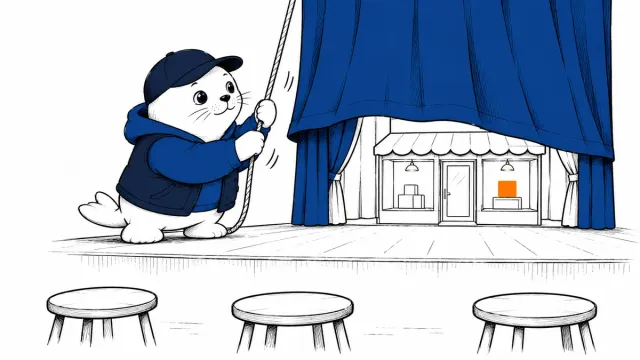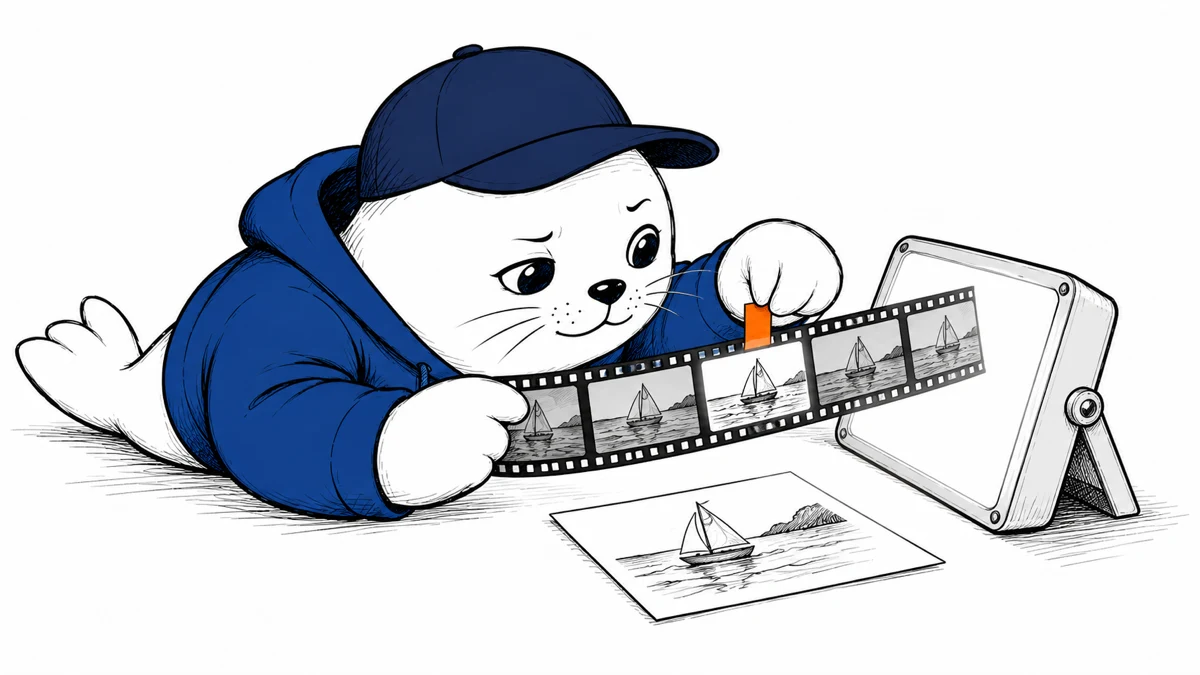
A video report can have attractive panels and plenty of links while misreading the frame that supports its main claim. OmniDR-Bench asks evaluators to inspect the delivered report in more detail.
The task extends beyond a video summary
The October 22 OmniDR-Bench preprint studies research reports organized around one source video. An agent must connect the video’s content with external evidence and produce an interactive HTML report.
The authors are affiliated with Peking University and Alibaba, alongside an independent researcher. Their benchmark includes 50 Chinese and English tasks across 19 subcategories. The 6,414 criteria assess audiovisual grounding, evidence use, and the final presentation.
This is a preprint and a released evaluation project. It does not establish that an arbitrary video-research product has passed an independent audit.
A good-looking report can leave evidence behind
Across 18 agent configurations, the authors report a highest aggregate score of 63.3 out of 100. That score belongs to the benchmark’s tasks, judges, and tool budgets. It is not a percentage of all research questions an agent can answer.
The paper’s failure analysis describes reports that omit useful research, substitute transcript summaries for visual inspection, or list sources that do not support nearby claims. It also notes that creators satisfied presentation requirements more consistently than content and citation requirements.
For creators using AI to research a tutorial, those categories suggest a useful review sequence: inspect the source moment, assess the external evidence, then test the report’s navigation.
Audit one consequential claim from beginning to end
Choose a claim that could change a reader’s decision, such as a stated installation requirement or a demonstrated setting. The following is a proposed review procedure, not a benchmark run by MustHave.ai.
- Open the linked source-video timestamp.
- Check the visible interface or object as well as the spoken words.
- Open the external citation and locate the passage supporting the claim.
- Check whether the report distinguishes the demonstration date from current product behavior.
- Use the report’s filters or navigation and confirm the supporting context remains reachable.
A useful audit note records the claim, source timestamp, supporting URL, and the reviewer’s finding. If the video shows an earlier product version, the note should identify which part of the conclusion still applies today.
Separate a benchmark release from permission to reuse videos
The evaluation repository publishes MIT-licensed code. The dataset card states a non-commercial academic research and model-evaluation purpose under CC BY-NC 4.0. Neither release grants rights to the linked videos or their audio.
The dataset contains source-page URLs rather than bundled video files. Reproducing an evaluation therefore involves separate access and rights decisions. Using your own authorized video is a different workflow from assuming every benchmark-linked clip can be republished.
The authors acknowledge a small task set, a relatively fixed report layout, and evaluation choices influenced by the reference workflow. Treat the project as a detailed way to inspect reports, with its results bounded by those conditions.
Related reading: Qwen’s audio and video model scope and testing an interactive chart after filtering.
Sources
- Paper, authors and submission history
- Evaluation code and report requirements
- Dataset and bilingual usage notice
When reviewing an AI video report, which do you check first: its timestamps, its citations, or the claims it leaves out?
Sources checked October 26, 2026. Prepared with AI-assisted research and drafting. Proposed checks are illustrative; MustHave.ai has not independently tested this system.