

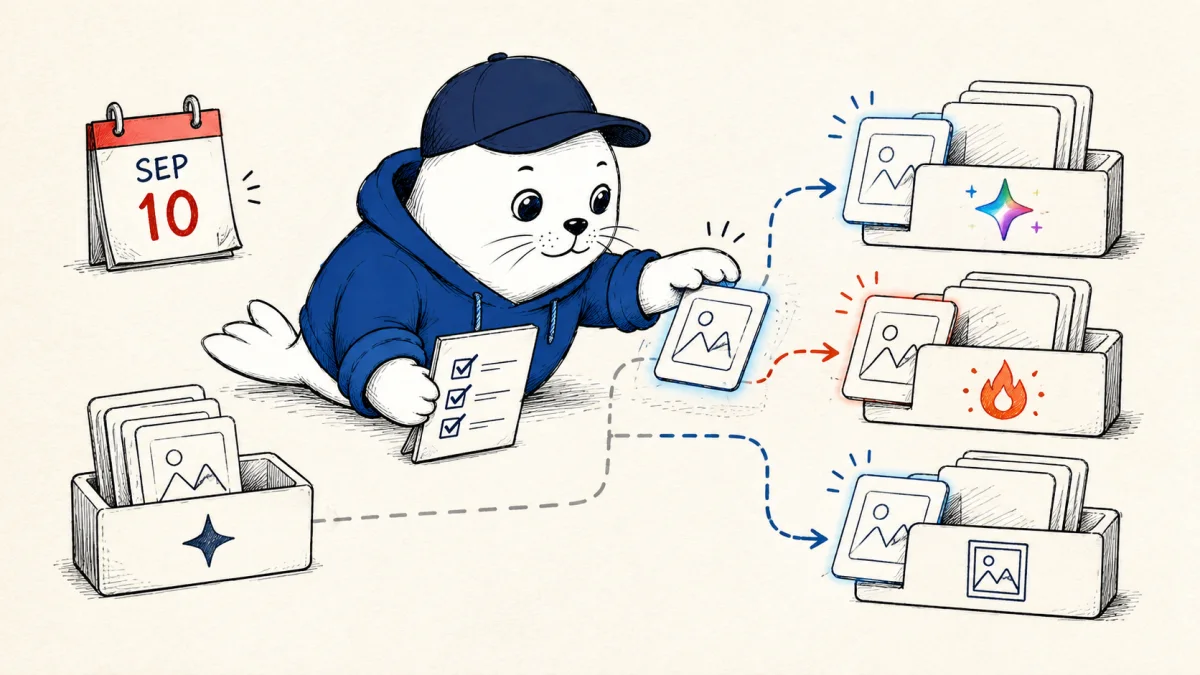
Adobe is removing six Gemini partner-model entries from Firefly on September 10, 2026. If one of those models sits inside a saved production recipe, the deadline is not an invitation to pick a similarly named replacement and hope. It is a short migration window.
The affected list includes Gemini 2.5 Flash Image, also known as Nano Banana, plus Gemini 2.5 Flash Lite, Flash, and Pro. Adobe also lists Gemini 3 Flash Preview and Gemini 3 Pro Image Preview. The company published the retirement date in its generative model deprecation table, last updated August 26.
What Adobe is retiring on September 10
| Retiring entry | Likely workflow role | Migration risk |
|---|---|---|
| Gemini 2.5 Flash Image | Prompted image creation and editing | Visual identity and edit fidelity |
| Gemini 2.5 Flash Lite | Fast low-cost generation tasks | Latency and batch economics |
| Gemini 2.5 Flash | General multimodal tasks | Prompt and output differences |
| Gemini 2.5 Pro | More complex reasoning or design support | Quality and credit tradeoffs |
| Gemini 3 Flash Preview | Preview generation workflows | Preview behavior was never a stable contract |
| Gemini 3 Pro Image Preview | Higher-end image work | Replacement output may not match |
This is not a claim that Gemini image generation is leaving Adobe. Adobe’s current partner-model page lists newer Google options, including Gemini 3 Nano Banana Pro and Gemini 3.1 Nano Banana 2. Availability can vary by Adobe product, account, and region. The precise replacement path therefore begins inside the product where your workflow runs.
The replacement map is task based, not name based
Choose a replacement by the failure you cannot accept. Product photography may value edit locality and repeatable composition. A social campaign may care more about typography, aspect-ratio variants, and fast iteration. Illustration work may prioritize a stable style across a set. A logo concept needs clean shapes and should never be treated as a finished trademark without human review.
Our AI image generator comparison uses the same assignment-first rule. The best model for one hero image can be the wrong choice for a catalog of 200 consistent assets.
Save evidence before the old model disappears
- Export five representative accepted outputs and five failures.
- Save the exact prompt, references, aspect ratio, generation date, and every manual edit.
- Record whether the job used Firefly web, Photoshop, Illustrator, or Express.
- Capture current credits consumed for the full accepted result, including retries.
- Store licensing and provenance records with the final asset.
That archive gives the replacement test a finish line. Without it, teams tend to compare a remembered favorite with a fresh output and call the result better or worse. Memory is not a test fixture.
Credit math must include rejected generations
Adobe charges different amounts for different partner models and operations. Its current table lists Gemini 2.5 Flash Image at 10 credits for a generation during a limited-time rate, while newer or more capable options can cost more. Rates can change, so verify the live table before calculating a production budget.
The useful metric is accepted-output cost. If one option costs 10 credits but needs four tries, the usable asset consumed 40 credits. A 40-credit option that succeeds on the first attempt costs the same in generation credits and may save editing time. Adobe says failed generations are typically refunded within minutes, but a result you dislike is not necessarily a failed system request.
Run a five-prompt migration test
Use the same five production prompts on the old model and each candidate replacement while access remains. Include a product edit, a person with identity constraints, a text-heavy graphic, an illustration set, and a difficult composition. Keep reference inputs and export settings identical.
Score prompt compliance, edit locality, identity drift, typography, anatomy, style consistency, time to accepted output, credits per accepted output, and manual repair minutes. Weight the criteria before looking at results. A studio producing packaging should not let an attractive art image cancel a typography failure.
Adobe’s automatic routing is not your acceptance test
Adobe Express AI Assistant can automatically select between Adobe and partner models for some tasks. That convenience does not preserve a specific model’s behavior. If reproducibility matters, document which surface, tool, and model were used whenever the interface exposes that information.
The broader AI design integration guide explains why connectors and assistants should be treated as workflow layers, not as permanent model contracts. A product UI can change its router while your team keeps sending the same prompt.
My verdict: freeze the recipe, then migrate the model
Assign one owner to sign off each migrated recipe and keep the old and new outputs side by side. Record the reason for the replacement, the date tested, the accepted model, the credit range, and any prompt changes. This small migration ledger prevents a future teammate from unknowingly restoring the retired dependency from an old tutorial or duplicated project.
Check downstream automation too. A scheduled template, bulk-export job, or team library may call a model that no one selects manually anymore. Trigger each recurring workflow once in a safe project, confirm which model actually ran, and record the result. Remove retired names from onboarding documents and shared prompt libraries after the replacement passes.
Do not spend this week rebuilding every creative workflow. Freeze the inputs and success criteria for the jobs that depend on a retiring model. Test the smallest credible replacement set. Move the highest-volume or highest-risk recipe first, and keep a manual fallback for launch assets.
The September 10 date creates urgency, not certainty. Adobe has announced a retirement schedule, not guaranteed visual equivalence. A careful migration preserves evidence, measures accepted output, and gives each workflow an explicit owner.
Read the primary documentation
- Check Adobe’s model retirement schedule.
- Review Adobe’s current partner-model availability and credit table.
- Read the Adobe generative credits FAQ.
Checked September 3, 2026. Model names, retirement dates, product availability, and listed credit rates come from Adobe. Replacement choices, test design, and accepted-output calculations are Musthave.ai analysis.

Abdessalam Alaoui
I'm Abdessalam Alaoui, founder of Musthave.AI. I write practical guides to AI models, tools, generative media, and ways real people make money with this stuff. No press-release fluff. 20+ years shipping digital products; you'll also find my work around HowTik, Yumasty, and IncomeHelpful.