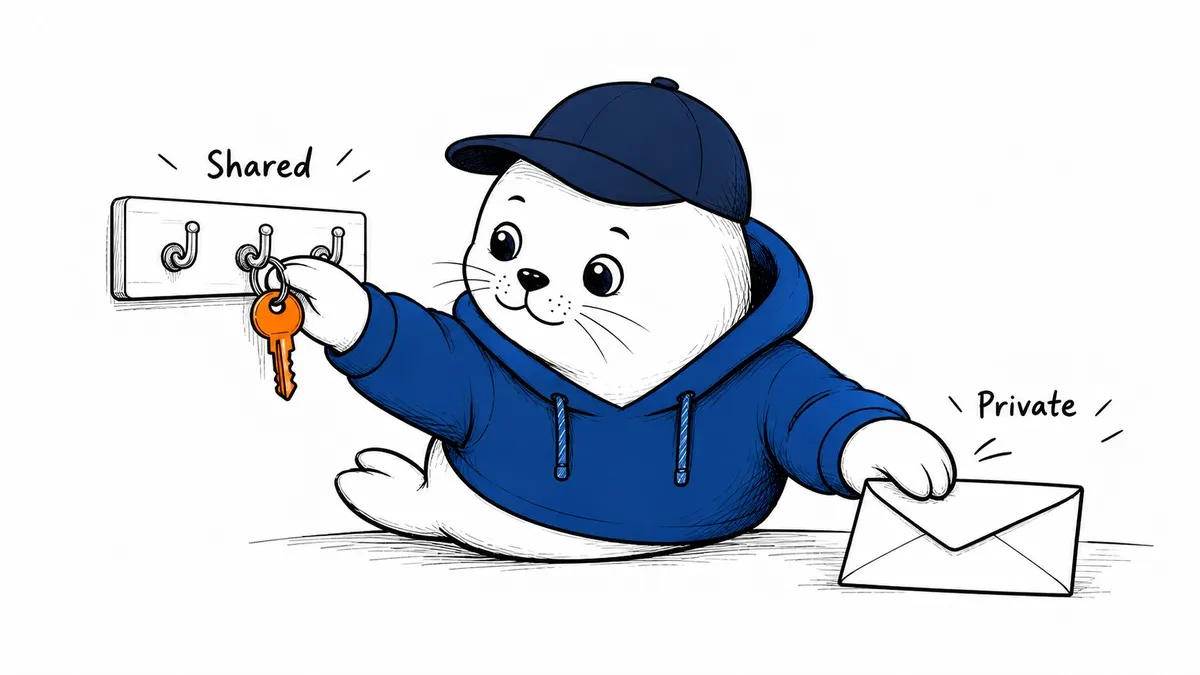
A team can share a bot without sharing every conversation. It can also share a credential without making it clear how much access that credential gives everyone. Those are different setup decisions.
The September 28 Grok Team Bots announcement describes a public beta for Teams and Enterprise customers. The product combines shared role context, skills, and connectors with individual conversations, including Slack use. It is not an announcement of unrestricted free availability. We have not verified an additional standalone price or a complete list of regional availability.
Private notes are not automatically team memory.
The Team Bots documentation says individual chats and private notes are separate from team memory. To store something for the whole team, the user must explicitly request that scope. The owner controls team setup. Those are documented product behaviors, not findings from an independent privacy audit.
Before a pilot, write down which facts belong in each scope. A project deadline might be appropriate for team memory; a private draft or personal note might not. Test with harmless examples and inspect the behavior from two different accounts. An unclear memory instruction should not be treated as consent to share.
The connector identity is the important access question.
According to the documentation, OAuth connectors act through the requesting person’s account, while token-backed connectors can use a shared bot credential. Shared secrets can therefore give teammates access through the same credential. Personal connectors require approval when used in shared conversations. The privacy of the chat does not itself restrict the authority of a shared token.
I would create a connector register before adding sensitive systems. For each connector, record the identity it uses, the data it can read, the actions it can take, the people who can invoke it, and how to revoke it. If the team cannot answer those questions, postpone the connector rather than relying on a reassuring product label.
Slack changes the audience and the environment
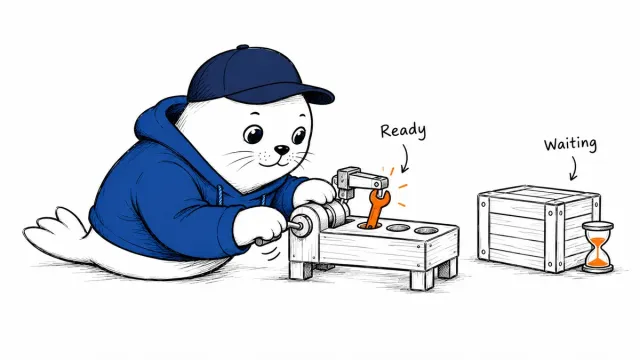
The docs distinguish a shared computer for a Slack channel from individual computers for individual users. They also describe usage attribution: teammate requests use that teammate’s allowance, while messages from an unlinked Slack workflow can count against the owner. Check the documented billing path before allowing an automated workflow to generate repeated requests.
The practical risk is accidental repetition. A harmless scheduled summary can become expensive if it fires for every channel event. In a trial, use a quiet test channel, a clear trigger, and a known owner. Record one complete run before expanding the audience, and verify that a stop or revoke action actually stops subsequent work.
A rollout test that avoids sensitive data
Start with a public project brief and a read-only connector. Ask one person for a private note and another for a shared fact. Then request the shared fact from a second account and check that the private note has not followed it. Our Grok Bot permission guide explains the related boundary between an available tool and an approved action.
Next, test a denied resource and an expired credential. A useful bot must explain that it cannot access something without inventing an answer or quietly switching to another identity. For any write-capable task, add an explicit approval step and confirm the destination before the action occurs. These are proposed acceptance tests, not a report of our hands-on results.
Compare operating models, not mascot personalities.
Shared assistants are becoming a more practical product category, but their permissions are not interchangeable. Our OpenAI Dots guide examines a different persistent-assistant model. Compare memory scope, credential ownership, review points, and revocation rather than assuming both products protect the same boundary.
I would consider Team Bots for a narrow, repeatable team task where the owner can explain every connector. I would wait on broad access to financial, customer, or production systems until the team has tested denied actions, shared memory, and usage attribution. Vendor anecdotes about savings are not a substitute for that evidence.