Most “AI will do your work for you” promises fall apart the second you need it to happen reliably, on a schedule, without you babysitting it. Grok Automations is xAI’s attempt to fix exactly that, and for the right kind of repetitive task, it’s genuinely useful. Here’s how to set it up without handing over more than you should.
What Grok Automations actually does
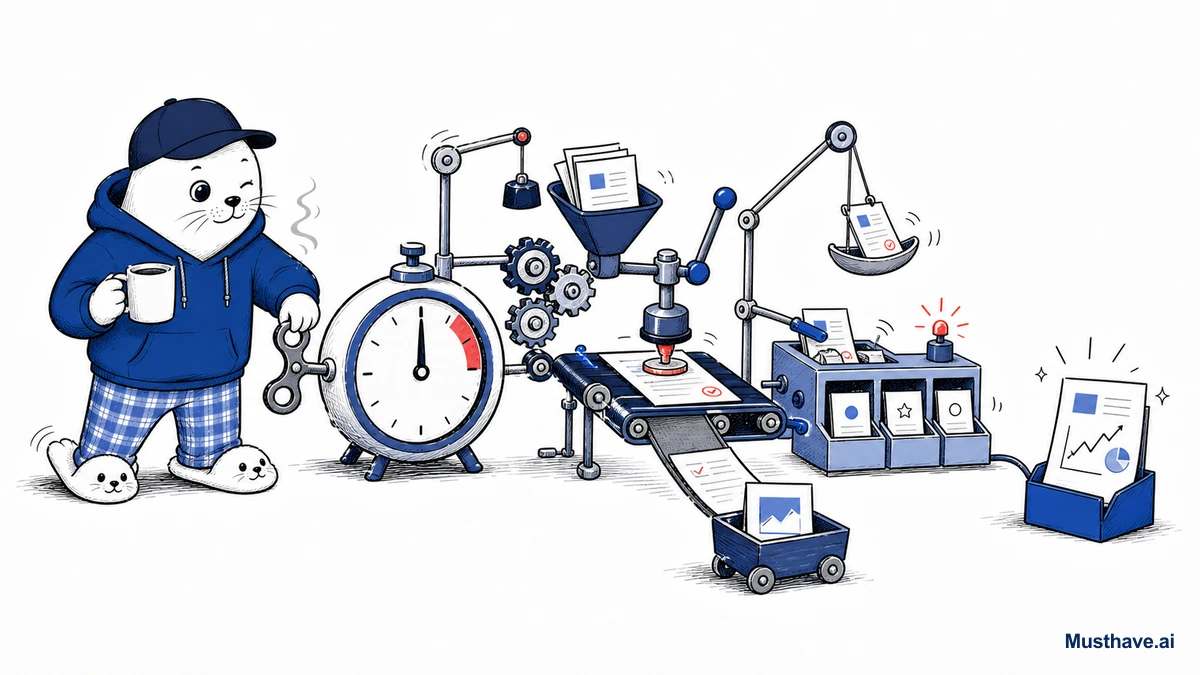
Rolled out in July 2026, Automations lets you hand a recurring job to Grok with a single plain-language description. No code, no complicated configuration. You tell it what you want done, set either a schedule or a trigger, and Grok runs the task on its own, then logs a full run history so you can see exactly what it did.
The scheduling is refreshingly flexible: run something once, daily, on weekdays only, weekly, monthly, or yearly, all in your own timezone. And here’s a smart detail, each execution starts a fresh conversation with current data, rather than dragging along a stale old thread. So a “daily news summary” is actually daily, not a rehash of last week.
The part that makes it powerful: connectors
An automation that can only talk to itself is a toy. What makes this useful is that Automations plug into your actual tools through connectors (Slack, Google Workspace, GitHub, Airtable, and Salesforce among them) plus “Skills,” which are reusable automation packages you can apply again and again.
That’s the difference between “Grok writes a summary it keeps to itself” and “Grok checks your GitHub, drafts a summary, and drops it in your Slack every weekday morning.” When it can reach into the tools where your work actually lives, it stops being a novelty.
Real ways I’d use it
Let’s make this concrete, because the feature is only as good as what you point it at. A few automations worth setting up:
- A morning brief: every weekday, summarize news in your niche and email it to you before you start.
- Mention monitoring: track when your brand, product, or a competitor gets talked about, and get pinged.
- A weekly report: pull numbers from a connected sheet and draft the recurring update you always dread writing.
- Content prompts: generate a batch of post ideas every Monday so you’re never staring at a blank calendar.
Each run reports back however you want, email, app notification, both, or neither if you’d rather just check the history yourself.
What it costs
The pricing is friendly for getting started. Scheduled automations are available to everyone, so you can try the core feature at no cost. The email-trigger option (automations that fire in response to incoming email) is bundled with SuperGrok, which runs around $30 a month. Start with the free scheduled version and only upgrade if triggers earn their keep.
The rule I’d never skip
Here’s my one serious caution, and it applies to every “set it and forget it” AI feature. Automation multiplies whatever you point it at, including mistakes. An automation that emails a client the wrong number every Monday is worse than no automation at all.
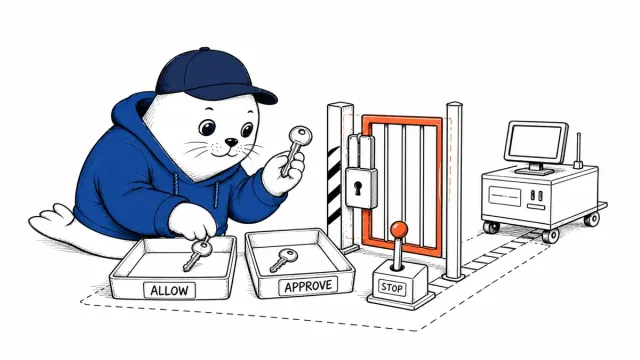
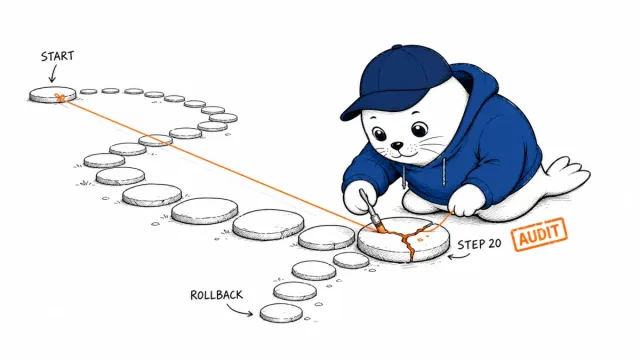
So keep a human in the loop where it counts. For anything that touches clients, money, or your reputation, have Grok draft and notify you for approval rather than acting fully unsupervised. Check the run history for the first couple of weeks. And never wire a sensitive connector into an automation you haven’t watched behave first. Calm, supervised automation compounds. Blind automation invoices.
The first automation worth setting up
If you set up just one Grok Automation, make it a daily niche brief. Schedule it for early morning on weekdays, with a prompt like “summarize the most important news in [your niche] from the last 24 hours in five bullet points, and email it to me.” You wake up informed without doom-scrolling. The one guardrail: for the first two weeks, have it report to you for a read rather than acting on anything or messaging anyone else. Watch the run history, confirm it’s reliable, and only then let automations touch anything that leaves your inbox.
What’s the one weekly task you’d automate first if you trusted it? Tell me in the comments and I’ll suggest how I’d scope it safely.
Verification sources and related guides
Primary reference: SpaceXAI announcement for Grok Automations. This is an official provider source. Treat performance, adoption, and product claims as company-reported unless the article identifies an independent check.