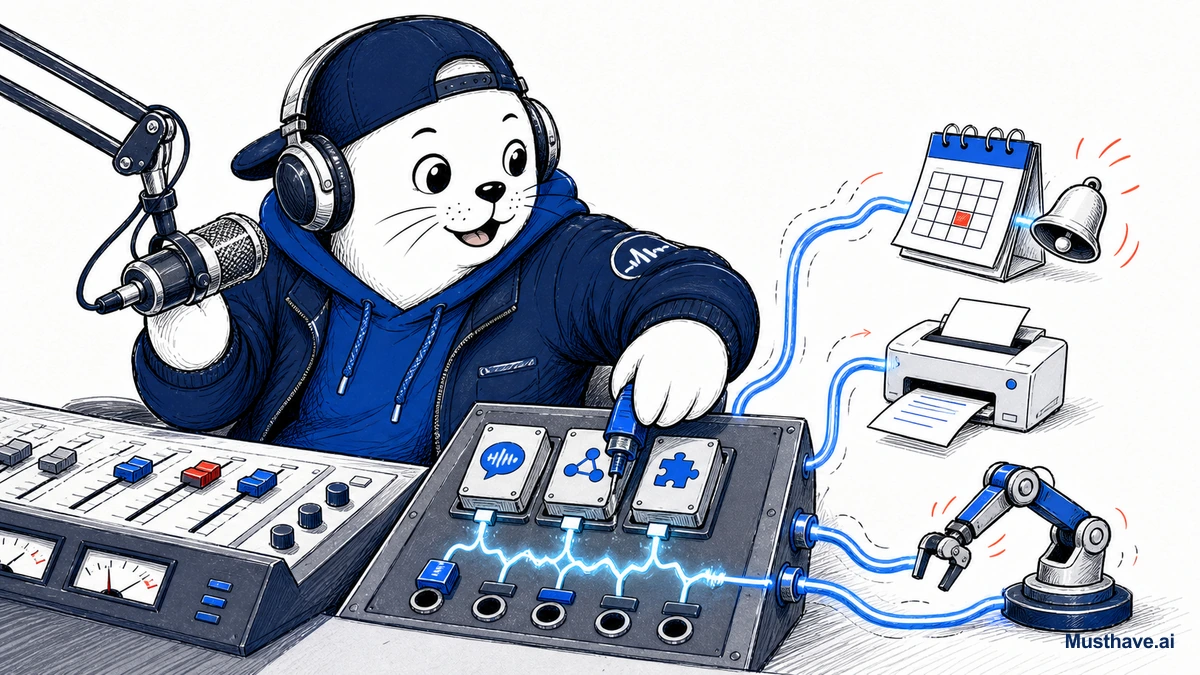
If your mental model of Grok is still “the edgy chatbot on X,” you’re a couple of years out of date. xAI has quietly been bolting on the pieces of a full personal-assistant suite, voice, personalities, reusable skills, and connectors to the tools you actually use. Here’s what’s real, and what’s worth your attention.
Voice that actually feels like a conversation
Start with the most noticeable upgrade: Grok’s Voice Mode. Older AI voice assistants stitch three steps together (convert your speech to text, have the model think, then convert its answer back to speech) which creates those awkward pauses that break the illusion. Grok’s is full-duplex, meaning it processes what you’re saying and forms its response at the same time, largely eliminating the gaps.
In practice, that makes it feel far more like talking to a person than taking turns with a machine. For hands-free brainstorming, learning, or just thinking out loud, that responsiveness matters more than any benchmark.
Voices with actual personalities
xAI leaned into character here, for better and occasionally for worse. Grok offers several distinct expressive voices (warm, energetic, confident, smooth, authoritative) and a range of modes tuned for different jobs: a default Assistant, plus Storyteller, Meditation, Motivation, Debate, and more playful options.
It’s a genuinely different flavor from the more buttoned-up assistants. Whether that’s a feature or a distraction depends on you, but the ability to pick a voice and mode that fits the task (a calm meditation guide versus a sharp debate partner) is a nice touch.
Skills: stop re-explaining yourself
This is the part builders should care about. Skills are reusable packages of instructions, bundle up how you want a recurring task done, and apply it again and again instead of re-typing the same setup every time. If you find yourself giving Grok the same detailed brief over and over, a Skill turns that into a one-click reuse. It’s the difference between a chatbot you re-teach daily and an assistant that remembers how you like things done.
Connectors: reaching into your real tools
An assistant that can only talk is limited. What makes this a genuine suite is connectors, Grok can wire into external services like Slack, Google Workspace, GitHub, Airtable, and Salesforce. Combined with its Automations feature (recurring tasks on a schedule or trigger), that’s what turns “Grok wrote something” into “Grok checked your GitHub, drafted a summary, and posted it to Slack on a schedule.”
When an assistant can reach into the tools where your work actually lives, it stops being a novelty and starts being infrastructure.
How I’d approach the whole suite
My rule with any expanding product is to treat each surface as a job interview: does it win a task I already do? Applied here:
- Try Voice Mode for hands-free thinking and learning, the responsiveness is the real draw.
- Build a Skill for the one task you keep re-explaining. Immediate time saved.
- Wire one connector into one automation, watch it for a couple of weeks, then trust it with more.
- Keep a human check on anything touching clients, money, or reputation, a full assistant suite multiplies mistakes as easily as wins.
The bottom line
Piece by piece, xAI is building Grok into a real assistant suite: conversational voice, distinct personalities, reusable Skills, and connectors that reach your actual tools. If you’ve only ever used it as a witty chat box, you’re leaving the genuinely useful half on the table. Try the surfaces that map to your real work, adopt them deliberately, and keep your standards, a more capable assistant deserves more oversight, not less.
The first Skill worth building
Skills only click once you build one, so start with a task you re-explain constantly. A great first Skill: your writing voice. Bundle the instructions you always give (tone, length, formatting, words to avoid, an example of your style) into a reusable Skill, and apply it instead of retyping the brief every time. Suddenly every draft starts in your voice by default. From there, build Skills for your other repeating jobs: a “summarize this the way I like” Skill, a “turn notes into an email” Skill. Each one is a piece of your process the assistant stops making you repeat.
Which would you actually use, voice, Skills, or connectors? Tell me the task you’d point it at in the comments.
Verification sources and related guides
Primary reference: SpaceXAI announcement for Grok Connectors. This is an official provider source. Treat performance, adoption, and product claims as company-reported unless the article identifies an independent check.