

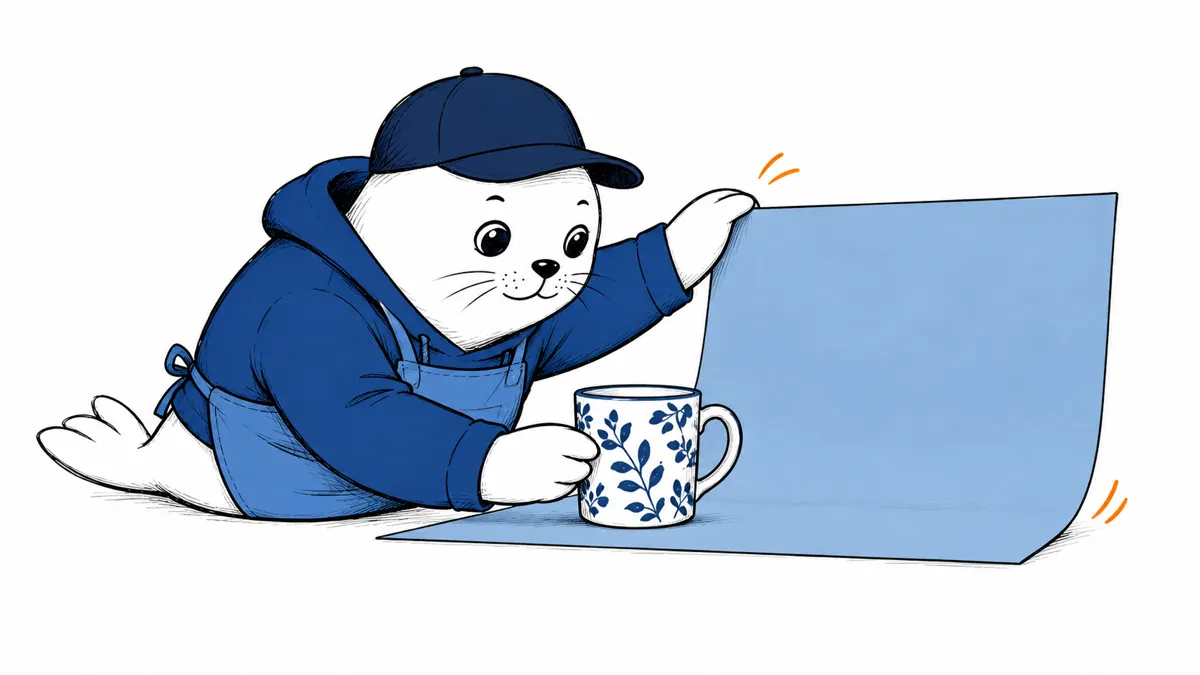
A product image can look convincing while changing the product. Before replacing your editing workflow, decide which details must stay untouched.
What the October update changes
Google’s API reference, updated October 6, 2026, lists the stable model gemini-nano-banana-2.1. Google reports improvements to editing, text rendering, and reference-image consistency. The endpoint supports image and text output, with 1K as the default image resolution and 2K or 4K options.
The model card describes distribution through several Google products. That does not establish identical access, quotas, or settings across all products. Confirm the model selected in your account before comparing results.
Use endpoint limits when planning API requests
The API page specifies 131,072 input tokens and 32,768 output tokens. The broader model card describes support for up to 1 million input tokens and a different text-output capacity. Do not substitute those model-card figures for the documented endpoint limits. Check the exact service you call.
Image resolution and token capacity are separate settings. A larger image does not automatically allow a larger prompt. The API page also lists function calling and structured outputs as unsupported. Keep any surrounding agent workflow separate from the image-generation call.
A repeatable editing test for your own images
Use a photograph you own and save an untouched copy. Choose an object with easily judged details, such as a patterned mug. Write the acceptance criteria before generating an edit. The test below is a proposed method, not a benchmark we have run.
- Keep the same reference photograph for every attempt.
- Ask for one change, such as replacing the background.
- Record the selected model and resolution.
- Inspect the object’s shape and pattern against the original.
- Check small lettering at full size.
- Save failures as well as successful edits.
- Repeat after changing only one setting.
For example, accept a background edit only if the handle, pattern, and printed wording remain correct. Record a changed handle as a failure even when the new scene looks better. Separate aesthetic preference from preservation of the object.
Compare the cost of an accepted image
Keep the billed cost and number of usable outputs in your trial record. Divide the trial’s total cost by the number of accepted images. This proposed calculation includes retries that a headline per-image price can hide. We have not measured current pricing or run this comparison.
The model card warns about hallucinations, occasional timeouts, and small-text problems. Review a finished image before using it in an advertisement or product listing. A prompt that requests accurate wording does not verify the wording.
For related creator decisions, read our Adobe AI tools coverage and AI-content publishing checklist.
Start with the detail you cannot afford to change
I would test one recurring editing task before moving a whole production process. Which detail causes the most rework in your images: lettering, object shape, or consistency between edits?


