

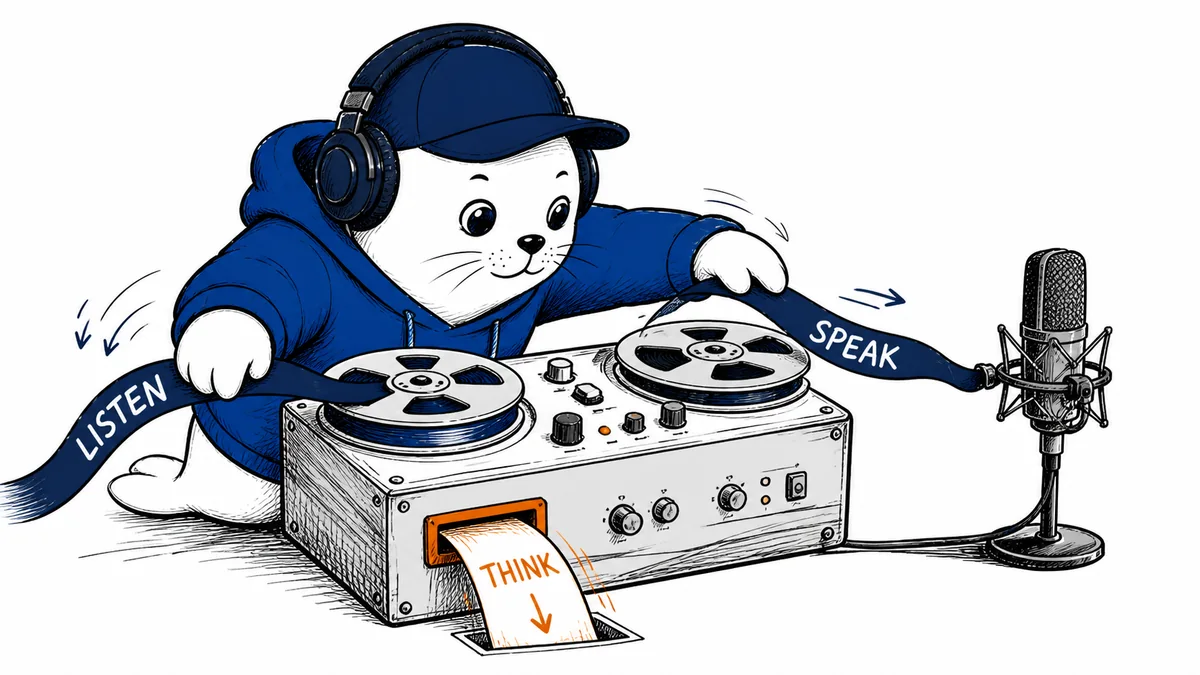
GPT-Live is getting attention because ChatGPT can now answer while it is still listening. That sounds like a small interface change until you interrupt it, pause halfway through a thought, or ask a question that needs a web search. The new voice model is less a better mouth than a traffic controller for the whole conversation.
Why GPT-Live is suddenly back in the search box
OpenAI launched GPT-Live on July 8, but interest jumped again after the company published a detailed engineering account on August 3. When I checked Google Trends on August 5, the worldwide related query “GPT-Live voice system” was up 950% over the previous period for the past seven days.
The timing makes sense. OpenAI has moved GPT-Live-1 into ChatGPT Voice for paid users and GPT-Live-1 mini into the Free plan. The company says more than 150 million people use ChatGPT Voice or Dictation each week. That is a company-reported audience figure, not an independent usage count, but it explains why a change in conversational timing can matter at consumer scale.
The important change is full-duplex audio. GPT-Live can take in sound while producing sound, so it does not need to treat every silence as the end of your turn. It can acknowledge you, wait when asked, accept an interruption, or keep listening while another part of the system works.
Full duplex changes more than the pause between answers
Older voice systems behaved like a relay race. One component transcribed the audio, a language model wrote the answer, and another component spoke it. Advanced Voice removed some of that chain, but it still depended on turn detection. A pause, passing traffic, or another voice could make the system decide you were finished before you were.
GPT-Live moves that decision into the voice model. Audio keeps flowing in both directions, and the model repeatedly decides whether to listen, speak, pause, interrupt, or call a tool. In practice, that should feel better for language practice, brainstorming, hands-free help, and any conversation where people revise a sentence while they are saying it.
Pick the Voice mode for the job
The newest option is not automatically the right option for every session.
Live
For natural back-and-forth
Listens and speaks together, supports web search and memory, and can work with text and images. It does not yet handle video, screen sharing, connected apps, or plugins.
Advanced
For camera and screen work
Use the previous realtime mode when you need supported mobile video or screen sharing. Custom GPT voice conversations also remain on Advanced.
Standard
For clear turn-by-turn input
Speech is transcribed before ChatGPT generates the answer. Use Dictation instead when you need to edit the transcript before sending it.
The talking model is not doing all the thinking
GPT-Live separates the live conversation from heavier work. If you ask for a current fact, a longer calculation, or a task that needs tools, the voice model can send that job to a frontier model in the background. OpenAI said GPT-5.5 handled this work at launch. Instant uses the faster branch, while Medium and High use more reasoning effort.
OpenAI’s engineering post explains that the background session is prepared when the voice call starts. It stays ready, with prompt caching and session affinity used to reduce the delay when a delegated request finally arrives. Meanwhile, GPT-Live can keep the exchange moving.
That split is clever, but it creates a new habit for users: do not confuse conversational continuity with completed reasoning. If GPT-Live is filling the gap while search runs, wait for the actual result and inspect the source. A smooth voice can make an unfinished answer feel more settled than it is.
Your plan decides how long the new mode lasts
OpenAI measures Live limits over a rolling 24-hour window, and it warns that the numbers can change. The current Help Center lists separate allowances for Instant, Medium or High, and GPT-Live-1 mini. One Live conversation can run for up to two hours, but your plan allowance may end it sooner.
Current consumer GPT-Live allowances
Official rolling 24-hour limits checked August 5, 2026. OpenAI says these can change.
Free
Limited mini access
GPT-Live-1 mini only, with a variable daily allowance.
Go and Plus
1h + 1h + 2h
One hour Instant, one hour Medium or High, and two hours mini.
Pro $100
12h + 12h + 24h
Twelve hours Instant, twelve hours Medium or High, and 24 hours mini.
Pro $200
Unlimited GPT-Live-1
The Help Center currently lists unlimited access to the premium voice model.
Go and Plus currently get up to one hour with GPT-Live-1 Instant, one hour with Medium or High, and two hours with mini. The $100 Pro tier is listed at 12 hours for Instant, 12 hours for Medium or High, and 24 hours for mini. The $200 Pro plan lists unlimited GPT-Live-1 access. Free accounts get a changing, limited mini allowance.
For a Plus user, one hour of Instant is six ten-minute practice sessions or three twenty-minute coaching sessions in a rolling day. That is enough to test a real routine before paying for more. Our ChatGPT Go versus Plus comparison covers the wider $12 monthly gap between those plans.
The rollout still has loose ends
Video and screen sharing remain the clearest reason to switch back to Advanced. Live also lacks connected apps and plugins, and availability can vary by plan, region, workspace settings, and app version. If a feature disappears when you change Voice modes, check the mode before blaming the microphone.
The developer story is less tidy. OpenAI added a July 31 note saying supported audio made with GPT-Live through ChatGPT Voice and the OpenAI API includes a SynthID watermark. Two days later, its engineering article still described the GPT-Live API as upcoming, and the public model catalog did not list a GPT-Live model when checked on August 5. I would not build around an assumed model name or launch date until OpenAI publishes the actual API documentation.
There is also a useful transparency footnote. On August 4, OpenAI updated the GPT-Live system card after finding that its original safety evaluation used a backend configuration that did not match the released model. OpenAI reran the evaluation, corrected several values, and said its overall launch conclusion did not change. In the corrected production set, GPT-Live-1 scored below Advanced Voice on emotional-reliance prompts, while mini scored below its predecessor on sexual-content prompts. Those are adversarial test sets, not estimates of failure rates in normal use, but the correction is worth reading before treating every launch benchmark as final.
A ten-minute test tells you more than a demo
Test the interaction, not the voice sample
Run one short session with material you already understand.
1
Set a listening rule
Say, "Wait until I ask for your answer," then think aloud for a full minute with two deliberate pauses.
2
Interrupt with a correction
Change one fact while ChatGPT is speaking and see whether the response follows the new information.
3
Delegate one current question
Ask for a time-sensitive fact, wait for search to finish, then open the cited source instead of trusting the spoken summary.
4
Try your real environment
Use the room, headset, commute, or language you care about. Background speech and overlapping voices can still confuse the system.
5
Switch modes on purpose
Move to Advanced for video or screen sharing, or to Dictation when an editable verbatim prompt matters more than flow.
You can use the same method from our guide to using ChatGPT effectively: give it a real goal, useful context, an output rule, and a check. Voice should remove friction from that loop, not remove the check.
My verdict: use GPT-Live for interaction, not authority
GPT-Live solves a real problem. Talking to a system that waits for a clean silence feels artificial, especially when you hesitate, self-correct, or interrupt. Letting the voice model manage the floor while another model searches or reasons is a better architecture for conversation.
I would use it for rehearsal, language practice, brainstorming, hands-free planning, and coordinating a task while looking at the result on screen. I would switch modes when I need camera input, screen sharing, an exact transcript, or a custom GPT. For money, health, legal work, or anything I plan to publish, the final answer still belongs on the screen with its source open.
Read the primary material
- Read OpenAI’s GPT-Live launch and July 31 provenance update.
- See how OpenAI rebuilt the realtime voice system.
- Check the current ChatGPT Voice modes, limits, and availability.
- Review the corrected GPT-Live system card.
- Inspect OpenAI’s audio and image provenance checker.
Where does voice save you real time, and where do you still want a visible transcript before you trust the result?
Checked August 5, 2026. Plan limits and feature availability can change. The 950% search increase is a time-bound Google Trends signal, while usage and benchmark figures above are reported by OpenAI.
September 10 update: GPT-Live-1 reaches the API
OpenAI launched GPT-Live-1 in the API on September 10, 2026. The company prices the front-end voice layer at $0.05 per minute. Any backend model, tool and telephony charges remain separate, so $0.05 is not the complete cost of an automated call.
The release adds telephony-oriented behavior, steering, delegation and new voice options. Builders should evaluate interruption handling, transfer behavior, tool latency and the final combined bill as separate metrics.
- Record voice-layer minutes separately from model tokens and tool charges.
- Test transfers with a human receiver, a busy line and a failed backend action.
- Disclose recording and automated-agent behavior where required.
- Keep a kill switch that ends audio and blocks further tool calls.
Update checked September 11, 2026. Availability and the $0.05-per-minute front-end price come from OpenAI. Total workflow cost depends on the selected backend, tools and transport.
September 14 update: create the session, then count the whole call
The OpenAI API reference now documents POST /live/sessions for creating a GPT-Live-1 WebRTC session. The request supplies the session model plus the browser’s SDP offer. The response returns a session ID and SDP answer; the client applies that answer and waits for session.started before sending commands.
At the announced $0.05-per-minute front-end voice rate, a ten-minute voice layer costs $0.50 and a one-hour voice layer costs $3.00. Those are calculations, not complete call quotes. Delegated model tokens, tools and telephony remain separate, so production monitoring should reconcile the Live session’s cumulative audio seconds with backend response usage and transport charges.
- Store the Live session ID beside the customer call or workflow ID.
- Use the final cumulative audio duration instead of summing cumulative usage events.
- Record delegated Responses usage as a separate cost line.
- Test an interrupted connection because a closed socket alone does not confirm finalization.
Update checked September 14, 2026. The endpoint and session lifecycle come from OpenAI’s current API reference. The $0.50 and $3.00 figures are arithmetic based on OpenAI’s published $0.05-per-minute front-end rate.


