

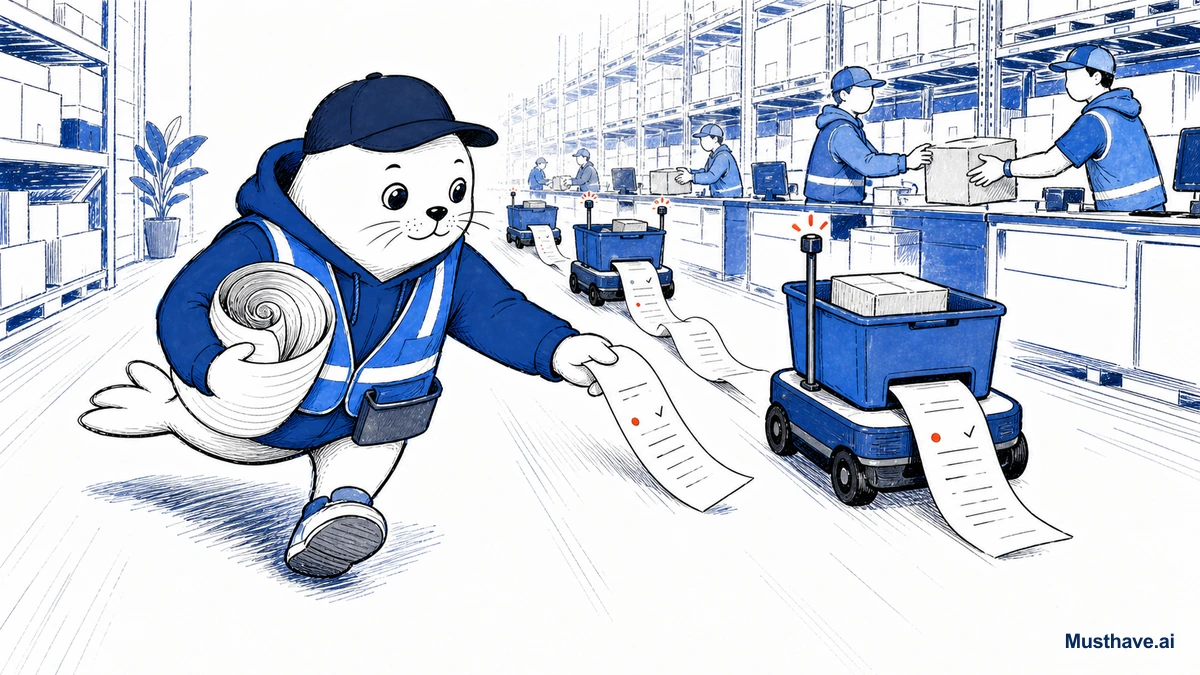
“AI agents” is the phrase of the year, and most of it is vapor. Google’s version is worth a closer look for one reason that doesn’t make headlines: its agent push leans hard on keeping you in control and leaving a record of what happened. In a world racing toward “let the AI just do it,” that paper trail is the interesting part.
What Google is actually building
Strip away the buzzwords and here’s the substance. Google is pushing agents (AI that doesn’t just answer questions but carries out multi-step tasks) into the places you already work. In Chrome, an “auto browse” capability can navigate and complete tasks for you. Gemini Spark is positioned as a 24/7 personal agent that handles jobs on your behalf. And across Workspace, agentic features are folding into the documents and apps you already use.
The common thread: these aren’t a separate “agent app” you visit. They’re woven into Chrome, Gmail, Docs, and the rest, the tools where your actual work lives.
The “paper trail” is the real differentiator
Here’s what I want you to notice, because it’s the smart part. Google’s framing repeatedly emphasizes keeping you in the loop, auto browse completes tasks “while keeping you in control,” not while you’re asleep at the wheel. That emphasis on approval and visibility is a feature, not timidity.
Think about what an agent that can click, buy, send, and change things actually needs to be trustworthy: you have to be able to see what it did, approve the consequential steps, and audit it after the fact. Automation without a paper trail is just a black box making decisions in your name. For any serious use (especially in a business) the log of “here’s exactly what the agent did and when” is what makes agents safe to adopt at all.
Why this matters for you
Whether you’re a solo freelancer or part of a bigger team, the lesson is the same: judge agents by their transparency, not their autonomy.
- Prefer agents that show their work. A run history, a list of steps taken, a clear “here’s what I’m about to do”, those are the features that make automation trustworthy.
- Insist on approval for anything that matters. The safe pattern is agent-drafts, you-approve, never full autonomy on tasks touching money, clients, or your reputation.
- Start small and reversible. Let an agent prove itself on low-stakes work (research, drafting, organizing) before you trust it with anything consequential.
The honest caveat
None of this means agents are ready to run your business unsupervised, they’re not. Auto-browse and personal agents are powerful and genuinely useful for the tedious middle of a task, but they can also confidently do the wrong thing. “It did something” is not the same as “it did the right thing.” Keep your hand near the wheel, especially early.
That’s exactly why the paper trail matters so much. The agents worth adopting aren’t the ones that promise to replace you while you’re not looking. They’re the ones that do real work and let you verify every step.
The bottom line
Google’s agent push is a useful signal of where this is all heading: capable automation, built into the tools you already use, with an emphasis on control and a record of what happened. Adopt it the way you’d onboard a promising but new assistant, give it small tasks, check its work, expand its responsibilities only as it earns trust. Automation with a paper trail is the version of “AI agents” actually worth your time.
The questions to ask before you let an agent act
Before you let any agent (Google’s or anyone’s) actually do things on your behalf, get clear answers to four questions. What exactly can it access and act on? What will it do without asking, versus pause for your approval? Can you see a record of everything it did, after the fact? And how do you stop or undo it mid-task? A trustworthy agent has clean answers to all four; if any is fuzzy, keep it on read-only, low-stakes work. The whole point of a paper trail is that you can verify, so don’t grant real power to anything you can’t audit.
Would you let an AI agent complete a task for you if you could see every step it took? Where’s your comfort line? Tell me in the comments.
Verification sources and related guides
Primary reference: Google Cloud Vertex AI Agent Builder. This is an official provider source. Treat performance, adoption, and product claims as company-reported unless the article identifies an independent check.

Abdessalam Alaoui
I'm Abdessalam Alaoui, founder of Musthave.AI. I write practical guides to AI models, tools, generative media, and ways real people make money with this stuff. No press-release fluff. 20+ years shipping digital products; you'll also find my work around HowTik, Yumasty, and IncomeHelpful.