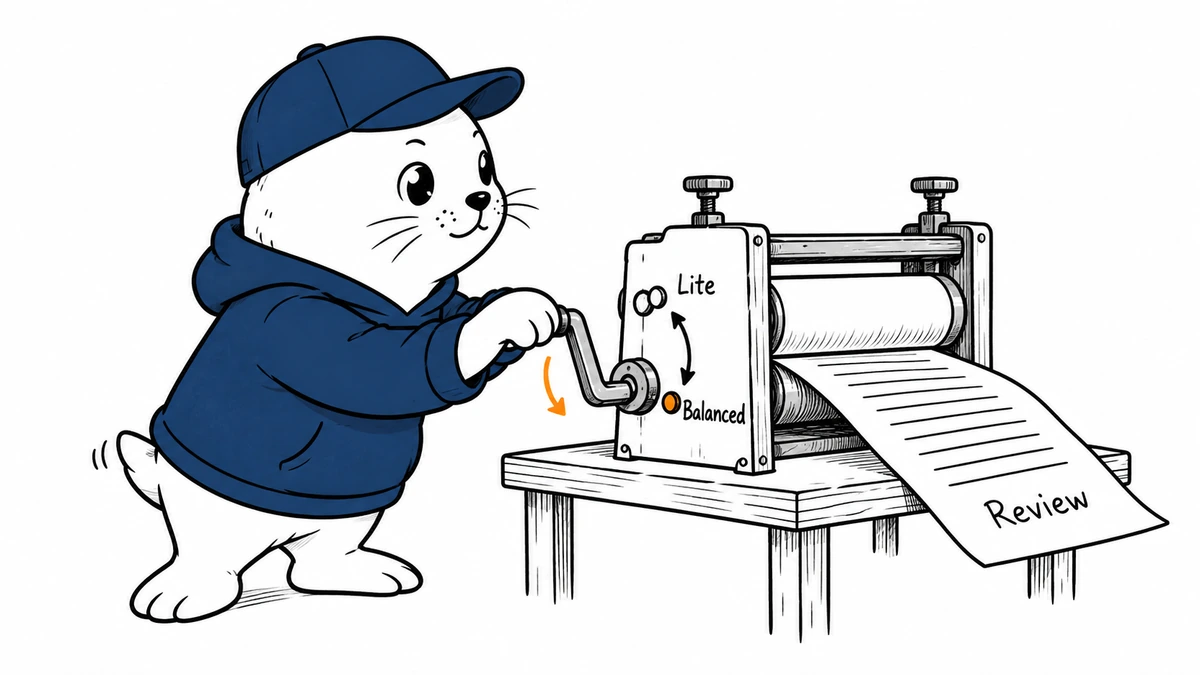
An automated review should start with a deliberate choice about depth. GitHub now lets your own workflow request a Copilot review and select its effort level.
October 8 update: choose who pays for reviews
GitHub added organization billing and review-request controls on October 8. Member billing remains the default. A licensed member’s review consumes that member’s entitlement and fails if the quota is exhausted.
Organization owners can instead charge reviews to the repository-owning organization. This route needs AI Credits paid usage enabled; owners can set a budget. Changing the billing destination does not establish a lower price.
Owners and repository administrators can restrict requests to users with licenses supplied by their organization or enterprise. When the organization enables that restriction, repository administrators cannot disable it. Review the scope in the code-review documentation.
Before changing the setting, identify who owns review spending and who may request a review. In a test repository, exercise an authorized request and an external-license request. Record the billing route and rejection behavior. Keep review effort and merge approval as separate decisions.
What changed on October 2
GitHub’s October 2 announcement confirms REST and GraphQL support for requesting Copilot code reviews. A request can specify review effort. The feature is generally available on Copilot Pro, Pro+, Max, Business, and Enterprise.
The announcement also confirms an earlier change: Default has meant Balanced since September 28. An explicitly selected Lite setting was not switched. Teams using an inherited default should check what actually ran before comparing review results from either side of that date.
Choose effort before you automate requests.
GitHub describes Lite and Balanced as different review depths. Lite suits straightforward changes; Balanced uses a higher-reasoning model for more complex work. Neither setting establishes that a change is safe to merge.
My starting policy would keep effort tied to the consequences of a mistake. A spelling correction can use a lighter pass. Authentication, billing logic, and cross-service changes deserve deeper scrutiny, along with tests and human ownership. File count alone is a poor proxy: a small permissions change can matter more than a large generated diff.
A safe first automation
- Start in a disposable repository with a small pull request and known expected findings.
- Read the current API schema before implementing the request. Do not assume the REST and GraphQL parameter names match.
- Record the pull request, commit, requested effort, and returned request status.
- Confirm that a review appears and that its recorded effort matches your policy.
- Exercise a denied request and a retry. Your integration should report failure clearly and avoid duplicate work.
- Keep the merge decision separate from the request trigger.
This is a proposed acceptance test, not a report of an API integration we have deployed. The distinction matters: sending a request does not prove a review finished, and a completed review does not prove its findings were correct.
Check inherited settings and measure useful findings
You can configure effort at the enterprise, organization, repository, and personal levels. GitHub’s configuration guide is the reference for the applicable controls. Inspect the effective setting where your reviews run rather than relying on an enterprise screenshot.
For a pilot, compare actionable findings, false positives, missed seeded defects, review time, and human repair time. Keep the repository state constant. If you change the effort level and the code at the same time, you cannot tell which caused the difference.
Our Copilot review-metrics guide explains why activity counters are not quality scores. The builds, tests, and agent-firewall guide covers the execution boundary for a deeper review.
Checked October 3, 2026. Product availability and dates come from GitHub. The rollout policy and acceptance test are MustHave.ai recommendations.