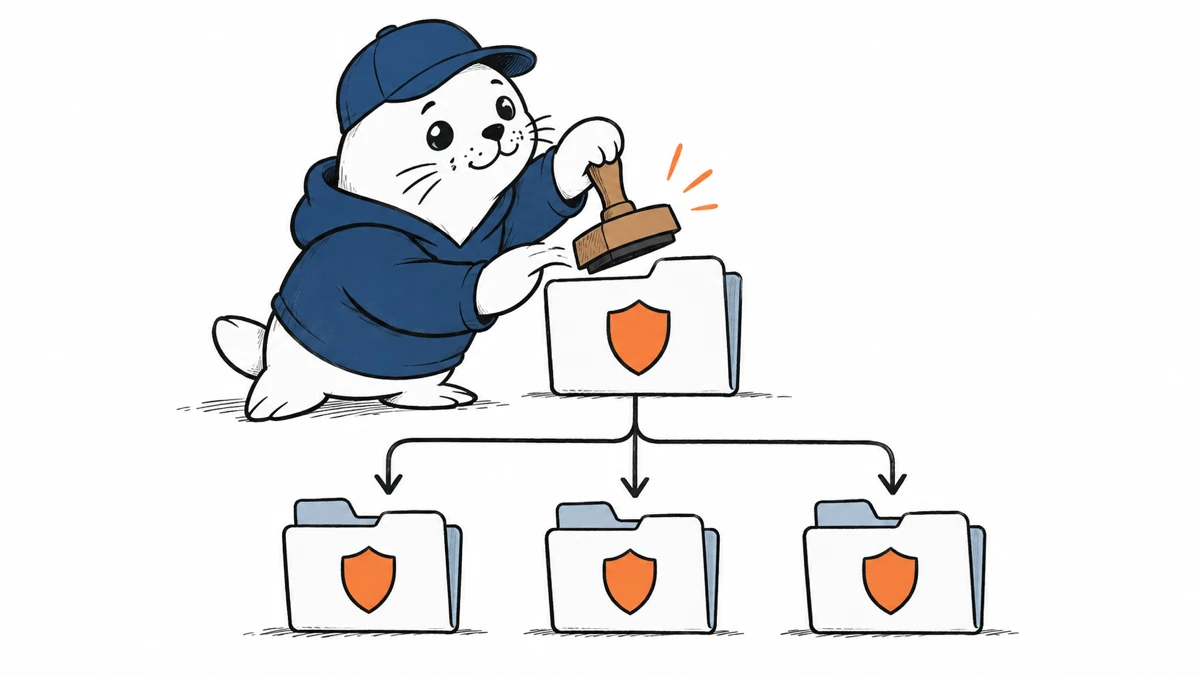
A repository setting can show enabled while a particular pull request remains outside the scanner’s scope. Check the pull request as well as the policy.
October 15 replaces the preview availability
GitHub’s GA announcement makes AI Scan available for public personal and organization repositories. Private and internal organization repositories need Code Security or Advanced Security. A Copilot license is not required.
AI Scan complements CodeQL for additional languages and frameworks. It runs when code scanning and the effective AI Scan setting are enabled. Fork pull requests and Dependabot pull requests are excluded.
A finding does not create a merge block
GitHub says AI Scan findings are advisory. They neither fail the scanning check nor block a merge through ruleset requirements. A team needing a mandatory security review must define and verify that review separately.
The feature consumes Code Security AI Credits, with SKU-level budget controls. Confirm the relevant account’s billing settings before enabling a broad rollout.
Keep the policy and execution records together
This article originally covered the organization and repository rollout APIs. The useful distinction remains: an accepted configuration request does not prove that a scan ran.
- Export current settings before changing policy.
- Verify the effective setting under organization and enterprise controls.
- Choose an eligible test pull request.
- Inspect whether findings appear with the AI indicator.
- Assign a reviewer and record the disposition.
- Check usage against the budget.
Include excluded pull-request types in the coverage report. Otherwise a percentage based only on configured repositories can suggest that more work was inspected than the scanner actually covered.
Measure resolved findings with a consistent window
GitHub’s October 13 security-overview update added AI Scan outcome metrics. Keep findings and resolutions within the same reporting period. Inspect a sample of completed repairs before interpreting a remediation rate as evidence of quality.
I would report effective enablement, eligible pull requests and actual scan outcomes separately. That makes a silent policy override or an excluded request visible to the person responsible for the rollout.
The Agentic Autofix guide addresses the later repair workflow. Our push-protection article covers a separate credential control.
Read the sources and plan your next step
Does your coverage report distinguish eligible pull requests from repositories with an enabled setting?
Checked October 15, 2026. This is source-based reporting and analysis; proposed checks are not hands-on test results.