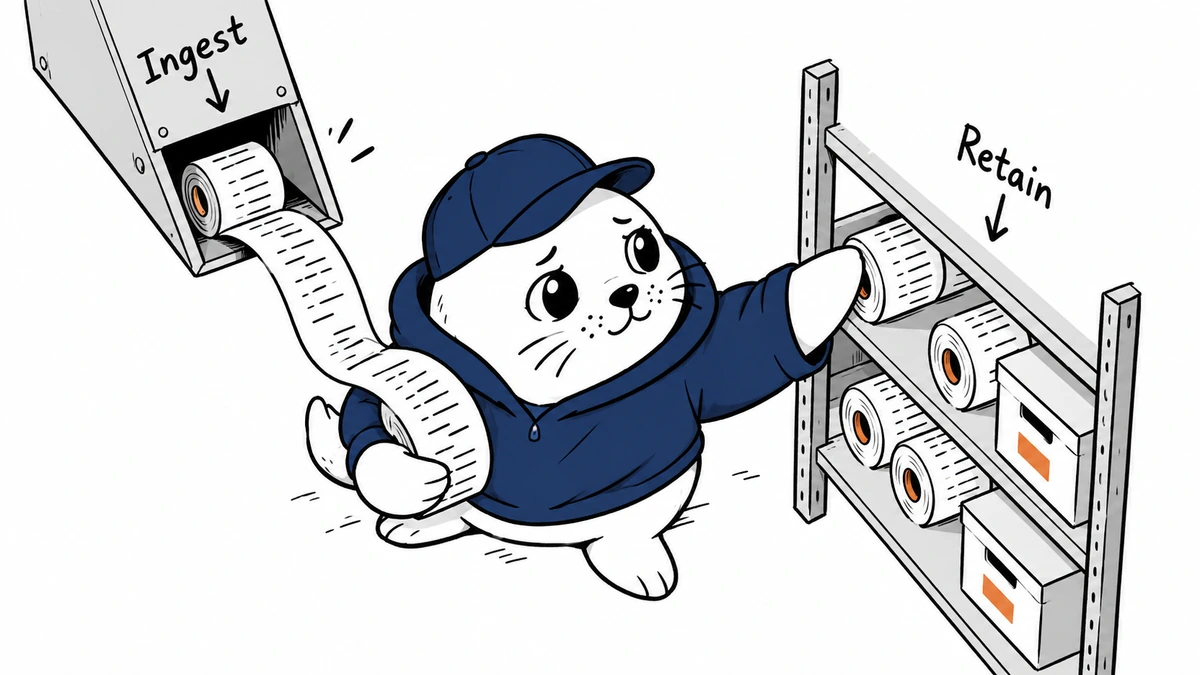
Your AI application can spend money after the model finishes responding. Retained logs and traces deserve their own budget before Cloudflare’s December pricing change.
One logging budget, two meters
Cloudflare’s October 2 announcement brings logs and traces into a shared Observability platform. The pricing transition begins December 1, 2026. This charge did not start on the day of the announcement.
The pricing documentation, checked on October 3, lists a paid allowance of 50 GB ingested and 12 GB-month stored per billing cycle. Overages cost $0.25 per GB ingested and $0.10 per GB-month stored. These allowances are shared across eligible datasets, including AI Gateway logs, rather than granted separately to each application.
Source discrepancy: the announcement lists 10 GB-month of included storage; the current pricing page lists 12. This guide uses the pricing page. Recheck your account’s terms before committing a budget.
A worked estimate for an AI application
Consider a paid account with 120 GB of eligible ingestion and 30 GB-month of storage in one billing cycle. This is an illustrative workload, not measured usage:
- Ingestion: (120 − 50) × $0.25 = $17.50.
- Storage: (30 − 12) × $0.10 = $1.80.
- Combined overage: $19.30, excluding the underlying subscription and other services.
Storage is a time-weighted measure: Cloudflare adds each day’s maximum queryable GB and divides by 30. It is not another charge on the same ingestion total. Unused allowance on one meter cannot be applied to the other.
Decide what you need to retain.
Start with an inventory of events, payload size, purpose, and owner—separate routine success events from errors that need investigation. A full prompt or response can be expensive and sensitive; keeping it should be intentional, not a debugging habit that survived launch.
My first audit would sample routine success traffic while preserving the evidence needed to investigate failures. Test whether a sampled record still links to the request, model, tool call, and incident. Redact secrets before ingestion. Then measure the resulting volume rather than assuming the change saved a specific percentage.
Assign a budget owner across applications. Otherwise, several teams can each believe they are below the included amount even as their shared account exceeds it. Keep an explicit reserve for incident logging rather than silently turning off useful evidence when a service fails.
Check the transition and exceptions.
Existing Workers Observability Free, Pro, and Business customers move automatically on December 1; Enterprise accounts move at renewal. Paid usage continues beyond allowances. Free ingestion stops at 0.5 GB per day and resumes at 00:00 UTC. Unsampled security datasets are separately priced at $1 per ingested GB with 30-day retention and do not use the pooled allowance.
Put those conditions on the rollout checklist. A paid overage and a free ingestion stop have different operational consequences: one affects the bill, while the other can leave a gap in evidence. Verify alerts and incident procedures for the plan your account actually uses.
For related controls, see our AI agent spending guide and Cloudflare production AI controls. Logging costs belong beside model and tool costs in the operating budget.
Checked October 3, 2026. Rates and transition rules come from Cloudflare. The calculation and budgeting workflow are based on MustHave.ai analysis.