The most consequential agent tool is often not an API. It is the browser session that can reach the button the API never exposed.
Playwright Workspaces Remote MCP is a new Microsoft preview that gives MCP-compatible AI agents a managed cloud browser. The remote server exposes 22 tools for navigation, page inspection, interaction, uploads, screenshots and browser diagnostics. Agents can connect without installing Playwright or packaging browser binaries in their own runtime.
Where the remote browser fits
An agent can reason over data and call APIs, then stop when the last step exists only in an admin console, support portal or form. Playwright Workspaces moves that final interaction into a managed service. The agent connects to a workspace-scoped HTTPS endpoint ending in /mcp, opens a session, works through the page and closes the session when the task ends.
| Layer | Responsibility | Key control |
|---|---|---|
| Agent | Plans the task and selects a browser tool | Limit which tools can be called |
| MCP connection | Carries authenticated tool requests | Protect headers and credentials |
| Workspace | Creates isolated managed browser sessions | Set region, network and access policy |
| Website | Presents the page and accepts actions | Require approval for consequential changes |
| Evidence | Records state and diagnostics | Retain only what policy permits |
The tool set is designed around an observe-act-verify loop
- Observe: use a browser snapshot or focused search to understand the current page.
- Act: click or type against a stable snapshot reference.
- Wait: pause for the expected page condition instead of assuming completion.
- Verify: capture the resulting state and confirm that the intended change happened.
- Close: end the browser session and release its state.
This loop is safer than asking a model to produce a long sequence of blind clicks. Pages rerender, dialogs appear, sessions expire and selectors become stale. Verification after every consequential step creates a place to stop before a small navigation error becomes an irreversible action.
Approval belongs before the action, not after the screenshot
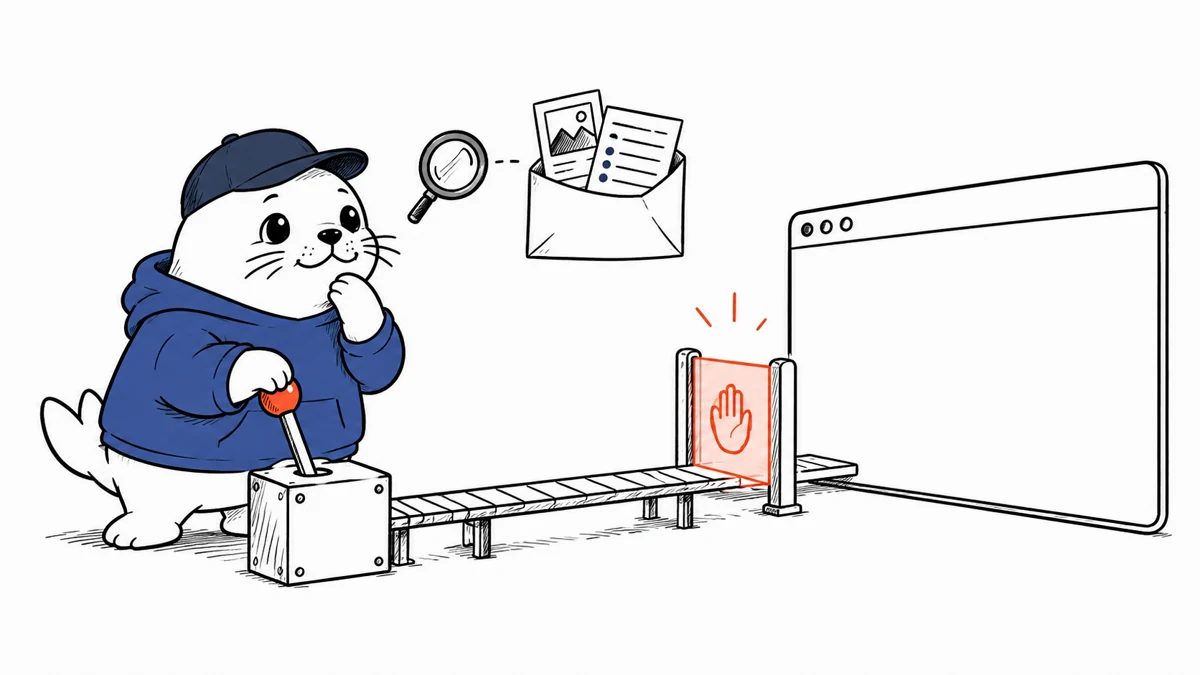
Microsoft’s example configuration supports tool approval. Use it for sending forms, publishing content, changing account settings, uploading files, making purchases or deleting data. A screenshot taken after the click is evidence, but it is not consent.
- Allow read-only navigation by default.
- Require approval for actions with external side effects.
- Show the target domain, element, entered values and expected effect in the approval request.
- Expire approvals after one action instead of granting a session-wide bypass.
- Stop when the page differs materially from the state the user approved.
Our WebMCP permission-boundary guide explains the site-tool side of the same trust problem. The AgentCore OAuth consent guide shows why delegated identity and action approval must remain separate controls.
Private websites expand the risk surface
Playwright Workspaces can use VNet injection to reach internal sites that are not exposed to the public internet. That makes the service useful for enterprise portals, but it also means the browser can cross a boundary that ordinary web agents cannot. Network reach should be allowlisted to the smallest set of origins required for the workflow.
| Risk | Safer default | Verification |
|---|---|---|
| Credential exposure | Use workload identity where possible | Confirm secrets never enter prompts or logs |
| Session crossover | Create isolated sessions per task | Attempt to access another task’s cookies |
| Origin drift | Allowlist approved domains | Test redirects to unapproved origins |
| Prompt injection | Treat page text as untrusted content | Place hostile instructions on a test page |
| Unbounded browsing | Set step and time limits | Run a looping navigation case |
Authentication needs extra care during preview
Microsoft recommends Entra ID. The preview guide also documents workspace access tokens for clients that require a custom header, but those tokens are disabled by default and must be treated like passwords. Never place one in a prompt, repository, screenshot or diagnostic bundle. Scope, rotate and revoke tokens, then verify that server-side logs redact the authentication header.
Live View and diagnostics create useful evidence
Operators can use Live View where available and inspect bounded console, network, snapshot and screenshot results. This evidence helps distinguish a model-planning error from a page failure, timeout or changed application state. It also creates privacy obligations. Recordings and traces may contain account data, internal page content and form values, so retention must match the sensitivity of the workflow.
A safe evaluation plan
- Create a non-production workspace in the required region.
- Connect with Entra ID when the client supports it.
- Start with a local or disposable website and read-only tasks.
- Add explicit approval for every external side effect.
- Test stale pages, dialogs, redirects and injected page instructions.
- Inspect Live View, network, console and screenshot evidence after failures.
- Measure completion rate, approval rate, retries, time and cost per accepted task.
- Do not move the remote MCP preview into a critical production workflow without a new service-status review.
The practical verdict
Playwright Workspaces Remote MCP closes a real agent capability gap: completing controlled tasks in web interfaces without operating browser infrastructure inside the agent host. The preview is most valuable as an evaluation environment for permission design, observability and failure recovery. Its production boundary is equally clear. There is no SLA, access tokens require careful handling and every browser action inherits the risk of the account behind the session.
Primary sources
Checked September 21, 2026. The remote MCP server remains a preview without a service-level agreement.