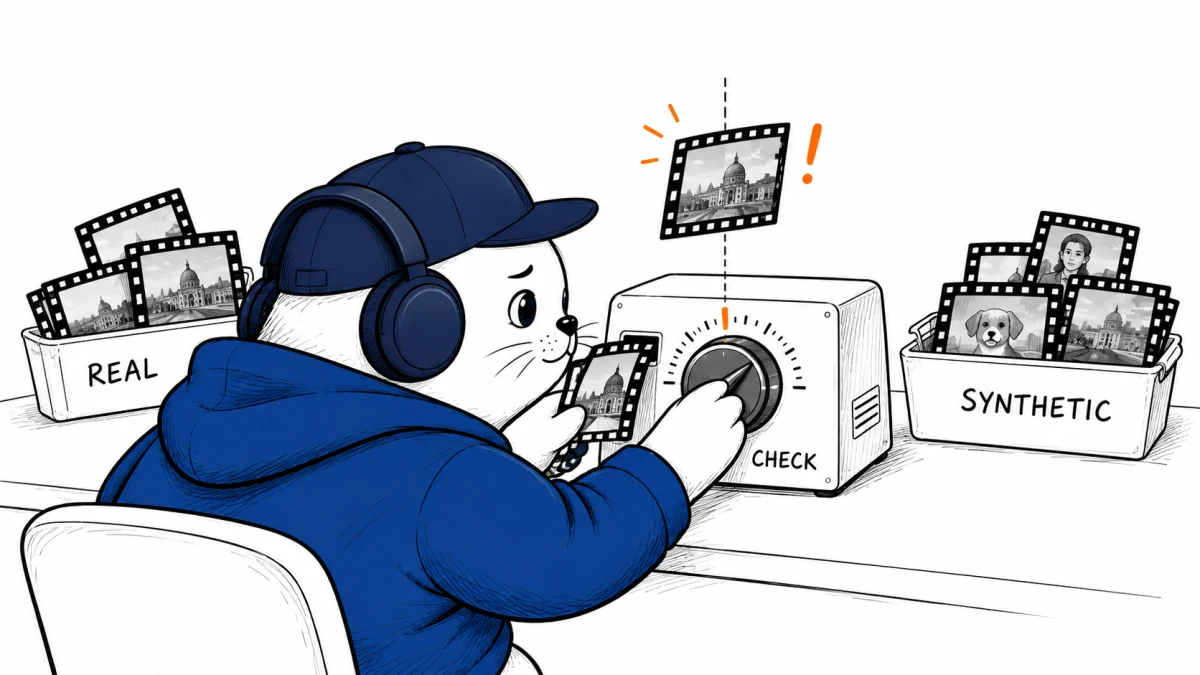
NVIDIA says its updated synthetic-video detector reaches 99.3% accuracy on text-to-video clips. The operating threshold, compression history, and cost of a false accusation still decide whether that number is useful.
NVIDIA announced a larger AI for Media software portfolio on September 9, 2026. The release includes synthetic-video detection, body-pose estimation, frame generation, upscaling, HDR conversion, lip synchronization, active-speaker detection, voice enhancement, and live localization. The detector deserves separate attention because newsrooms may be tempted to treat its probability score as a verdict.
NVIDIA reports 99.3% and 97.7% accuracy
NVIDIA says the updated Synthetic Video Detector reaches 99.3% accuracy on text-to-video content and 97.7% on image-to-video content. These are company-reported figures. The announcement does not publish enough detail about the dataset, class balance, threshold, or error costs to convert them into an expected newsroom false-positive rate.
That missing context is not a minor footnote. A detector can look excellent on a balanced internal set and still generate too many false alarms when authentic clips greatly outnumber synthetic ones in a real queue.
NVIDIA’s own threshold table shows the tradeoff
| Threshold | Synthetic-content accuracy | Real-content accuracy | Operational effect |
|---|---|---|---|
| 0.3 default | 96% | 70% | Catches more synthetic clips but flags more authentic clips |
| 0.5 balanced | 85% | 82% | Reduces false alarms but misses more synthetic clips |
The older table is useful because it exposes the decision hidden behind one accuracy figure. A lower threshold prioritizes catching synthetic material. A higher threshold gives authentic material more room to pass. Neither choice is universally correct.
A 99% score can still produce a messy review queue
Consider a simplified desk that checks 10,000 clips. Suppose only 1%, or 100 clips, are synthetic. Even a detector that catches 99 of those clips and correctly clears 99% of the 9,900 authentic clips would send about 198 items to review: 99 true alerts and 99 false alerts. Half the queue would be authentic.
This is an illustration, not NVIDIA’s measured rate. It shows why base rates matter. A newsroom should track precision, recall, false-positive rate, and review time on its own incoming material instead of copying a vendor threshold.
Compression can weaken the signal
NVIDIA’s deployment documentation accepts MP4 input with H.264 video. Variable-frame-rate video is not supported. The company also warns that transcoding and compression can reduce detection accuracy as compression increases.
That is a real newsroom constraint. Social platforms, messaging apps, editing software, and content-management systems may all re-encode a clip before it reaches a verifier. The tested file may no longer contain the same artifacts as the original generation.
- Preserve the original uploaded file when possible.
- Record codec, frame rate, dimensions, and every known transcode.
- Reject unsupported variable-frame-rate input or convert a copy while keeping the original.
- Run the detector on both the earliest available file and the publication copy.
- Treat a large score change after transcoding as evidence to investigate, not proof of authenticity.
Detection is one signal in a verification stack
A useful workflow starts with provenance metadata and source history, then adds reverse search, frame inspection, audio analysis, geolocation, and contact with the uploader. The detector belongs inside that process. It should not replace it.
- Intake: preserve the source file, URL, uploader, and timestamps.
- Provenance: inspect Content Credentials or other signed metadata before pixel analysis.
- Detector pass: save the model version, threshold, overall probability, and intermediate output.
- Human review: examine high-risk frames and compare them with independent evidence.
- Decision: document who approved publication and what uncertainty remains.
Readers comparing generation systems can use our AI video generator cost guide to understand the tools producing the material. Detection, however, needs a separate evaluation based on the clips a newsroom actually receives.
Deployment requires more than an API call
NVIDIA documents a preview endpoint and a downloadable NIM container. Private deployment requires compatible NVIDIA hardware, Docker, the NVIDIA Container Toolkit, an NGC API key, and program access. The first inference also includes model-loading time, so it should not be used as the latency benchmark.
The broader AI for Media release names Dalet, TwelveLabs, Wowza, Vizrt, Ross Video, and NDI as partners. A named integration does not mean every feature is available in every partner product. Buyers should confirm version, deployment mode, pricing, and whether the detector output appears in an auditable workflow.
My verdict: measure the review system, not the demo
NVIDIA’s reported improvement is promising, and the documented threshold controls are useful. The strongest reason to test the tool is not the 99.3% headline. It is the chance to build a repeatable intake and escalation process around a versioned detector.
Start with a labeled sample from your own archive, including heavily compressed social clips and authentic material likely to confuse the model. If the team cannot explain what happens to borderline results, it is not ready to attach authenticity labels to public reporting.
Read the primary documentation
- Read NVIDIA’s AI for Media announcement.
- Check the input and inference requirements.
- Review NVIDIA’s threshold and internal accuracy table.
- For an adjacent editing workflow, see Adobe’s latest Premiere and After Effects AI update.
Checked September 9, 2026. Accuracy figures and partner claims are NVIDIA-reported. The 10,000-clip example is a MustHave.ai base-rate illustration, not an NVIDIA test result.