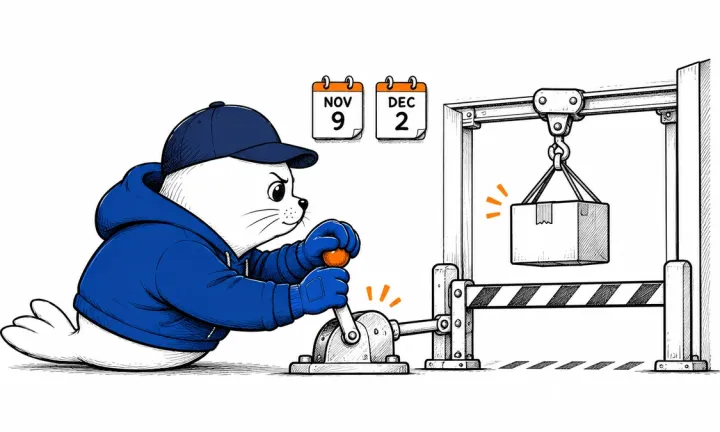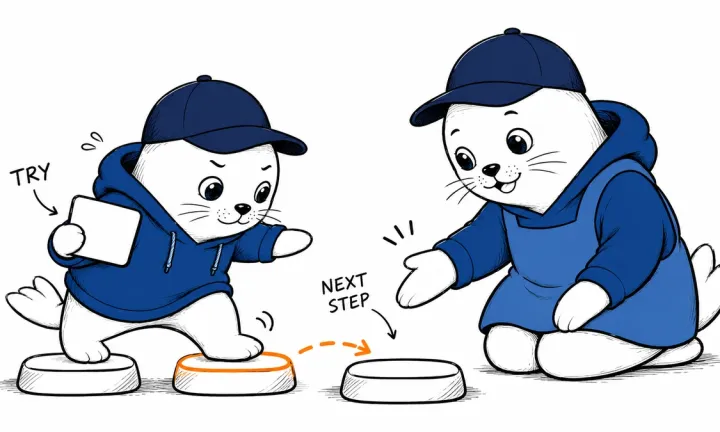


An isolated coding agent needs a place to keep work after its sandbox ends. A persistent Drive solves that storage problem, but its snapshots and region rules shape how a team can share the result.
Vercel Sandbox Drives entered public beta on September 22, 2026, for Hobby, Pro, and Enterprise. A Drive mounts as a directory inside a Vercel Sandbox and persists after that sandbox stops. Another sandbox can later mount the same Drive. Vercel suggests agent workspaces, on-disk memory, datasets, model files, and dependency trees as uses.
What persists between agent runs.
A sandbox is a temporary execution environment. A Drive is a separate storage object mounted at a path such as /data. Files written under that path survive when the sandbox shuts down; files written elsewhere in the sandbox should not be treated as persistent. That path boundary is the first thing to test when moving an existing agent.
For a coding agent, keep the repository, generated artifacts, or reusable dependencies on the Drive only when another run must read them. Store run logs and final output separately if they need different retention rules. Persistence is useful, but it also preserves accidental secrets and stale intermediate files unless the application cleans them up.
One writer, several snapshot readers
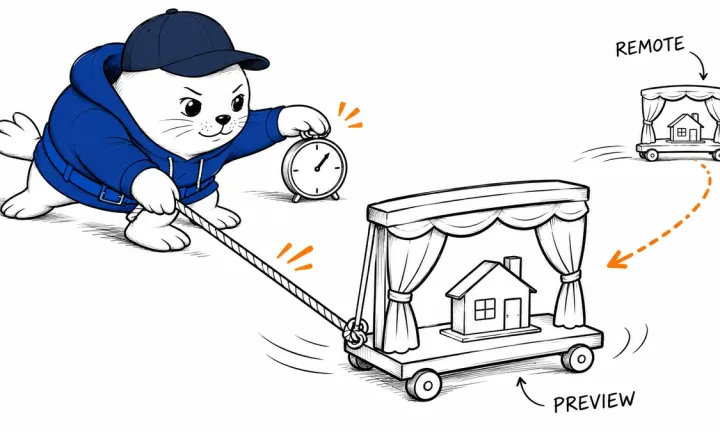
Vercel allows one read-write mount for a Drive at a time. After data has been written, multiple sandboxes can mount point-in-time read-only snapshots concurrently. A snapshot reflects the Drive when it is mounted; later changes require a new snapshot. That enables a simple review pattern: one build agent writes a result, then test and audit workers inspect a fixed version without changing it.
The snapshot is not a collaborative filesystem with several live writers. If two agents must edit the same project, serialize writes or use an application-level merge process. Record which snapshot each reviewer saw so a later change to a Drive does not silently alter the evidence behind an approval.
Limits and the regional constraint
Each sandbox can mount up to four Drives at distinct paths. The default maximum Drive size is 1 TiB, except 1 GiB on Hobby, and Vercel says the limit can be configured up to 16 TiB. Drives are offered in every Sandbox region, but each Drive remains in its creation region. A sandbox mounting it must run there and cannot use a failover region.
That regional rule is operationally important. If your agent normally fails over between regions, a persistent Drive can pin that part of the workflow to one location. Plan export, backup, and recovery before storing the only copy of a customer deliverable on it.
A cost example from Vercel’s rate card
Vercel lists $0.05 per GB-month stored, $0.0015 per GB read, and $0.004 per GB written. A workload averaging 100 GB stored for a month, reading 200 GB and writing 50 GB would cost about $5.50 in Drive usage at those rates: $5 storage, $0.30 reads, and $0.20 writes. This example excludes sandbox compute, other services, taxes, and any plan allowance. Hobby includes 15 GB storage and 30 GB each of reads and writes per month.
For agent workloads, repeated dependency installation can move many gigabytes. Measure actual read and write volume before assuming that persistent storage always saves money. The value may be faster reuse and reproducibility, not the lowest possible storage bill.
A safe first deployment
- Create a Drive in the same region as the sandbox that will write to it.
- Mount it at one explicit directory and write a small test file there.
- Stop the sandbox and start another; confirm the file persists.
- Mount a read-only snapshot in a second sandbox and confirm it cannot modify the original.
- Write a new version, then confirm the old snapshot stays fixed.
- Document cleanup, secret handling, backup, and regional recovery.
Our Copilot sandboxing report explains why execution isolation and persistent storage are separate concerns. The Benchling agent security analysis covers the network and data-exfiltration boundary around code-running agents.
Primary sources
- Vercel: Sandbox Drives public beta
- Vercel Sandbox Drives documentation
- Vercel Sandbox regional pricing
Checked September 24, 2026. The $5.50 example is a MustHave.ai calculation from Vercel’s published iad1 rates.

Abdessalam Alaoui
I'm Abdessalam Alaoui, founder of Musthave.AI. I write practical guides to AI models, tools, generative media, and ways real people make money with this stuff. No press-release fluff. 20+ years shipping digital products; you'll also find my work around HowTik, Yumasty, and IncomeHelpful.