

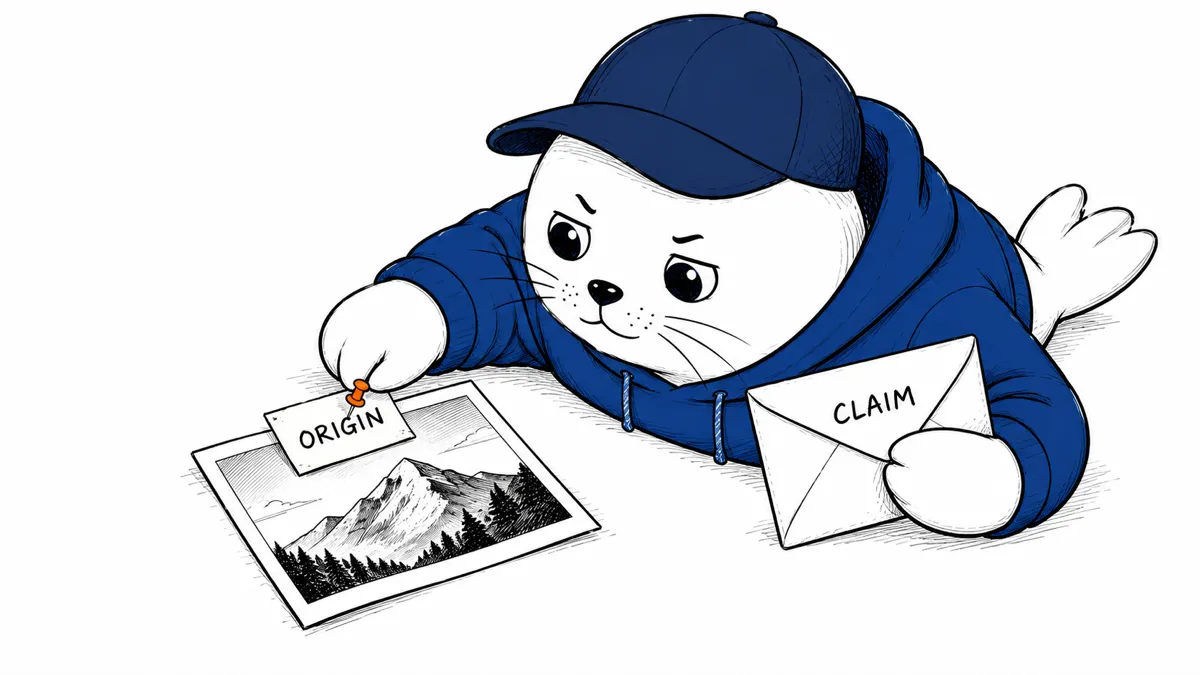
A clip can be accurately labeled as AI-generated and still make a misleading claim. Keep the file’s origin separate from the story it tells.
What Google announced
Google’s October 7 announcement expands SynthID Detector access globally in English. It names image, video, and audio support for Google and partners including OpenAI, NVIDIA, and Kakao. Apple support is described as forthcoming, not already available.
The announcement links to the standalone detector. We have not completed a hands-on upload test, so this article does not give unverified file-size limits or promise an identical interface for every account.
A watermark answers a narrower question than truth
Google’s Gemini verification documentation explains that a detected SynthID watermark can indicate that content was created or edited using supported AI models. That help page describes Gemini’s verification surface; do not assume every standalone-detector feature is identical.
A missing detection cannot establish that a file is human-made. The practical reason is scope: a check for supported watermarks does not cover every possible creation process. Likewise, identifying an AI edit does not tell you which factual claim in a caption is correct.
Keep a small evidence record
For an editorial check, preserve the original file you received. Save the detector’s exact response with the date and tool used. Keep the caption or allegation in a separate field. This proposed record avoids turning a narrow tool response into a broad verdict.
- Record where you obtained the file.
- Preserve an unedited copy.
- Save the tool’s exact response.
- Note whether the response concerns the whole file or part of it.
- Check the caption against the original source of the event.
- Describe uncertainty without converting it into proof.
Consider a synthetic image used to illustrate a real announcement. Its origin and the announcement’s accuracy require different checks. A photo of a real event can also circulate with the wrong date. Neither problem is solved by an origin label alone.
Use careful wording when sharing a result
Write “the tool reported a supported watermark” when that is what the result says. Avoid “this proves the story is false.” If the tool reports no detection, preserve that wording instead of calling the file authentic. These are editorial recommendations, not accuracy measurements of the detector.
Our TextGrain coverage discusses a related origin boundary. The AI-content checklist covers verification before publishing.
Follow the claim back to its source
I would use the detector as one entry in a verification record. Before sharing a consequential clip, find the original announcement, recording, or document. What claim does the caption ask you to believe?


