A new instrument can fit neatly into your studio while sending more of the session off your computer than its small window suggests.
Suno Bridge is a beta application for generating audio into an Ableton Live session on Mac. Its documented access requires a Suno Premier account. The download is free, but generation uses credits.
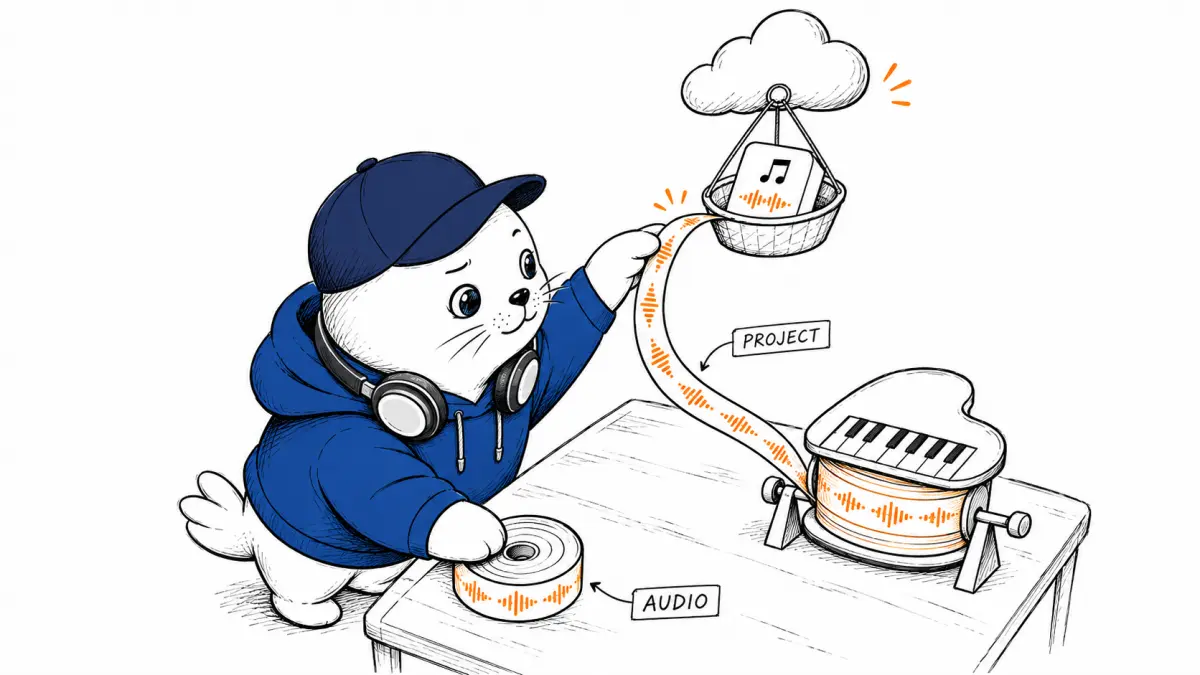
The important workflow detail is the upload. Suno’s instructions, edited November 13, 2026, say opening a session in Bridge uploads the selected Ableton project and its audio files to the Suno account. A producer should understand that boundary before connecting a client session.
This guide explains the documented workflow and develops a proposed pilot using original sample material. MustHave.ai has not installed Bridge, uploaded a session, or measured its output. The budget examples are calculations using stated assumptions.
Check the studio requirements before planning a session
The guide lists Mac and Premiere as requirements. Its setup section recommends Live 12; its FAQ describes beta compatibility as Live 12 or later. It also says a generation uses ten credits.
A producer on Windows or another digital audio workstation should not plan around the beta as though equivalent access were available. A promised future expansion is different from a supported workflow you can use for today’s deadline.
Confirm your exact software version, account, and available balance before beginning. Save those details with the pilot notes. If a problem appears later, you can distinguish a changed application from a different account allowance.
The official Bridge page is the starting point for access. A zero download price should not be presented to a collaborator as zero production cost. Keep subscription access and metered generation separate in the estimate.
Choose a session you are allowed to upload
A sensible pilot can use a short original recording made specifically for the experiment. Keep it separate from paid client work, licensed sample collections, and private recordings. This is a recommended evaluation setup, not a claim that those materials are automatically prohibited.
Make a source list before connecting anything. For each audio file, note who created it and whether the intended upload fits the permission you have. Owning a project file does not answer every question about the recordings inside it.
Ask collaborators about the exact action you propose. “Can we work on the song?” is broader and less informative than “Can I upload this version and these recordings to this service?” A clear request lets the owner decide with the relevant facts.
Suno’s documentation says it requests permission for audio files it cannot access. That software prompt cannot replace a collaborator’s permission to use the material. Technical access and contractual permission answer different questions.
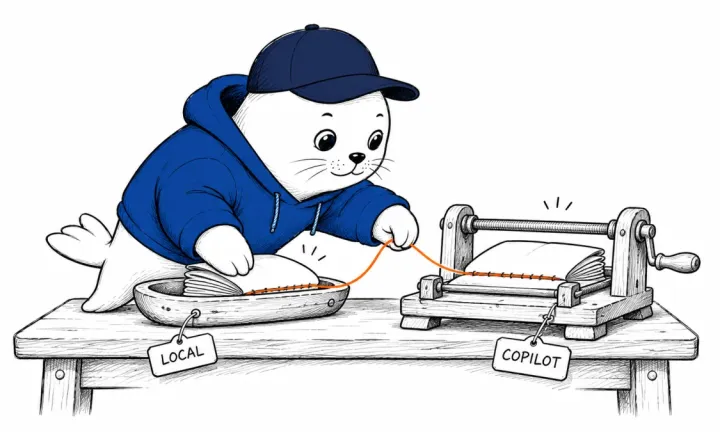
Keep a local original and a deliberate pilot copy
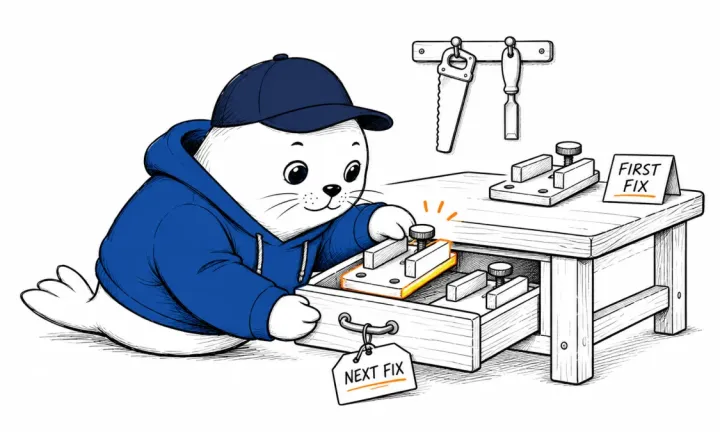
Save the original session before making a pilot copy. Give the copy a name that identifies its purpose and date. This is ordinary production hygiene that makes it easier to compare the earlier arrangement with later changes.
Inspect the copy for material the exercise does not need. A pilot asking for one accompanying texture doesn’t need to include unrelated private recordings just because they were collected in the same production folder.
Record which project you select when Bridge opens the session. If you later change files in that copy, note the change before another generation. Otherwise, a different output could reflect changes to source material as well as instructions.
Do not describe the pilot as local-only processing. The documented path includes a remote upload. For work with confidentiality obligations, resolve that step with the relevant owner before testing.
Define the sound before asking for a take
The official workflow uses a selected region in Live, a description of the desired sound, and a generation step. The resulting audio goes onto the timeline. You can switch Auto Insert off, and generated clips can be edited like regular audio.
For a proposed test, write a short production brief: add a restrained percussion texture to a selected passage without obscuring the lead instrument. Decide what counts as success before hearing the generated candidate.
A useful acceptance sheet might ask whether the phrase enters at the intended point, leaves space for the vocal, and remains useful after ordinary editing. Those are musical judgments you can explain to a collaborator.
Keep the first comparison narrow. Change the sound description while holding the region and source session constant. If you also alter the arrangement, you lose a useful reference for deciding why one candidate works better.
Budget the takes you reject
Use the documented ten-credit generation cost to calculate an initial allowance. A hypothetical pilot with twelve generations consumes 120 credits at that stated rate. It does not promise twelve usable clips.
| Takes | Credits used | Clips kept | Credits per clip |
|---|---|---|---|
| 12 | 120 | 4 | 30 |
| 12 | 120 | 2 | 60 |
| 8 | 80 | 4 | 20 |
The acceptance counts are invented examples, not Bridge measurements. They show how selection changes the effective cost. A better brief can be worth more than another batch of candidates if it reduces avoidable rejection.
Add your review time separately. Suppose the first scenario needs two minutes to audition each take and another twelve minutes to arrange the accepted clips. That is 36 minutes of work around the generation process, before any final mix review.
Keep time and credits in separate columns until you have an actual credit purchase price and a labor assumption. Combining them too early can hide the reason a workflow became expensive.
Review the result inside the arrangement
A clip can sound attractive in isolation while competing with a vocal or changing the track’s character. Audition it against the same passage at a consistent listening level. Include a comparison with the arrangement before the addition.
Write down why a take fails. A timing mismatch needs a different response from an unwanted texture. A wrong instrument suggests another description; a cluttered arrangement may call for removing a part instead of generating more material.
Set a stop rule for the pilot. For example, stop after twelve generations or after accepting four clips, whichever comes first. This is a suggested experiment boundary, not a product limit. It prevents an open-ended search from becoming the default workflow.
Before handing the project to someone else, check that the necessary audio travels with it. The help guide recommends Live’s Collect All and Save command for generated files. Confirm the receiving collaborator can open the intended version.
Decide whether the integration saves useful work
Compare the pilot with your normal way of creating the same part. Count setup, listening, editing, and permission work. A tool that reduces file dragging can still leave musical judgment as the largest time cost.
The result you want is a session you can finish and explain. Keep the selected source project, the accepted audio, and the reason you chose it together. That record supports revisions without promising that a generation can be reproduced identically.
For artwork and video, read our Suno Visuals budget guide. Its separate Visual credits should not be mixed into the Bridge audio calculation. Our MIDI-input coverage addresses another route to music creation.
What would make Bridge useful in your studio: a better first take, fewer file transfers, or an easier way to explore an arrangement?

Abdessalam Alaoui
I'm Abdessalam Alaoui, founder of Musthave.AI. I write practical guides to AI models, tools, generative media.