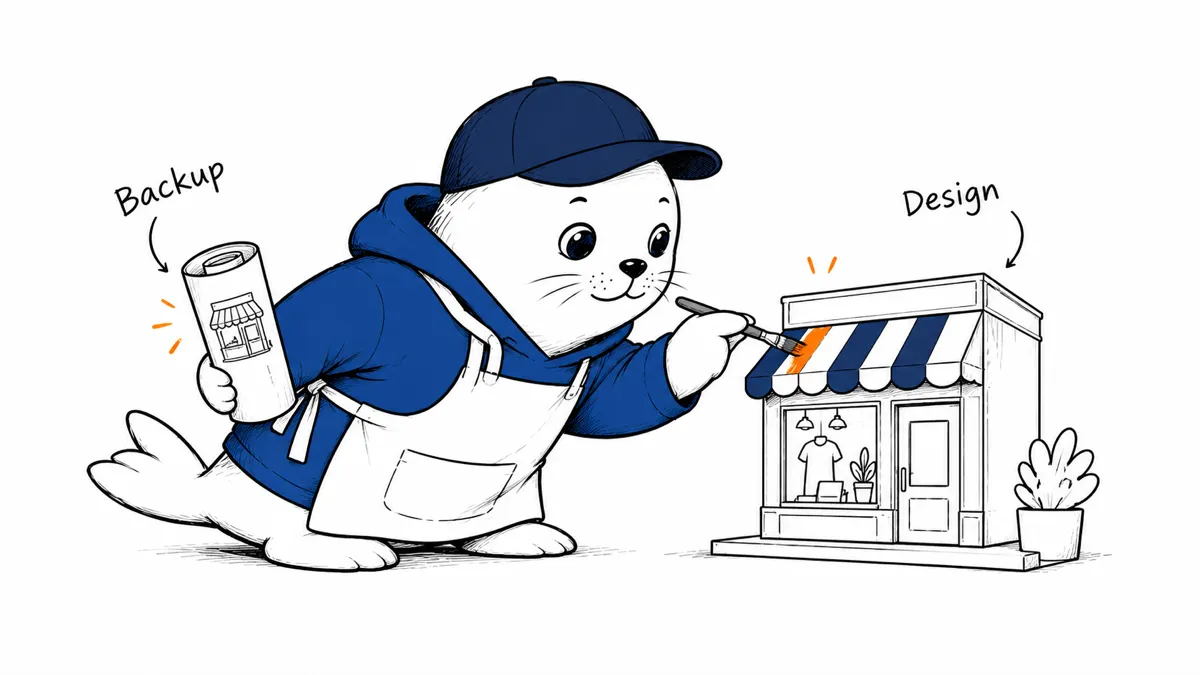
Shopify’s new Canvas workspace brings AI-assisted theme editing into a visual environment. Before using it on a live shop, merchants need a backup and a repeatable way to test the result.
What Shopify announced
Shopify introduced Canvas on October 1. Its announcement describes a workspace that displays multiple templates and uses Sidekick to help make changes to theme files. Shopify says access is rolling out; that doesn’t mean every store already has the feature. Its help documentation limits Canvas to selected stores and desktop use. Canvas does not replace the existing theme editor: Shopify announcement, Canvas documentation.
The important distinction is between previewing a design and approving a working storefront. A page can look convincing while its navigation, product options, or cart behaves incorrectly. An AI-assisted edit still needs the same review as a manual theme change.
Start with a copy, not the live theme.
Shopify’s documentation recommends experimenting on a theme copy. Give that copy a clear name and record what you intend to change. “Improve the store” is too broad to evaluate. “Make the product title readable on a narrow phone screen” gives you a visible acceptance condition.
Keep the first task small. Review the changed template before asking for another change. If several changes arrive together, a broken element becomes harder to trace.
A merchant’s review checklist
- Keep a recoverable copy of the current theme.
- Check the homepage, collection page, and product page separately.
- Test long product names, sale prices, and unavailable variants.
- Follow the cart and checkout journey; a visual preview is not a completed purchase test.
- Check mobile layout, keyboard navigation, and visible focus indicators.
- Review any app blocks affected by the edit.
- Compare the result against the original task and record how to undo it.
Where Canvas fits
Treat Canvas as a design and editing workspace, not as proof that a store is ready to launch. For a wider comparison of AI shopping assistance and store operations, see our ChatGPT ecommerce versus Shopify guide. Browse the tools directory when comparing other workflow options.
Editorial takeaway: publish a theme change only when the shopping journey works, not merely when the screenshot looks better.