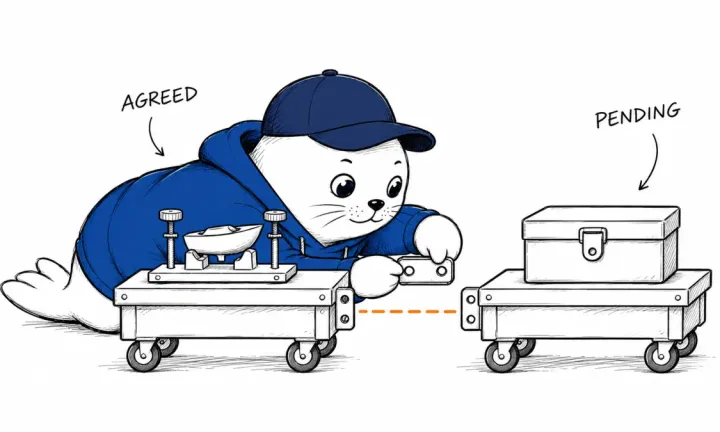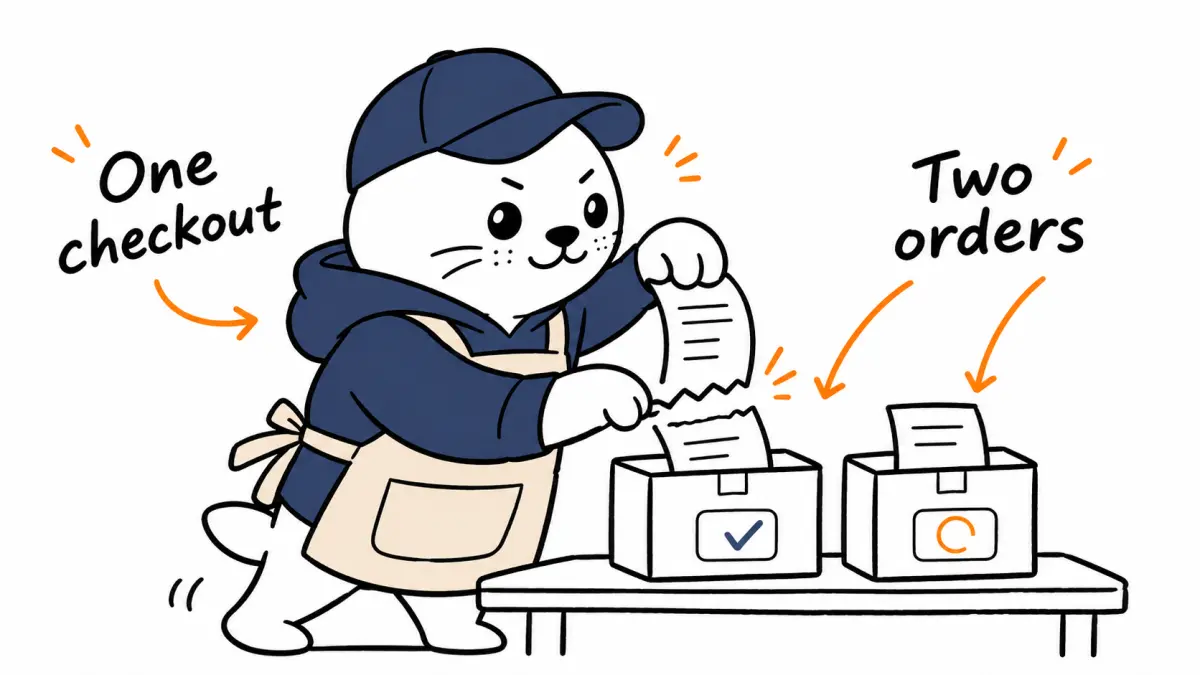
A shopper can approve one checkout while the application still has several merchant orders to reconcile.
Shopify’s Universal Checkout early access lets partners combine carts from multiple Shopify merchants into a Shop Pay experience. Its November 20 developer explanation follows the Fall ’26 announcement and documents questions raised by early partners. The practical opportunity is a shopping application that can carry a buyer from discovery to reviewed purchase across stores.
The implementation deserves careful reading. Each merchant still receives its own order and charge, with its own fulfillment and return rules. Access is by request, and the integration guide warns that tool names and response fields can change before general availability. Treat the published workflow as an early-access integration contract.
Map the buyer’s decision to merchant outcomes
A combined presentation can make the purchase easier to understand at the moment of approval. Afterward, the application needs to explain what happened at each store. The customer may receive different delivery estimates, separate confirmations, and distinct return instructions. The confirmation screen should make those relationships visible.
Start the design with the information a buyer will need the next morning. They should be able to identify the merchant responsible for an item, its order reference, and the support route. A single success message gives too little information if one store is still processing its part.
Keep the combined session reference beside individual merchant references in your own records. This lets support staff move from the customer’s account of the purchase to the order they need to investigate. Use the provider’s identifiers and documented states rather than inventing a single local status that loses the detail.
Test incompatible carts before the payment presentation
The guide describes carts that cannot combine, including those using different currencies. During early access, an incompatible set returns separate checkout links and an explanation instead of a combined link. The application needs a visible fallback that preserves the items the shopper selected.
A proposed fixture contains one cart in each of two currencies. Request the checkout and inspect the returned links. The expected interface should explain why the orders need separate steps. It should keep the merchant names, currencies, and item totals together so the buyer can decide whether to continue.
Run this exercise before polishing the happy-path animation. An incompatibility is a normal condition that a buyer can understand. Hiding it behind a generic error discards the useful explanation the integration provides and makes the product seem less reliable than it needs to be.
A completed merchant can have unfinished neighbors
Once a compatible session starts, the guide documents partial outcomes. A completion event for one merchant can arrive while other shops remain active. Closing the presentation at the first completed order can interrupt the rest of the purchase. The application needs to retain per-shop state until the documented session outcome is known.
Consider a fictional purchase from Store A and Store B. A completes and returns its order reference. B remains active. The buyer should see A’s confirmed order while B’s progress remains visible. If B later needs another attempt, the application should preserve A’s confirmation throughout recovery.
| Observed condition | Buyer-facing response to design | Record to preserve |
|---|---|---|
| Carts cannot combine | Explain and offer separate checkout links | Original carts and explanation |
| One shop completes | Show its confirmation while others continue | Merchant order reference |
| A shop needs a retry | Explain which part remains open | Successful sibling orders |
| Buyer closes the window | Show the last verified outcome | Session and merchant states |
Prevent a retry from becoming a second purchase
A retry should begin with reconciliation. Inspect the existing session and the references already received before creating another purchase attempt. The dangerous moment is a timeout after an action whose result the application has not yet observed. Repeating the entire request can create ambiguity for both the buyer and support.
Write the recovery instruction in ordinary business language. For example, the customer has a confirmed Store A order and still needs to finish Store B. That statement gives the interface, logs, and support reply a common meaning. The engineering implementation must then match that meaning to the provider’s documented events.
Keep a record of the buyer’s original approval and the items it covered. If the remaining cart changes during recovery, the shopper needs to review the changed purchase. A stale summary can make an otherwise correct retry confusing when shipping costs or inventory have moved.
Returns need merchant-level explanations
One checkout does not create a common return policy across unrelated sellers. A buyer returning a single item needs the responsible merchant’s conditions and order identifier. Put that information near the item rather than making the customer reconstruct the original session.
A useful support rehearsal asks a teammate to locate one item, its seller, and its return route from the confirmation alone. If they need an engineer to look up the relationship, the customer-facing record is incomplete. Fixing that gap before launch is usually easier than interpreting several confirmation messages after a complaint.
Keep delivery and refund language precise. If the application has only received an order event, state the order’s verified status. Claims about dispatch, arrival, or refund completion need their own evidence from the relevant system. This helps founders avoid turning an interface shortcut into a promise the merchant has not made.
Measure a usable checkout
A founder evaluating the integration should measure how many intended purchases reach a clear final outcome. Record incompatible carts, abandoned presentations, partial completions, and the time spent resolving them. A high number of checkout starts can coexist with a confusing experience after payment.
Use a small set of permitted test cases before inviting customers. Include a normal combined purchase, an incompatible set, and a recovery path. Preserve the event sequence and the screen shown at each step. These records will help the team distinguish a product problem from an ordinary merchant constraint.
The broader MustHave.ai commerce guide explains the relationship between discovery and store operations. Universal Checkout adds a specific implementation opportunity inside that relationship. Its value depends on how clearly the application handles every merchant’s result after the buyer approves.

Abdessalam Alaoui
I'm Abdessalam Alaoui, founder of Musthave.AI. I write practical guides to AI models, tools, generative media.