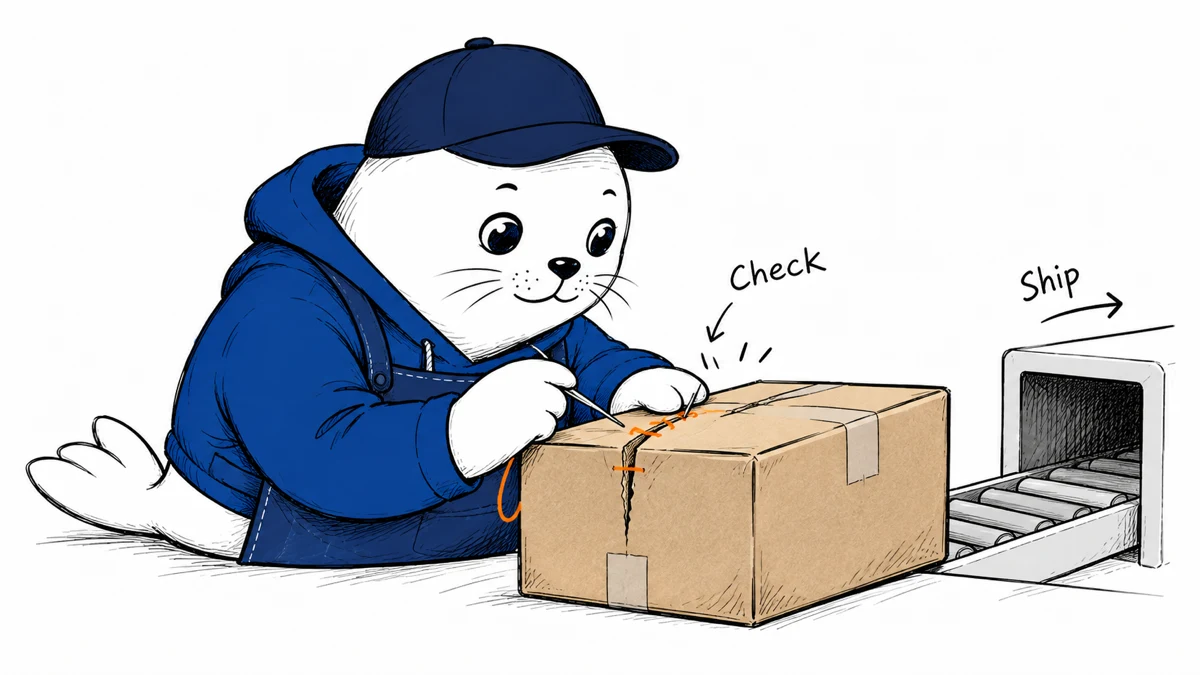
An AI coding agent can quickly produce a repair. Your release process still needs evidence that the repair protects the right boundary.
October 20 update: expand the security checklist
Shopify’s new security notice asks app developers to act this week. It adds an operational checklist around the scanner: expiring tokens, request-log review, and tighter account access.
- Plan migration to expiring access tokens. Shopify says these will soon be required for public apps; this notice gives no exact deadline.
- Review API request logs, including client-IP filters, for suspicious patterns.
- Treat rendered values as untrusted input and apply escaping and sanitization.
- Enable two-step authentication on accounts that can affect the app. Remove obsolete access.
- Confirm that the emergency developer email reaches someone who can respond.
Shopify also announces plans for tighter storefront-code boundaries, IP restrictions, and higher App Store security requirements. It says details and timelines will follow. Do not treat those future changes as fully specified current requirements.
For the first review, choose one test merchant and trace a token from issuance through storage, use, and expiry. Verify that expiry stops access as intended. This is a proposed check, not a test we performed.
The command focuses on common Shopify app issues
Shopify’s October 15 announcement introduces shopify app security check. It examines app code, extension configuration, and dependencies through the AI Toolkit and Shopify CLI workflow.
The company describes support for public and custom apps across frameworks. Findings include the affected location, severity, explanation, and a suggested repair. Shopify also publishes the engine in its CLI repository.
Review one finding from trigger to fix
Save the original finding and identify the request or user action that reaches it. A patch should address that behavior in the application, not merely make the scanner stop reporting it.
To check for a possible store-isolation issue, repeat the request in two separate merchant contexts. Verify that each can reach only its own data. Use test records and preserve the expected denied response.
Keep generated repairs narrow
- Record the source revision and scanner result.
- Review the highest-impact finding first.
- Inspect the proposed patch for unrelated changes.
- Repeat the original failure case after the repair.
- Check the expected successful path as well.
- Run the command again before release.
A test that only exercises the newly added condition may miss an alternative route to the same data. Check where the application performs authorization and whether other handlers share that path.
This is a proposed review method. We have not run the new command against a production Shopify app or measured its detection rate.
A clean report has limited meaning
Shopify explicitly says the command complements existing tools and review. Treat an empty result as the tool’s outcome for that revision and configuration. It cannot establish the absence of vulnerabilities.
I would keep a short release record linking each important finding to its patch and verification. That gives the next reviewer a reason to trust the change beyond the agent’s explanation.
Our GitHub push-protection guide covers credential exposure. The updated AI Scan guide covers GitHub’s separate advisory pull-request scanner.
Read the sources and plan your next step
Which app boundary would you verify first after a generated security repair?
Checked October 21, 2026. This is source-based reporting and analysis; proposed checks are not hands-on test results.