A benchmark is useful only when the load generator is not the slowest part of the system it claims to measure.
NVIDIA now describes AIPerf as the designated successor to GenAI-Perf. The GenAI-Perf repository says the older tool is being phased out and will not receive active new features. NVIDIA’s September 18 tutorial is therefore best read as a migration signal and operating guide, not as the first release of AIPerf.
Why NVIDIA rewrote the benchmark path
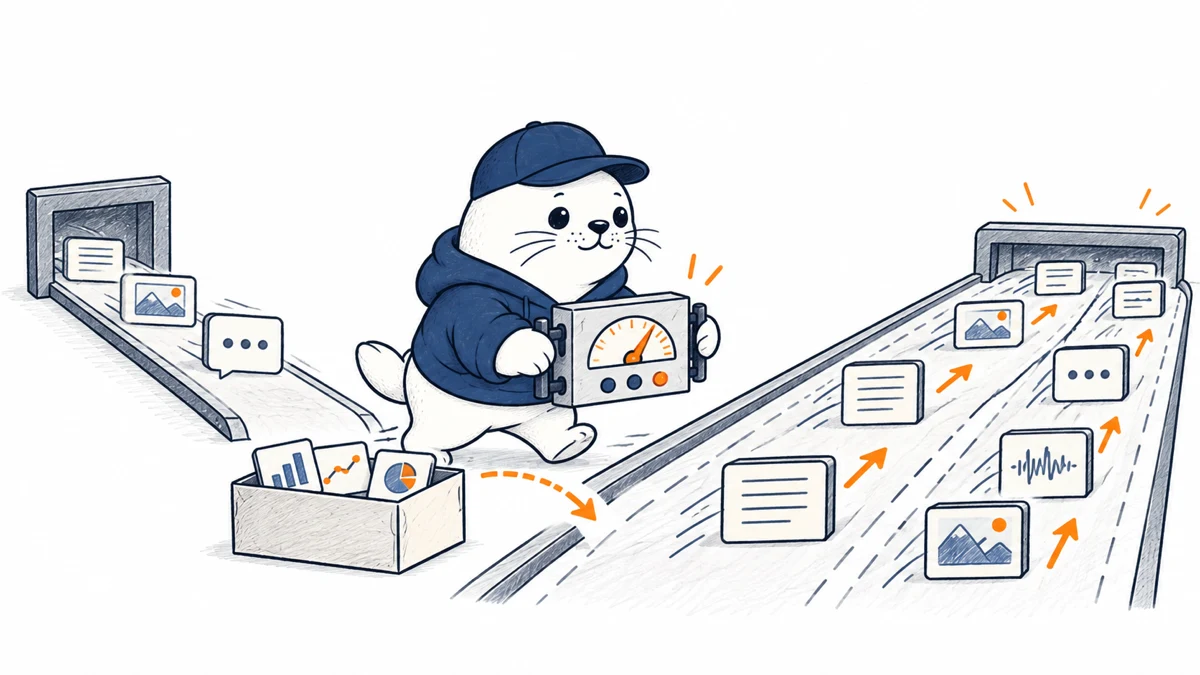
At high request rates, one client process can run out of CPU, sockets or scheduling capacity before the inference server reaches its limit. The result looks like a server plateau even when the client is the bottleneck. AIPerf uses multiprocess load generation so work can be distributed and the client ceiling can be observed rather than hidden.
The migration is about workload shape as well as commands
| Dimension | What to preserve | What to revalidate |
|---|---|---|
| Endpoint | Model, protocol and server settings | AIPerf endpoint adapter and authentication |
| Inputs | Prompt and output-length distribution | Tokenizer, dataset parser and sampling |
| Traffic | Concurrency or arrival-rate intent | Constant, Poisson, gamma or replay configuration |
| Metrics | TTFT, inter-token latency and request latency | Percentiles, warm-up and aggregation semantics |
| Hardware | Server topology and model build | GPU telemetry and client resource use |
Choose a traffic model that matches the service
- Constant arrivals are useful for a controlled capacity sweep.
- Poisson arrivals approximate independent user requests with natural gaps.
- Gamma arrivals can represent more or less bursty traffic than a Poisson process.
- Dataset replay preserves realistic prompt and output-length diversity.
- Trace replay is strongest when production timing can be shared safely.
Do not compare one tool’s fixed concurrency run with another tool’s bursty arrival-rate run and call the difference a server improvement. The workload contract must be written down first.
Preserve the metric definitions
AIPerf reports metrics including time to first token, inter-token latency, request latency and output throughput. Record the percentile method, completed and failed requests, warm-up period, timeout, streaming mode and whether retries are included. A p99 latency from a short clean run is not comparable with a p99 that includes timeouts and retries.
Watch the benchmark client itself
Monitor client CPU, memory, open connections and network throughput while the server is measured. Increase the number of load-generator processes and, if needed, hosts. If server throughput rises when client capacity increases, the earlier result was client-limited. GPU telemetry through DCGM or pynvml can help connect latency changes with utilization, memory pressure and power behavior.
A safe side-by-side migration procedure
- Freeze the model build, server version, hardware and dataset.
- Export the complete GenAI-Perf command and environment.
- Map each option through the official AIPerf migration guide.
- Run a low-load correctness test before a capacity sweep.
- Compare request counts, failures and token distributions.
- Scale the AIPerf client until client resources have headroom.
- Run at least three repetitions and report variance.
- Keep the old result until the metric definitions match.
For edge deployments, pair the method with the TensorRT Edge-LLM benchmark analysis. For routed GPU fleets, the HyperPod inference-gateway guide shows why queueing and routing state also affect observed performance.
Publish enough detail for another team to reproduce it
A benchmark report should include the AIPerf version and commit, model identifier, precision, serving stack, GPU type and count, interconnect, batch and scheduling settings, dataset, arrival process, request-rate range, warm-up, run duration, timeout and client topology. Report failed requests beside successful throughput. Provide p50, p90, p95 and p99 rather than one average. Without those details, a high token-per-second number cannot explain whether the gain came from software, hardware, shorter outputs or a lighter workload. Keep the raw result files and configuration beside the summary so later software updates can be compared against the exact same evidence.
The practical verdict
AIPerf is not valuable merely because it is newer. Its multiprocess architecture, broader endpoint support and richer traffic generation make it better suited to large and realistic inference tests. Migration should still be treated as a measurement change: preserve the workload, expose client limits and document every semantic difference.
Keep one stable reference workload in continuous integration so serving-stack changes can be detected before production capacity or tail latency shifts unexpectedly.
Primary sources
- NVIDIA AIPerf tutorial
- Official AIPerf migration guide
- GenAI-Perf phase-out notice
- AIPerf release history
Checked September 20, 2026. The September tutorial is a migration and benchmarking guide, not evidence that AIPerf first launched on that date.