

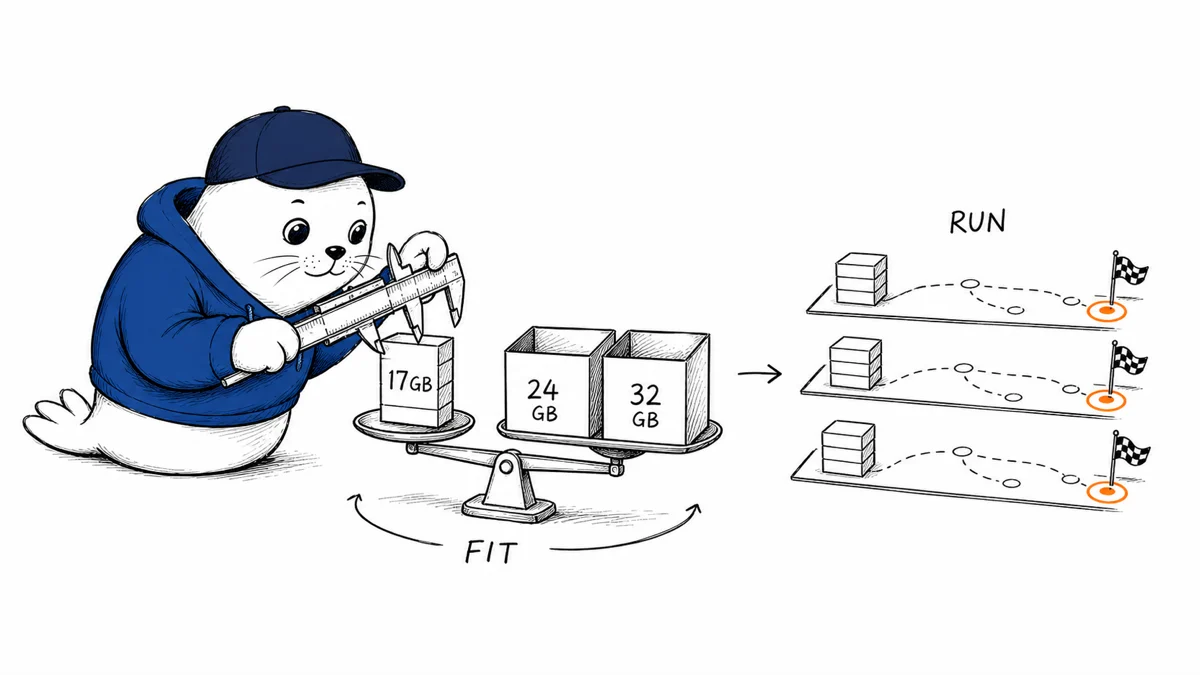
A 17 GB model can fit on a 24 GB graphics card. That does not mean every runtime, context length, and agent loop will fit with it.
Meta Muse Glimmer is a 30-billion-parameter open agentic model with text and image input, a 131,072-token context window, and Apache 2.0 weights. Meta released the full BF16 checkpoint alongside two compressed variants intended for 32 GB and 24 GB devices.
The smallest official package changes who can test the model locally. The more important question starts after download: which backend can run the chosen quantization, how much memory remains for the key-value cache, and whether the advertised speed survives your tool loop.
The 17 GB number is a storage target, not a complete memory budget
The Hugging Face repository reports about 29.8 billion parameters and lists the BF16 files at roughly 59.6 GB. Meta says its K-Quant-Dynamic version targets 32 GB devices, while K-Quant-17GB targets 24 GB devices. Across 15 benchmarks, the company reports average degradation of 0.2% for the 32 GB version and 1.0% for the 17 GB version.
Those are company-reported averages, not a promise for every task. They also describe the weights, not the complete process. Runtime buffers, the vision encoder, context cache, tool state, and the host application need memory too. A checkpoint that occupies 17 GB on disk can still run out of room when a long session grows.
| Official package | Stated target | What is verified | What still needs testing |
|---|---|---|---|
| BF16 | About 59.6 GB of files | Public, ungated weights | Serving memory, speed, and context load |
| K-Quant-Dynamic | 32 GB devices | Meta reports 0.2% average degradation | Task-level quality and backend support |
| K-Quant-17GB | 24 GB devices | Meta reports 1.0% average degradation | Headroom for cache, vision, tools, and concurrency |
Meta’s DFlash result is a backend benchmark, not a universal speed claim
Meta reports that its DFlash sparse-attention path increased generation speed from 74.9 to 233.4 tokens per second on an RTX 5090, a 3.1× gain. It also reports smaller gains on Apple hardware: 23.7 to 37.8 tokens per second on an M4 Max and 26.6 to 50.2 on an M5 Max.
The test conditions matter. Meta describes batch-one greedy decoding, with llama.cpp on the RTX system and ExecuTorch on the Macs. That is useful engineering evidence for those paths. It is not evidence that every serving stack, sampler, prompt length, or concurrent workload will achieve the same multiplier.
The release-day compatibility matrix was still moving
Meta’s announcement names Ollama, LM Studio, Unsloth, llama.cpp, ExecuTorch, MLX, vLLM, and SGLang, but says support is arriving over the coming days. Builders should not turn that roadmap into a day-one compatibility claim.
Before choosing a package, confirm that your exact runtime recognizes the model architecture and quantization format. Then test image input, tool calls, structured output, restart behavior, and context growth. A successful one-turn chat is not an agent benchmark.
A practical local evaluation takes four measurements
- Cold-start memory: record memory after loading the weights but before the first prompt.
- Context growth: repeat the same task at short, medium, and long context lengths.
- Tool-loop stability: run a fixed sequence of tool calls and verify arguments, retries, and recovery.
- Task quality: compare the full and compressed packages on your own failures, not only an aggregate benchmark.
Our guide to choosing an AI model without chasing leaderboards explains why a narrow production test beats a broad score. The same logic appears in our analysis of provider and endpoint variance: the model name is only one part of the system you ship.
What the public release does and does not establish
- Established: public ungated weights, Apache 2.0 licensing, text-and-image input, and a 131,072-token context specification.
- Company-reported: compression degradation and DFlash speedups under Meta’s stated test conditions.
- Not established: universal runtime compatibility, one-million-token context, or production reliability on arbitrary agent workloads.
My verdict: test the 17 GB build, but benchmark the whole loop
Muse Glimmer’s compact package is the useful part of this release because it puts a capable multimodal agent model within reach of more local hardware. The responsible next step is not to declare a 24 GB card "supported." It is to measure the runtime you intend to keep.
Start with K-Quant-17GB if local access is the constraint. Keep the full or 32 GB build as a comparison point, cap context during the first test, and do not move to a production repository until the tool loop, recovery path, and memory ceiling are visible.
Read the primary sources
- Read Meta’s Muse Glimmer announcement.
- Review the official model overview and developer documentation.
- Inspect the official model card and weights.
Which number would stop your deployment first: weight size, context memory, or tool-loop latency?
Checked August 11, 2026. Architecture, licensing, package sizes, context specification, compression results, speed measurements, and integration status come from Meta’s official release materials and model repository. Performance figures are company-reported.


