Google’s new sign-language feature does something useful and unusually concrete: it turns an ASL conversation into text inside Gboard and Live Transcribe. The privacy boundary is less simple than the phrase “on-device AI” suggests.
Google sign language AI is arriving on Pixel 11 through Gboard and Live Transcribe. A signer can use the phone’s camera, and the system converts American Sign Language into English text. Google calls the underlying model Sign Language to Text, or SL2T.
This is not a universal sign-language translator. It starts with ASL-to-English, can make mistakes, and still sends extracted body-coordinate data to Google’s servers. That last detail is the one product teams should read twice.
What happens between the camera and the text box
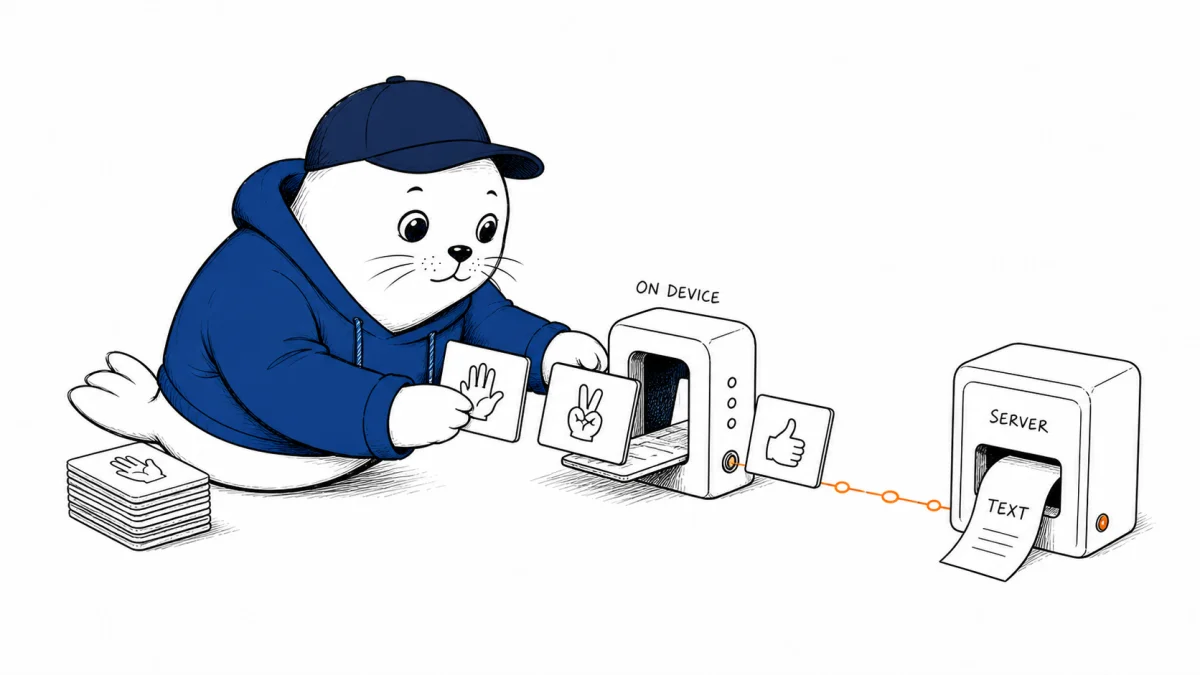
Google says MediaPipe Holistic analyzes the video on the device and extracts pose, hand, and facial landmarks. The original video is discarded immediately. The resulting coordinates, not the video frames, are sent to a server-side translation model.
| Stage | Where it runs | Data involved |
|---|---|---|
| Camera capture | Pixel phone | Original signing video |
| Landmark extraction | On device | Pose, hand, and face coordinates |
| Translation | Google server | Extracted coordinates |
| Text output | Gboard or Live Transcribe | English text |
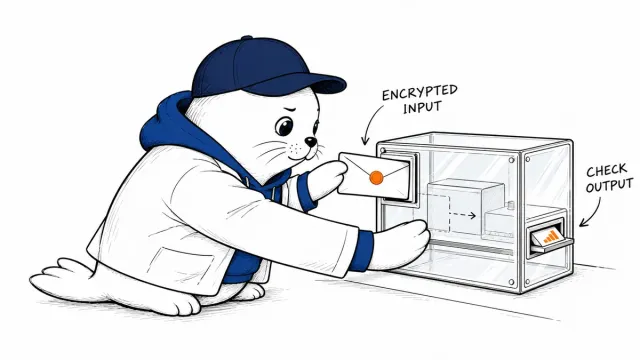
That is a meaningful privacy design, but it is not the same as fully local inference. Coordinates can still encode movement and physical characteristics. Google has not published enough public detail to let an outside auditor measure re-identification risk, retention behavior, or every server-side access control. Teams evaluating the feature should describe the path accurately: video processing begins on device; translation is completed on a server.
The training set is broad, but ASL dominates the launch
Google reports training on more than 100,000 hours of sign-language video covering over 50 sign languages, with about one quarter of the material in ASL. That breadth may help the representation learn how hands, face, and body interact. It does not mean the product can translate 50 languages today.
The company reports a BLEURT score of 70 on the FLEURS-ASL sd-test split in a zero-shot evaluation. BLEURT compares generated text with reference translations. It is useful for model development, but 70 is not “70% accurate,” and it cannot tell you how the system handles your signer, lighting, camera angle, regional variation, or subject matter.
Google names the failure modes instead of hiding them
The launch note lists rare signs, rapid fingerspelling, passive constructions, classifier depictions, and tense without enough context as weak spots. Those are not edge details. A dropped name, number, negation, or tense marker can reverse the meaning of a message.
Use the output as live assistance, not a certified transcript or a substitute for a qualified interpreter.
That distinction matters in medicine, education, employment, legal services, and emergency communication. A visible confidence cue and an easy correction path would be more useful than a polished sentence that conceals uncertainty.
A better rollout test for accessibility teams
- Test real signing conditions. Include different lighting, distances, signing speeds, skin tones, clothing, and regional ASL variation.
- Track consequential errors. Names, numbers, negation, medication, dates, and intent deserve their own error log.
- Keep a human path. Let the signer correct text before it is sent and offer an interpreter where stakes are high.
- Explain the network boundary. Do not market the system as fully on device when derived coordinates go to a server.
- Ask Deaf users to judge usefulness. Google says it worked with community organizations, including AISLAC. Local rollout decisions need the same participation.
The broader lesson matches our guide to choosing an AI model without living inside benchmarks: the metric is a starting point. The workflow, failure cost, and correction path decide whether a model is useful. It also belongs beside Google’s Gemini migration for voice workflows, because accessibility features are product infrastructure, not optional demos.
My verdict: a valuable bridge with a server in the middle
I like the honesty of this release more than the benchmark. Google identifies the privacy architecture and the linguistic cases that still break. That gives users something testable.
The right framing is modest: Pixel 11 now has an ASL-to-English assistance layer that may make everyday conversation easier. It is not an interpreter, it is not fully local, and it should not be the only communication route when a mistake can hurt someone.
Read the primary source
- Read Google DeepMind’s technical and product overview of SL2T.
Checked August 12, 2026. Device scope, language support, data flow, training scale, benchmark results, and limitations are company-reported by Google.