

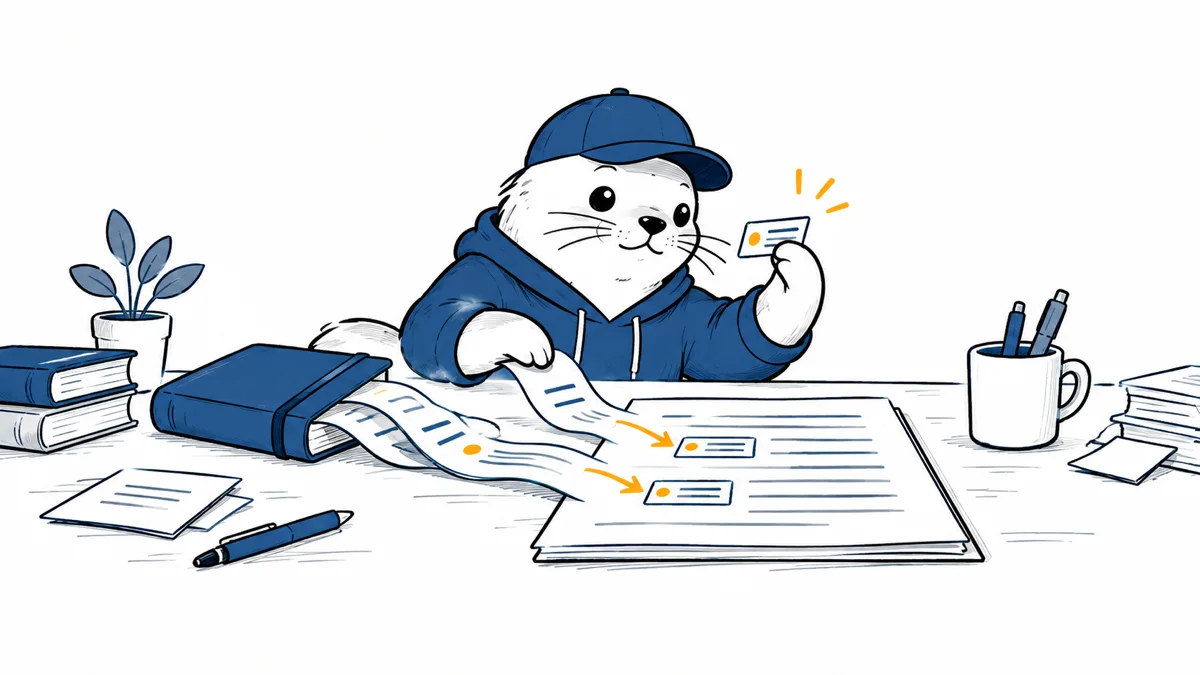
A research notebook can now travel into the document where teams actually write. The useful question is whether each cited passage supports the sentence beside it.
Google began making Gemini Notebook sources available inside Google Docs on September 23, 2026. In the Gemini side panel or bottom bar, a writer can type, select an existing notebook, and ask Gemini to draft with that notebook as context. Google says the result includes inline citations to the underlying sources. The feature is available now to the eligible Workspace and consumer plans listed below.
What changed in the writing workflow
The notebook becomes a reusable research collection rather than a set of files repeatedly copied into a prompt. A project lead can assemble reports, interview notes, and policy documents in one place. A writer can then reference that collection from Docs while drafting a proposal or briefing. The source library and the document remain distinct: changing the draft doesn’t edit the notebook’s source material.
That distinction matters for teams that make several documents from one evidence set. A product launch can produce a technical brief, a customer note, and a training document. Reusing the same curated notebook reduces the chance that each writer starts from a different attachment set, although the team still has to review the notebook when sources change.
How to try it in Google Docs
- Open a document with Gemini available in the side panel or bottom bar.
- Type
@and select the existing Gemini Notebook that contains the sources for this draft. - Give a bounded request, such as a summary of one decision with citations for each factual claim.
- Open the cited source for every number, quotation, and conclusion before sharing the document.
- Record the source version or retrieval date when you reuse the document later.
Google describes this as grounding in a notebook’s curated sources. It has not published an independent citation-accuracy measurement for this Docs workflow. A citation is a route back to evidence, not proof that the sentence is correct.
The verification step that makes grounding useful
For an important draft, make a small claim ledger while editing: claim, linked source, exact supporting passage, date, and reviewer decision. Mark a sentence unsupported if the source only discusses the general topic or if Gemini combines facts from different periods. This is especially useful for figures that change over time and for recommendations where a source describes an option rather than endorsing it.
A good test is to ask Gemini for a paragraph that distinguishes what the documents establish from what the team infers. If that distinction disappears in the output, restore it before publication. The same discipline applies to our analysis of structured content and AI answer accuracy and to the ChatGPT ecommerce comparison, where product claims need a traceable source and a clear decision boundary.
Who can use it now
Google lists Business Standard; Enterprise Standard; Education Plus; Google AI Pro and Ultra; Google AI Pro for Education; Teaching and Learning; and AI Expanded Access. Both Rapid Release and Scheduled Release domains are listed as available now. Users need Workspace smart features enabled. For administrators, availability follows the existing Gemini for Workspace in Drive control.
Check those controls before a team promises the workflow to everyone. A licensed user with smart features disabled may not see the same interface as a colleague. Source permissions also deserve a test with an account that has ordinary, rather than administrator, access.
Where it helps and where it can mislead
The strongest use is a draft that must stay close to a finite set of approved material: a policy summary, research briefing or customer-facing explanation. A notebook full of stale or conflicting files can make the output look well cited while still giving readers the wrong answer. Assign an owner to the source library, retire superseded documents, and make the final reviewer responsible for the wording that leaves Docs.
Primary source
Checked September 24, 2026. Availability and interface details are from Google; the claim-review workflow is MustHave.ai editorial guidance.

Abdessalam Alaoui
I'm Abdessalam Alaoui, founder of Musthave.AI. I write practical guides to AI models, tools, generative media, and ways real people make money with this stuff. No press-release fluff. 20+ years shipping digital products; you'll also find my work around HowTik, Yumasty, and IncomeHelpful.