A teacher can assign an AI-guided activity before a separate search pilot reaches their school.
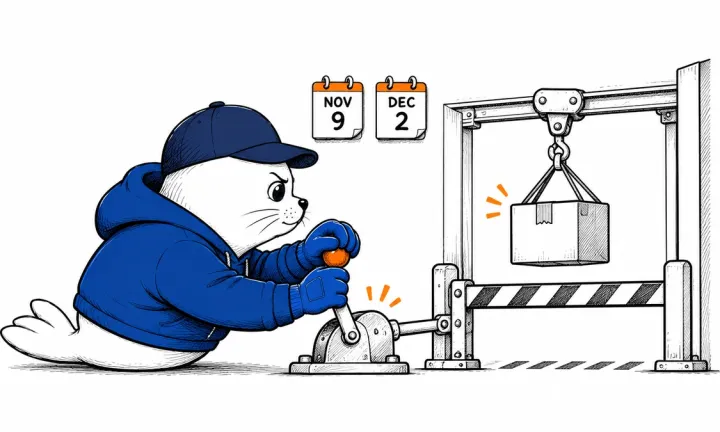
Google Classroom has begun rolling out Guided Learning assignments. A November 4 Workspace notice says the extended rollout started on November 3 and will take longer than 15 days. It covers Education Fundamentals, Standard, and Plus in Gemini-supported languages.
Guided Learning becomes an assignment option
Teachers can attach Guided Learning to an assignment so students receive step-by-step support through the Gemini app. Google describes the mode as helping students work through a problem. The feature announcement alone does not establish a learning benefit for every subject, student, or classroom.
Gemini must be turned on for the teachers and students involved. Administrators manage access through the relevant organizational unit or group. A school that cannot yet see the option needs to check both its rollout status and its Gemini setting.
Guided Learning in Search follows a narrower pilot
Google’s November 3 education announcement separately describes Guided Learning in Search. That pilot is planned for selected US schools later in November. It should not be presented as a search product already available to every school receiving Classroom’s Guided Learning integration.
The difference matters for staff training. An assignment workflow available during an extended rollout and a selected-school pilot require different instructions, eligibility checks, and support expectations.
Further school controls are still planned
Google also outlines forthcoming K-12 administrative controls. It says these will make access to covered AI products, including Gemini services and Search, default to off until a school administrator explicitly enables it. Further details are expected in the coming months.
Keep that future configuration separate from today’s requirement to enable Gemini for Guided Learning. The announcement does not establish that every school’s current access has already changed to the proposed default.
For a rollout plan, begin with one assignment whose intended learning outcome is clear. Check the student account’s access, review the guidance the activity produces, and decide how a teacher will intervene when it goes wrong. This is a proposed review process, not a classroom trial performed by MustHave.
Schools can track progress in the Classroom feature through the Workspace notice. Our AI news feed covers broader model and product changes separately.

Abdessalam Alaoui
I'm Abdessalam Alaoui, founder of Musthave.AI. I write practical guides to AI models, tools, generative media, and ways real people make money with this stuff. No press-release fluff. 20+ years shipping digital products; you'll also find my work around HowTik, Yumasty, and IncomeHelpful.