A generated security repair needs a reviewable explanation and a repeatable check. Remembered repository conventions can help, but they also need scrutiny.
General availability changes access, not the review requirement
GitHub’s October 15 release makes Agentic Autofix available to Code Security and Advanced Security customers on Enterprise Cloud, including data-residency deployments.
Assigning an alert to Copilot starts code exploration, a proposed repair, and CodeQL validation. The agent can iterate before opening a draft pull request. Only default-branch alerts are assignable. A batch can contain up to 25 alerts.
Confirm policy and billing before assigning work
An enterprise administrator must enable the Agentic Autofix policy. An organization or repository administrator then enables the feature in Code Security settings. A Copilot billing method is also required.
The workflow consumes Code Security AI Credits and Actions minutes. When enabled, Assign to Copilot replaces the free Generate Fix option on individual alerts. Review those costs before turning a large alert queue into jobs.
Keep the memory feature’s chronology separate
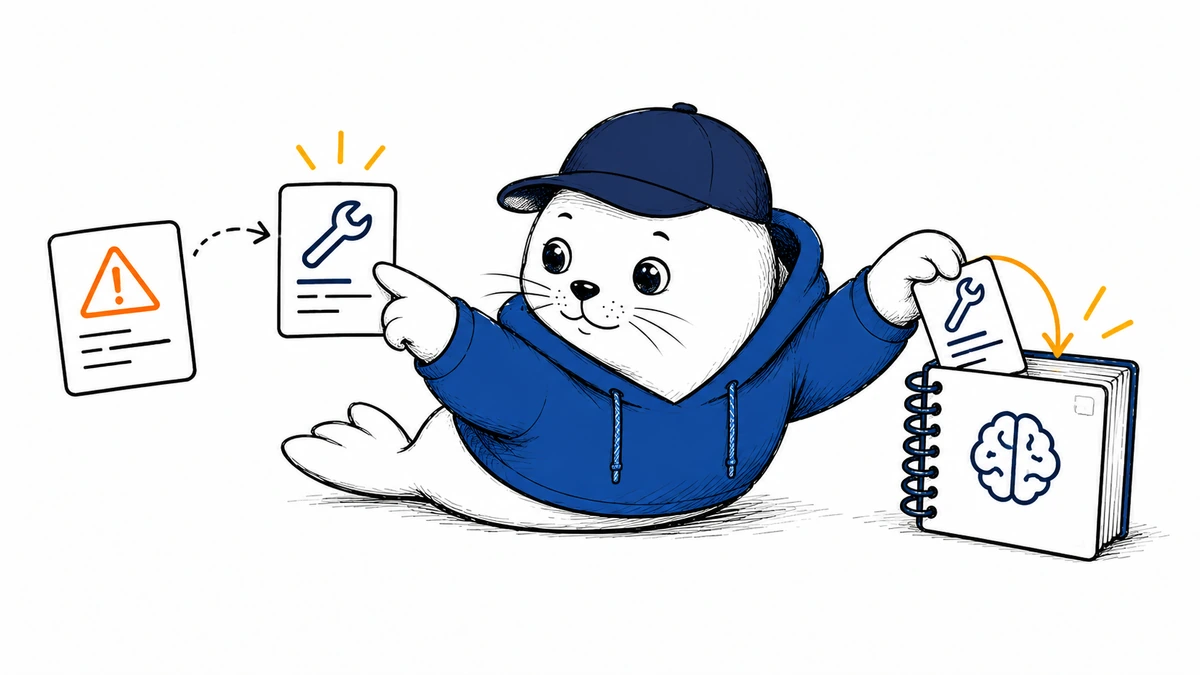
This article first covered GitHub’s September 25 announcement that Agentic Autofix can use Copilot Memory and save successful fix patterns. That describes repository context carried into later work. The October 15 release establishes GA for the autofix workflow; it does not independently establish a new lifecycle status for every related memory feature.
A remembered convention can be outdated or correct only in a particular part of the application. Ask the reviewer to identify the permission boundary the proposed repair protects, even if the patch resembles an accepted earlier fix.
Accept a repair only after checking its effect
- Read the original alert and identify the affected path.
- Inspect the patch for unrelated changes.
- Confirm what CodeQL reran and what it reported.
- Exercise the original failure with safe test data.
- Check that expected application behavior still works.
- Review any remembered pattern that influenced a rejected fix.
For an initial trial, choose a few related alerts whose fixes can be reviewed together. Record acceptance and regression results, as well as human review time. A batch of 25 is a capacity limit, not a suggested starting size.
The Code Quality autofix article covers a separate findings workflow. The updated AI Scan guide explains the advisory scanner.
Read the sources and plan your next step
What evidence would your reviewer need before accepting the first generated security repair?
Checked October 15, 2026. This is source-based reporting and analysis; proposed checks are not hands-on test results.