
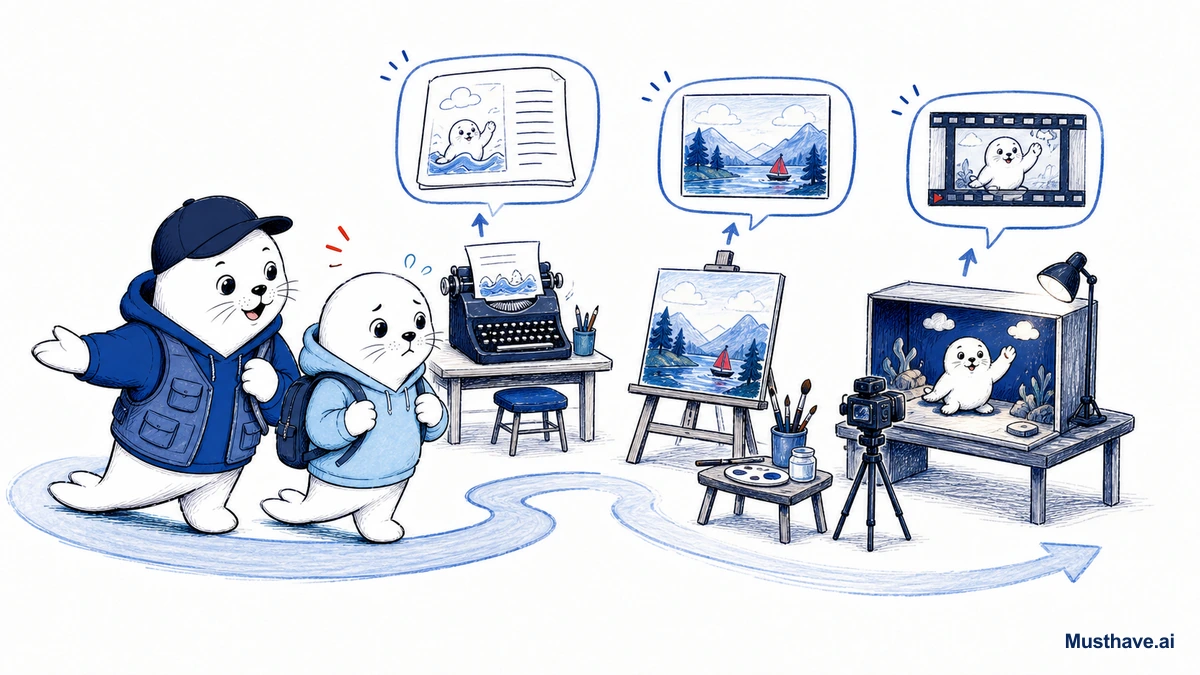
Generative AI sounds intimidating from the outside, a wall of tool names, version numbers, and hype. It’s actually pretty simple once someone explains it plainly. So here’s the whole landscape in beginner’s terms: what the three main types do, one friendly tool for each, and how to take your first step today.
What “generative AI” even means
Let’s demystify the phrase first. “Generative” just means it creates something new. You give it a description in plain language, and it generates a result (text, an image, or a video) based on what you asked for. That’s it. No coding, no special skills required; if you can describe what you want, you can use it.
There are three main flavors, and you’ll want to understand each one, because they’re good at different things.
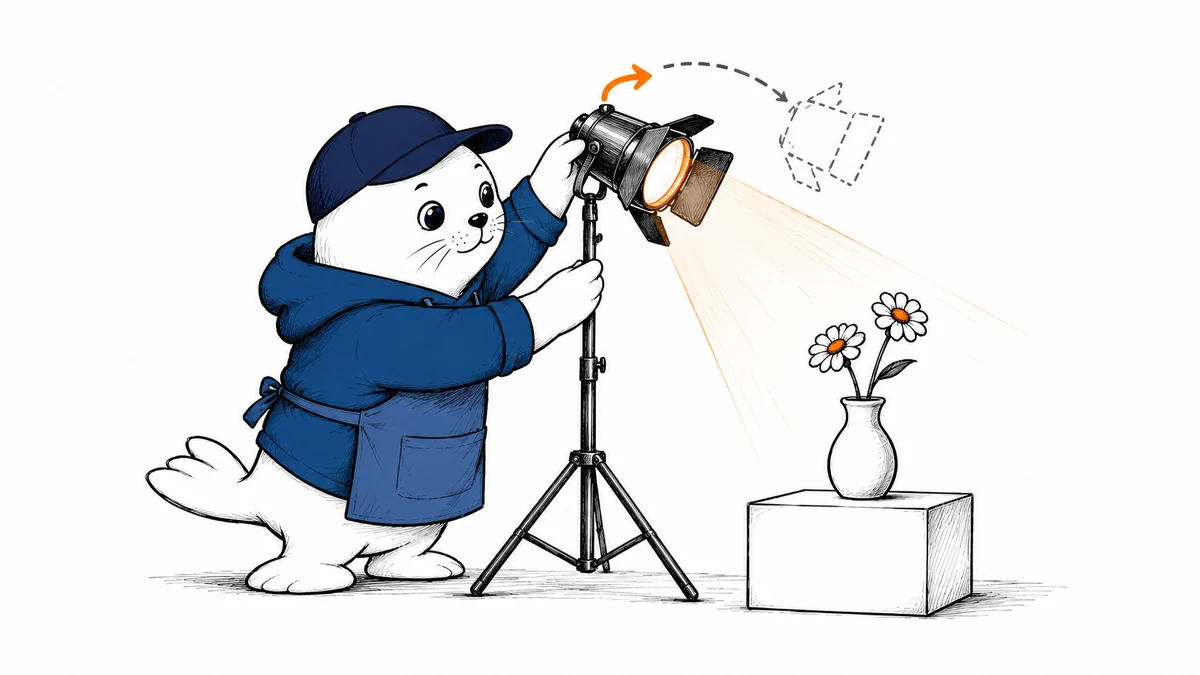
Text AI: your thinking and writing partner
This is where everyone should start, and it’s the most immediately useful. Text AI (the chatbots, ChatGPT, Claude, Gemini) responds to you in writing. You can ask it to draft an email, summarize a long document, explain something confusing in simple terms, brainstorm ideas, or rewrite a message to sound friendlier.
Think of it as an infinitely patient assistant who’s read a huge amount and will help you think. The trick to good results isn’t magic phrasing, it’s giving context, like you would a helpful colleague: tell it who it’s for, what “done” looks like, and don’t be shy about saying “make it shorter” or “less formal” until it’s right.
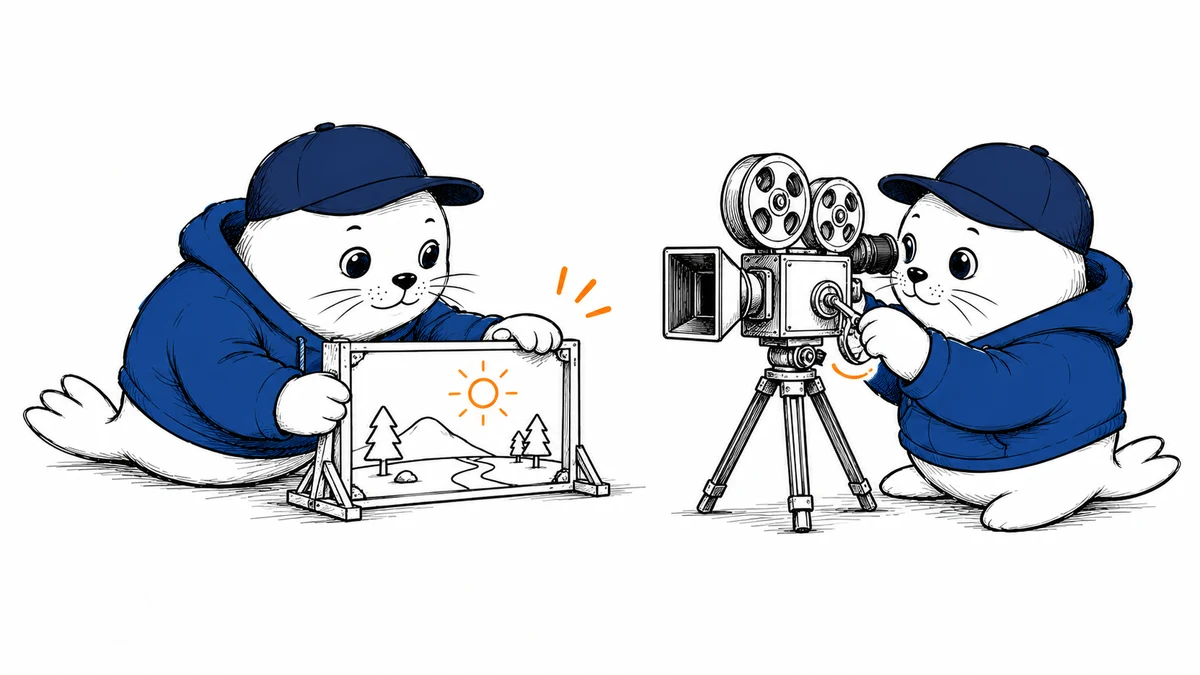
Image AI: describe it, don’t draw it
Image AI turns a written description into a picture. Want “a cozy coffee shop illustration in warm colors” or “a mockup of a water bottle on a kitchen counter”? Type it, get it, no drawing ability needed. It’s genuinely useful for social graphics, blog illustrations, product concepts, and mockups.
One beginner-friendly note: if your image needs readable text in it (a poster, a slogan), use a tool built for that, like Ideogram, because many image tools famously mangle letters. For general art and mood, a tool like Midjourney shines. Start with one, and describe what you want in detail, subject, style, colors, mood.
Video AI: short clips from a sentence
The newest of the three, video AI turns a text prompt or a still image into a few seconds of motion, often with sound now built in. Tools like Grok Imagine or Google Flow can produce short cinematic clips, great for hooks, backgrounds, or social content.
Set expectations here: these make short clips (seconds, not scenes), and quality varies. It’s a fantastic way to add motion without a camera, but it’s not replacing real filmed video yet. For a beginner, it’s more “fun and useful for short content” than “make my whole movie.”
How to actually start (today)
Don’t try to learn all three at once, that’s how people get overwhelmed and quit. Do this instead:
- Pick one type, text is the best starting point for almost everyone.
- Choose one tool and open it. Most have a free tier.
- Do one real task you actually need done, a tricky email, a summary of a document, a first draft of something.
- Iterate, tell it what to change until it’s right. That back-and-forth is the skill.
Once one type feels natural, try the next. Momentum beats trying to master everything at once.
The one rule for beginners
Here’s the safety habit to build from day one: AI can be confidently wrong. It can invent a fact, a name, or a number and state it with total certainty. So use it freely for drafting, brainstorming, and explaining, but verify anything that matters before you rely on it. And don’t paste passwords or sensitive personal details into it.
That’s the whole beginner’s map. Generative AI makes text, images, or video from a plain description; start with one tool, do one real task, check the important facts, and grow from there. It’s far more approachable than the jargon makes it sound, the only real requirement is curiosity.
Your first ten minutes, step by step
Here’s exactly what to do in your first ten minutes, so “getting started” isn’t intimidating. Open a free text AI, ChatGPT, Claude, or Gemini. Type a real task in plain words, like “help me write a friendly email asking my landlord to fix the heating.” Read what it gives you. Then, instead of accepting it, reply with a change: “make it a bit firmer” or “shorter.” Watch it adjust. That back-and-forth (describe, read, refine) is the entire skill of using generative AI. You just learned it; everything else is variations on those three steps.
Which type are you going to try first, text, image, or video? Tell me what you want to make in the comments and I’ll point you to a good first step.
Verification sources and related guides
Primary reference: NIST AI Risk Management Framework. This is an authoritative framework or standards source. The practical recommendations in this article remain Musthave.ai analysis.

Abdessalam Alaoui
I'm Abdessalam Alaoui, founder of Musthave.AI. I write practical guides to AI models, tools, generative media, and ways real people make money with this stuff. No press-release fluff. 20+ years shipping digital products; you'll also find my work around HowTik, Yumasty, and IncomeHelpful.