

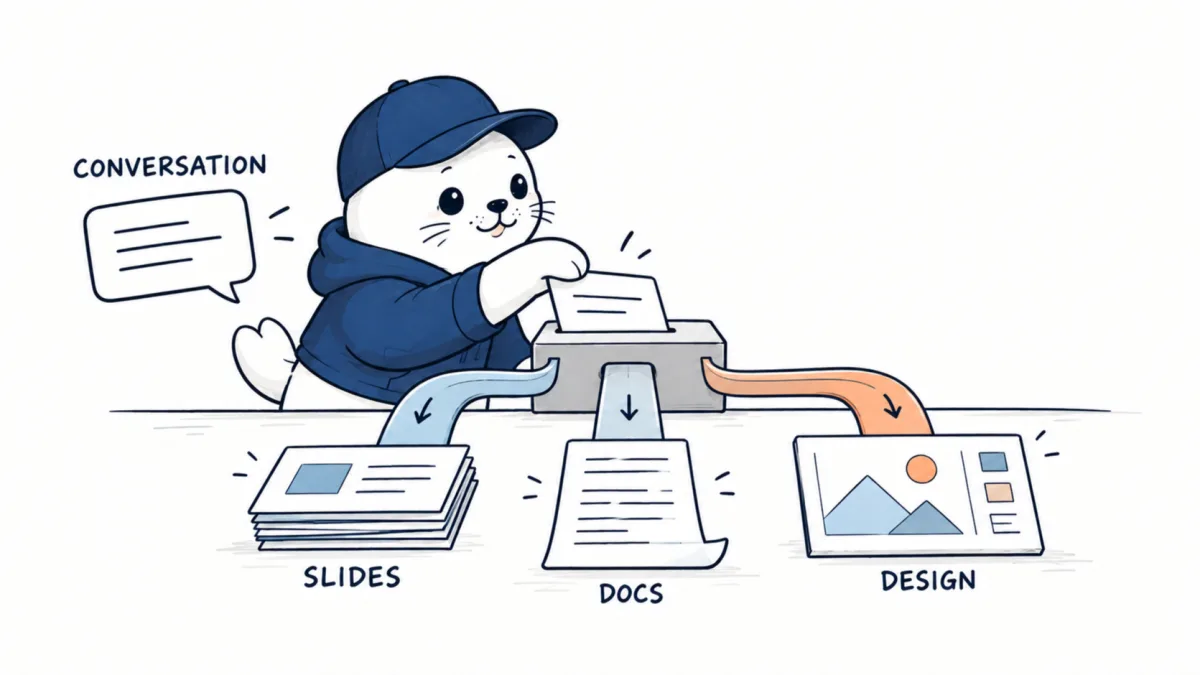
Anthropic launched Claude Slides and Claude Docs on September 16, bringing editable presentations and living documents into Claude while expanding Claude Design across conversations, Artifacts and Claude Code. The releases arrive as Anthropic begins merging the separate Chat and Cowork experiences into one workspace.
The important change is not that Claude can finally make a PowerPoint or Word file. It could already generate downloadable PPTX and DOCX files, and Anthropic separately offers Claude add-ins for Microsoft 365. Claude Slides and Claude Docs are different: they are native artifacts that stay editable, shareable and connected to the conversation that created them.
That distinction turns this launch from a file-export update into a broader attempt to make Claude the place where knowledge work starts, evolves and gets handed to other tools.
September 21 update: Anthropic publishes 11 knowledge-work plugins
Anthropic has published an official repository containing 11 knowledge-work plugins for Claude Cowork, with compatibility for Claude Code. Each plugin is a file-based package that can combine skills, connectors, commands and subagents around a job function. The repository makes the instructions inspectable, but installing a plugin can also expand which company systems and actions Claude can reach.
| Plugin | Primary job | Likely data boundary |
|---|---|---|
| Productivity | General work planning and execution | Documents, tasks and communication tools |
| Sales | Account research and deal workflows | CRM, email and meeting data |
| Customer support | Case investigation and response preparation | Tickets, customer records and product knowledge |
| Product management | Requirements, research and planning | Roadmaps, issues and user feedback |
| Marketing | Campaign and content workflows | Brand assets, analytics and publishing systems |
| Legal | Document and process assistance | Contracts, policies and privileged material |
| Finance | Analysis and recurring finance work | Financial records and planning documents |
| Data | Data investigation and reporting | Warehouses, notebooks and business metrics |
| Enterprise search | Cross-system information retrieval | Multiple connected internal repositories |
| Bio-research | Scientific research workflows | Literature, datasets and research systems |
| Plugin management | Install and maintain plugin packages | Plugin code, configuration and connector setup |
The useful change is not simply the number of templates. Teams can inspect and adapt the Markdown and JSON that define each workflow. That makes review possible before a plugin enters a shared workspace. It also means changes should be versioned, tested and approved like other operational configuration rather than copied from a repository and trusted indefinitely.
- Read the plugin’s skills, commands, subagents and connector requirements.
- Remove components that do not serve the intended job.
- Grant each connector the smallest read or write scope required.
- Require approval before sending messages, changing records or publishing content.
- Test with synthetic documents and accounts before using company data.
- Pin the reviewed revision and repeat the review when the plugin changes.
A job title is not a permission boundary. A marketing plugin may reach publishing systems, while a sales plugin may combine CRM records with email and meeting notes. Legal and finance packages can touch particularly sensitive material. Administrators should review the connector scopes and action paths behind the friendly plugin name. Primary source: Anthropic knowledge-work plugins repository.
What Anthropic launched
| Product | What it creates | Where the work stays | Useful when |
|---|---|---|---|
| Claude Slides | Editable presentation decks | A collaborative artifact inside Claude | You want to build, revise, present and then export a deck |
| Claude Docs | Living documents with text, charts and diagrams | A collaborative artifact inside Claude | A team needs to develop a document with Claude and human coworkers |
| Claude Design | Visual assets, prototypes, mockups and web layouts | A visual canvas available from conversations, Artifacts and Claude Code | The deliverable is visual or interactive rather than a conventional document |
Claude Slides is a presentation workspace, not just a PPTX generator
According to Anthropic’s official Artifacts page, Claude Slides can turn notes, a source file or a previous conversation into a deck. The user can edit individual slides directly, ask Claude for changes, invite collaborators, present from the artifact and export the result to Google Slides, PPTX or PDF.
The practical difference appears during revision. A conventional “make a deck” workflow usually ends with a file download. If the narrative changes, the user edits the file in another application or asks the model to generate a new version. A Slides artifact keeps the discussion and the editable deck in the same working context, so a request such as “shorten the market section and turn the final slide into a recommendation” can be applied to the existing object.
This does not make the separate Claude for PowerPoint add-in redundant. The add-in is the better fit when an organization already works inside PowerPoint and depends on native templates, masters and Office-specific controls. Claude Slides is the more direct option when the work begins in Claude and needs a collaborative artifact before export.
Claude Docs makes the document part of the conversation
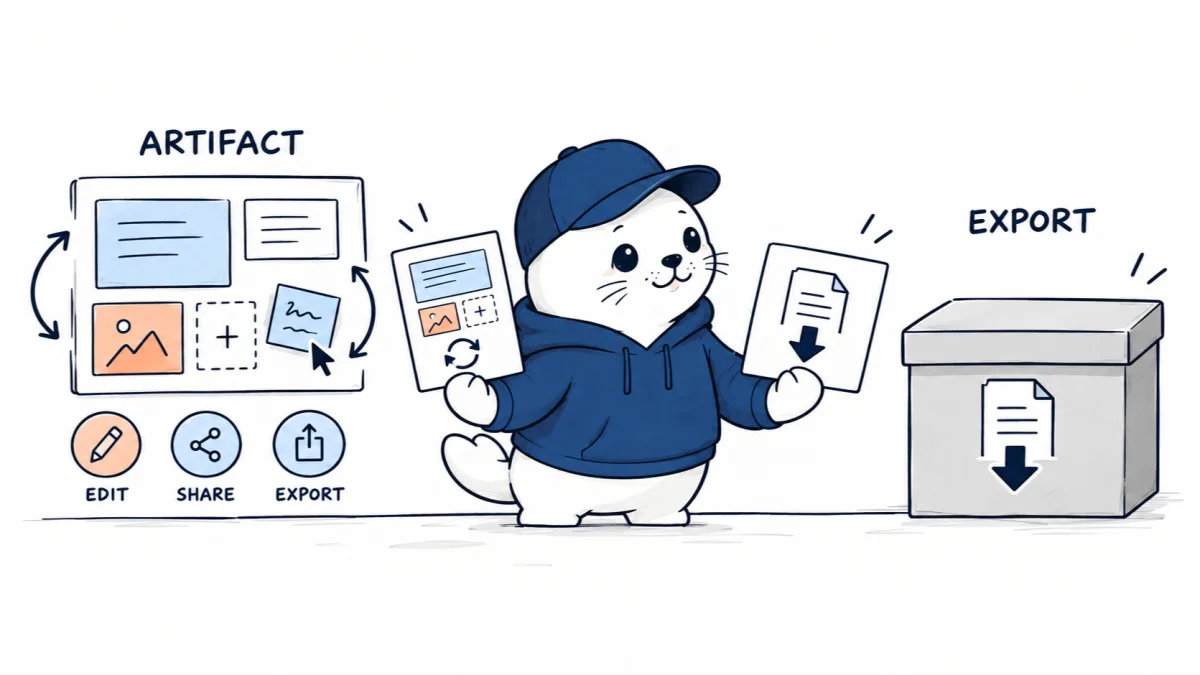
Claude Docs applies the same artifact model to longer written work. Anthropic describes Docs as living documents that Claude and human collaborators can draft, edit and discuss together. Claude can comment on passages or answer questions about the document, while connected tools can supply charts and diagrams.
That makes Docs potentially useful for strategy memos, research briefs, specifications and reports that change over several rounds. The source conversation can contain the research, decisions and constraints, while the document becomes the structured output. A share link can expose the artifact to another Claude user without requiring the creator to email a series of attachments.
Anthropic says artifacts are private by default. Viewing or editing a shared artifact requires a Claude account, and Team or Enterprise organizations can restrict external sharing. VentureBeat, citing an emailed statement from Anthropic, reported that Claude Docs can export to Word and Google Docs. Anthropic’s public Artifacts page confirms export support in general but did not enumerate those two Docs destinations in the launch material reviewed by MustHave.ai.
Claude Design now follows the work across Claude
Claude Design is not new, but its placement has changed. Anthropic says Design can now be invoked inside ordinary Claude conversations, from the Artifacts area and from Claude Code, while the standalone experience at claude.ai/design remains available.
The visual canvas supports direct editing, imported design systems and handoffs between design and code. In Claude Code, Anthropic documents a /design command for opening the design workflow and /design-sync for bringing design changes back into a codebase. The result can be exported as a ZIP, PDF, PPTX or standalone HTML, among other destinations. Google Slides export is listed for the standalone Design experience.
Readers looking for extensions, repositories and integration patterns can use our separate guide to the best Claude Design plugins and GitHub repos. The launch covered here is about product architecture and access, not another plugin directory.
One request can now lead to three kinds of output
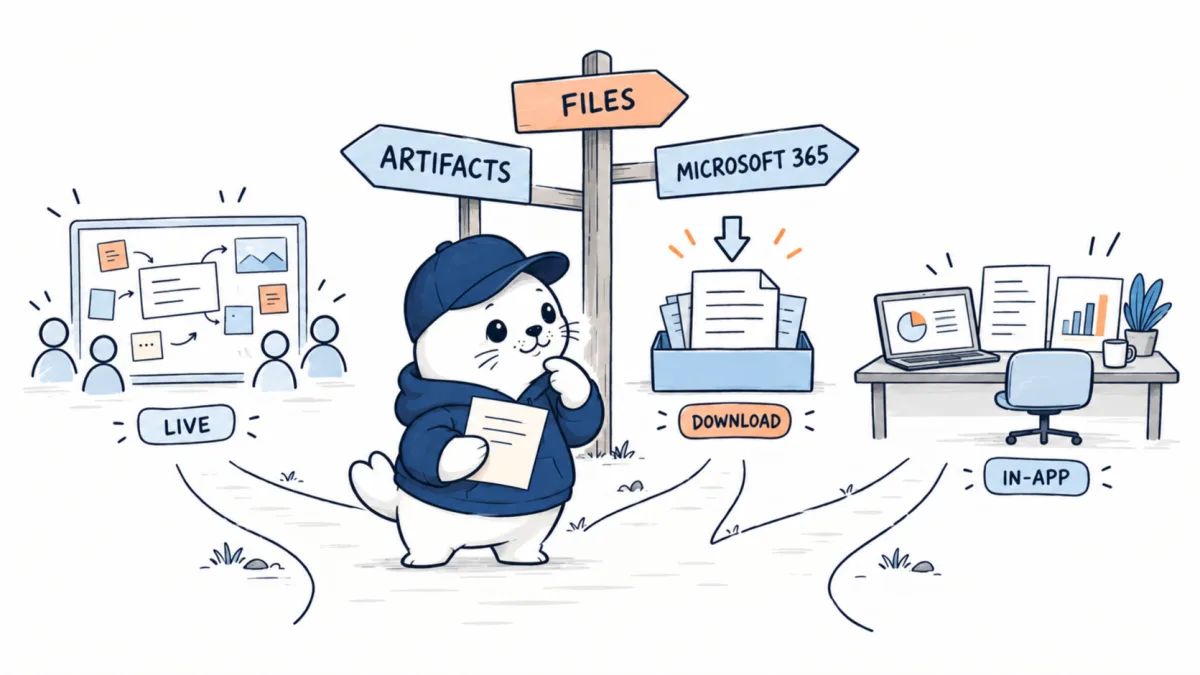
The most useful way to understand the launch is to separate three overlapping Claude workflows.
- Native artifacts: Slides, Docs and Design remain interactive objects inside Claude. Choose this route when iteration, collaboration and continued conversation matter.
- Downloadable file creation: Claude’s code-execution environment can generate PPTX, DOCX, XLSX and PDF files for all plans, subject to its file limits. Choose it when the deliverable is a file and the live artifact experience is unnecessary.
- Microsoft 365 add-ins: Claude for Word, PowerPoint, Excel and Outlook operates inside Microsoft’s applications. Choose this route when native Office features, templates or an established enterprise workflow matter most.
Which Claude surface should you use?
| If your priority is… | Start with… | Why |
|---|---|---|
| Co-developing a deck from a conversation | Claude Slides | The deck remains editable and shareable inside Claude |
| Producing a final presentation file quickly | Generic file creation | It creates a downloadable PPTX without requiring the new artifact workflow |
| Editing an existing corporate PowerPoint | Claude for PowerPoint | It works inside PowerPoint and can use native templates and masters |
| Maintaining a collaborative research brief | Claude Docs | The document and its discussion can evolve together |
| Designing a landing page or visual prototype | Claude Design | The canvas and code handoff are closer to the deliverable |
Chat and Cowork are becoming one Claude
The product launches sit inside a larger interface change. In the September 16 announcement, Anthropic said it is merging Claude Chat and Claude Cowork into one experience. Instead of deciding whether a task belongs in a conversation or in an agentic work environment, users will gradually receive a unified workspace that can discuss, create and act.
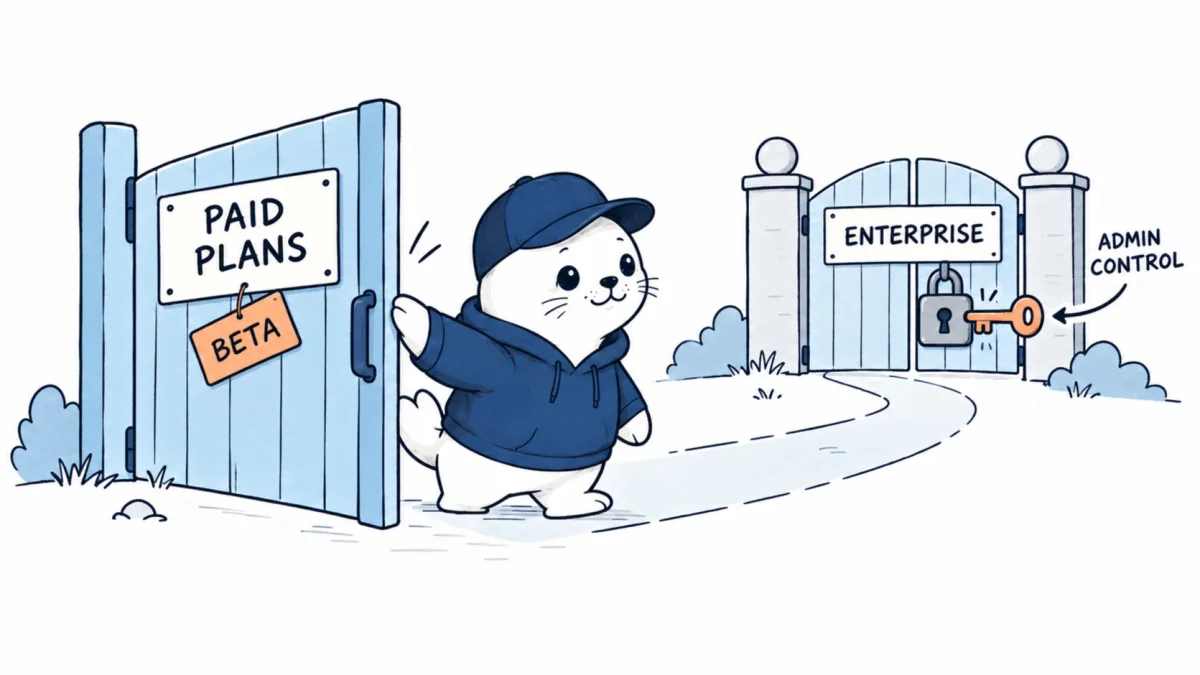
The rollout begins with Pro and Max subscribers over several weeks. Team and Free accounts are due to follow, while Enterprise customers will receive 30 days’ notice. That staged interface rollout should not be confused with access to Slides, Docs and Design: Anthropic currently lists those three creation tools as betas for paid plans, with enterprise administrators deciding whether to enable them.
The limits matter as much as the launch
These products are betas, and Anthropic has not announced a separate Slides or Docs price, a dedicated allowance or an unlimited-use promise. Claude Design uses the same shared usage pool as other Claude activity, which is a useful warning against assuming that visual work has an independent quota.
Anthropic’s Design documentation also lists practical gaps: no version history, basic multi-person editing, limited mobile canvas controls and some comment-persistence and large-codebase issues. Similar beta constraints may surface as Slides and Docs reach more accounts. Teams should test round-trip fidelity, permissions, export behavior and recovery before replacing established document workflows.
There is also no basis yet for declaring that Claude Docs replaces Word or Google Docs, or that Claude Slides replaces PowerPoint. The new tools have a stronger claim as a creation layer that can reduce the distance between a conversation and a polished artifact. Their long-term position depends on collaboration depth, enterprise controls, export fidelity and whether teams keep working in Claude after the first draft.
A practical first-week test
If the beta appears in your account, test it with one real but non-sensitive project instead of a generic prompt. Give Claude the source material, ask for an outline, create the artifact, make three rounds of targeted edits, invite a collaborator and export the final result. Record where formatting, permissions or context break.
- Start with a deck or memo that already has clear source material and an intended audience.
- Ask Claude to show the structure before it designs the final artifact.
- Edit at least one section directly and another through natural-language instructions.
- Share the artifact with a teammate and confirm the account and permission requirements.
- Export to the destination your organization actually uses and compare the result with the live artifact.
Developers comparing Claude’s creation workflow with coding agents can also read our Codex versus Claude Code guide. The common strategic question is whether the AI remains a helper inside an existing application or becomes the workspace that coordinates the job.
What this launch changes
Claude Slides and Claude Docs close a gap between generating content and maintaining the object that contains it. Claude Design’s wider availability adds a visual branch, and the Chat-Cowork merger removes another boundary between asking and doing.
The result is a more coherent work suite, but not yet a proven replacement for established office software. The strongest reason to try it is continuity: research, instructions, revisions and the artifact can stay in one context. The strongest reason to remain cautious is the same one that applies to any beta productivity layer: teams need reliable permissions, revision history, export fidelity and predictable usage before a promising demo becomes infrastructure.
Sources and methodology
- Anthropic: Cowork is now Claude
- Anthropic: Claude Artifacts, including Slides, Docs and Design
- Anthropic Help Center: Get started with Claude Design
- Anthropic Help Center: Create and edit files with Claude
- Anthropic: Claude for Microsoft 365
- VentureBeat: launch briefing and Docs export detail
- Axios: independent launch context
Checked September 16, 2026. Product capabilities and rollout details are based primarily on Anthropic’s launch materials and help documentation. Claude Docs export destinations attributed to VentureBeat are labelled separately because they were not enumerated on the official Artifacts page reviewed by MustHave.ai.


