A saved job can look familiar after an update, even if its next scheduled run has changed.
Claude Code 2.1.329, dated November 19, changes how some earlier scheduled tasks behave in new signed-in sessions. It also updates Code Mode’s telemetry compatibility and how it handles hook errors. Teams using recurring prompts or policy hooks have concrete migration work to review.
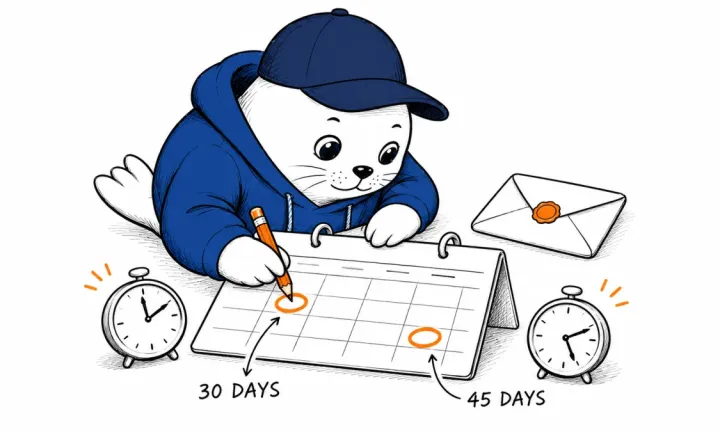
The official changelog says most saved tasks from earlier versions need scheduling again in a new signed-in session. Resuming their own session remains a separate path. A team should therefore distinguish a restored conversation from an independently recurring job before relying on either.
The release also adds more detail to task and connection status views. For a founder who uses an assistant to watch a build or prepare a recurring report, the useful outcome is knowing which job will run and what can stop it.
Choose the scheduling system that matches the job
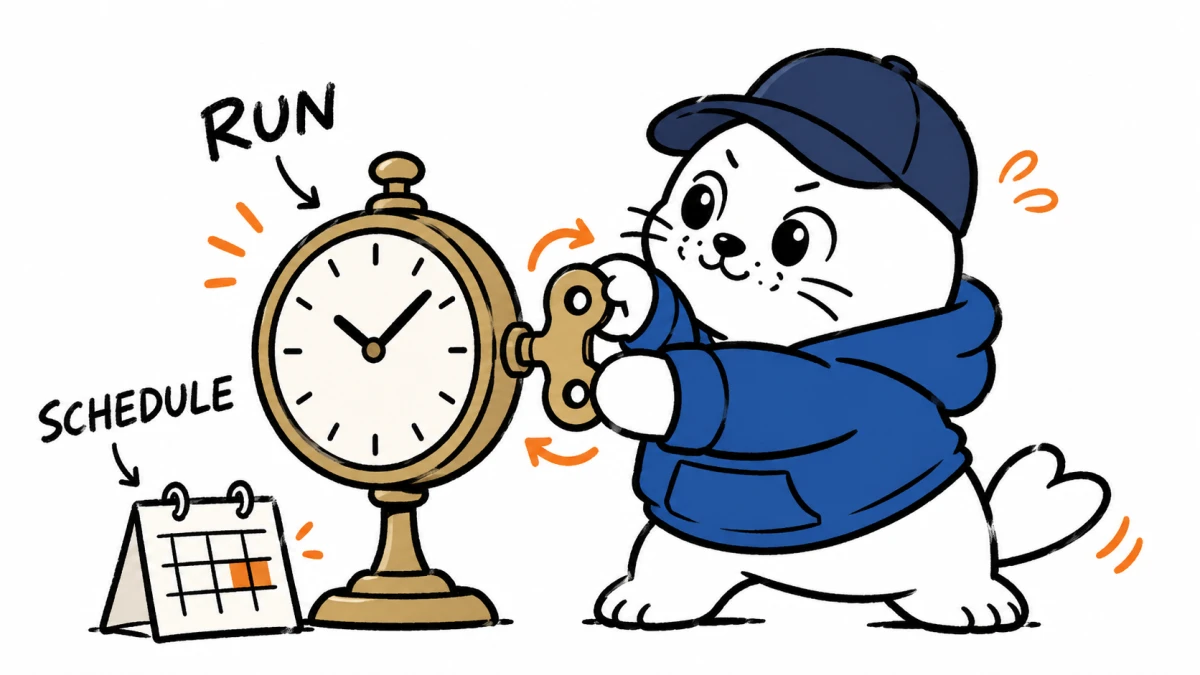
Claude Code’s scheduling documentation separates cloud tasks, Desktop tasks, and session-scoped loops. Cloud tasks can run without the local machine. Desktop tasks run on the user’s computer. A session loop depends on the session and inherits its tools and permissions.
Those differences affect a weekly founder report. A cloud task needs its own accessible repository and configured connectors. A Desktop task can work with local files but depends on the machine. A short loop can be useful while supervising a deployment, with a different lifetime from a standing business process.
The documentation describes restoring unexpired session tasks through resume or continue, subject to its limitations. The new release adds a reason to inspect older tasks instead of assuming that a remembered prompt guarantees a future run.
I would keep a small task register outside the conversation. Record the purpose, execution location, owner, next expected run, and delivery destination. That gives someone else enough context to notice a missing report without reading the full chat history.
A restart check should follow the output all the way through
Consider a hypothetical Friday launch recap. The task reads approved launch facts, drafts the recap, and saves it for review. Success requires the right input version and a saved draft at the intended destination.
A notification that the assistant started is insufficient evidence of completion. The recap could contain last week’s dates, lack a required product URL, or fail while saving. Compare the result with a short written acceptance rule.
| Observation | What it proves | Remaining question |
|---|---|---|
| The task appears in the task view | The session knows about the task | Will the intended execution environment run it? |
| A run starts at the expected time | The schedule fired | Did the correct input reach the job? |
| The destination contains a draft | An output was saved | Does it meet the acceptance rule? |
| A reviewer accepts the draft | The job produced a usable result | How much review and repair did it need? |
A harmless test destination makes this easier to inspect. Save a dated text file or internal draft first. Keep sending to customers and changing production records outside the test until the schedule and review path are clear.
A hook that crashes needs an explicit failure policy
Version 2.1.329 brings Code Mode’s PreToolUse error handling into line with behavior outside Code Mode. The changelog directs users to set onFailure to block when the hook must refuse an action after a failure.
The hooks reference explains that a handler can fail through a missing program, a timeout, or an invalid response. A handler’s deliberate denial and a failure to produce a decision are different cases. Review both when the hook enforces policy.
The reference lists version boundaries: the failure-blocking setting needs 2.1.295 or later for command and HTTP hooks, and 2.1.328 or later for MCP tool hooks. Event behavior also differs. The setting is not a universal way to stop every event or background handler.
This is documented behavior, not an independently reproduced vulnerability finding. It deserves attention because an organization may have written its intended policy in prose while leaving the failure behavior implicit in configuration.
Test the failed checker as well as the forbidden action
A policy test often focuses on an operation the checker should reject. That leaves another question: what happens when the checker cannot run? A missing dependency and a correctly denied operation exercise different paths.
In a disposable workspace, use a harmless operation and a test-only hook. Verify an allowed result, an explicit denial, and a handler failure separately. The expected outcome should be written before running the cases. These are suggested checks; this article does not claim we ran them.
Record the Claude Code version and the hook type with the result. A passing command-hook check cannot establish that an MCP handler or a different event behaves identically. If the organization manages settings centrally, review the effective policy there too.
Do not treat a message in the conversation as the sole enforcement mechanism. Confirm whether the underlying operation happened. A clear refusal followed by an unexpected file change is a failed outcome, regardless of how reassuring the explanation sounds.
Telemetry compatibility changes what you can observe
The release enables Code Mode with OpenTelemetry events and metrics. Its notes distinguish that from tracing, which still keeps Code Mode off. Teams should preserve that distinction when troubleshooting a configuration change.
For an operational report, collect enough information to connect the schedule to its output: the run identifier, input version, and final status. Keep sensitive source content out of routine logs unless there is a justified need and an appropriate retention policy.
A log of successful calls alone can hide the cost of retries and failures. Count those attempts when evaluating a recurring job. A founder paying for the application experiences the full run, including the repair work.
Keep billing and permissions as separate migration questions
A scheduler can fire correctly while a model or connector lacks access. A policy can enforce the intended boundary while the task runs out of usage. Treat schedule availability, tool permission, and billing capacity as separate conditions.
Our Claude Code limits guide explains the separate usage questions. The AGENTS.md and auto-mode article cover earlier configuration and billing changes. Neither should be read as a substitute for checking this release’s current task behavior.
Before the next unattended report, inspect its environment and expected output. Reschedule affected older jobs where needed, then run a harmless verification. Which recurring task would create the biggest gap in your business if it silently stopped?

Abdessalam Alaoui
I'm Abdessalam Alaoui, founder of Musthave.AI. I write practical guides to AI models, tools, generative media.