

ChatGPT has moved into Microsoft Word for every plan, including Free. The most important limit is not where the add-in button appears. It is which context and usage allowances follow you into the document.
ChatGPT for Word is now available through OpenAI’s Microsoft add-in for Word, Excel and PowerPoint. It can read the open document, draft or rewrite text and apply accepted changes. OpenAI also documents an October 1, 2026 change that enables the add-in by default for eligible workspaces unless an administrator restricts it.
What ChatGPT for Word can do inside a document
- Draft a new section from instructions and document context.
- Rewrite selected text for tone, length, clarity or audience.
- Summarize a long document or identify themes and action items.
- Answer questions about text already present in the open file.
- Propose edits that the user can review before applying.
The review step matters. A generated paragraph can sound correct while changing a number, citation, contractual term or named entity. Treat the add-in as an editor that can produce a fast revision, not as proof that the revision is accurate.
The Word session does not inherit all of ChatGPT
| Capability | What to expect in Word | Practical consequence |
|---|---|---|
| Conversation history | A separate add-in conversation | Prior chats are not a reliable project record inside the document. |
| ChatGPT memory | Does not carry over | Restate preferences, audience and standing constraints. |
| Skills | Do not carry over | Do not assume a saved editorial or business workflow is active. |
| Plugins | Not supported | Connected services available elsewhere may not be callable here. |
| Document formatting | Supported with limits | Complex tables, charts and styles need visual inspection. |
This boundary is easy to miss because the assistant uses the same account. A team that relies on a saved style guide or a specialized workflow should paste the relevant rules into the Word conversation or keep an approved document template beside the draft.
How installation and admin control work
- Install or open the ChatGPT add-in from Microsoft AppSource or the Office add-in menu.
- Sign in with the ChatGPT account that should receive the usage.
- Open a copy of a non-sensitive test document before using a production file.
- Confirm what text the add-in can read and how proposed changes appear.
- For managed workspaces, verify both ChatGPT workspace policy and Microsoft 365 add-in policy.
OpenAI says workspace and Microsoft 365 administrators can restrict the add-in. That gives organizations two control surfaces, but it also creates a troubleshooting trap: a user may have an eligible ChatGPT plan while Microsoft blocks the add-in, or the add-in may be present while the ChatGPT workspace disables it.
The Codex allowance is the hidden budgeting issue
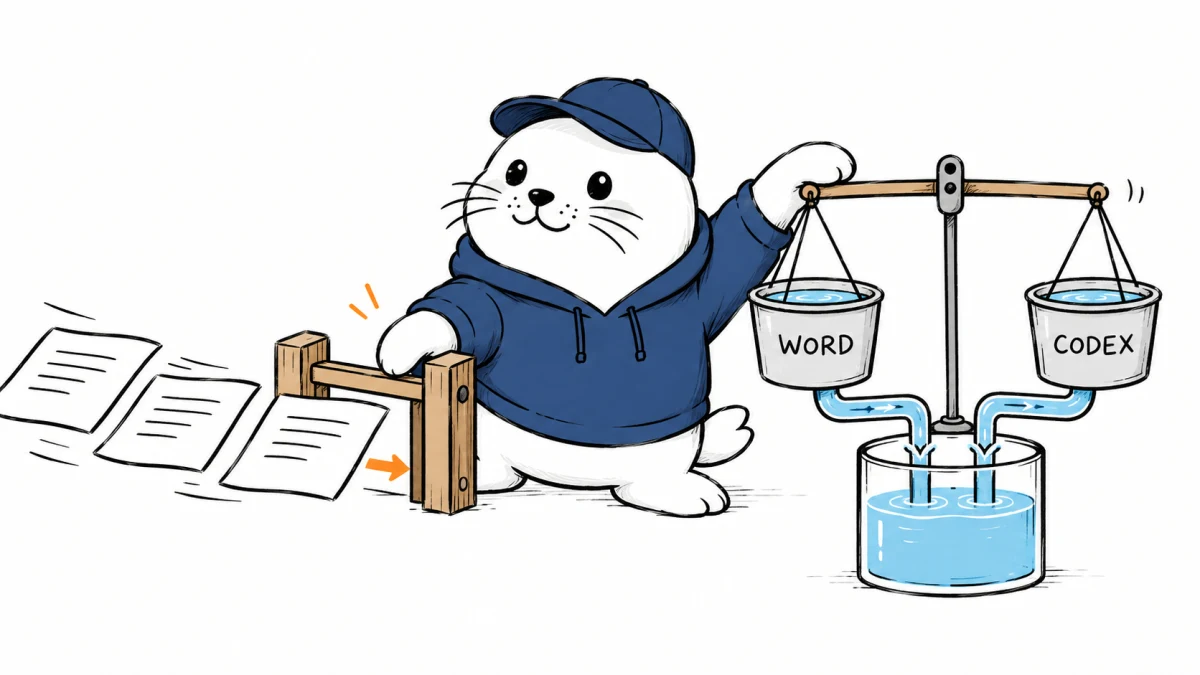
OpenAI says Word usage follows the plan’s usage system and can share allowance with Codex and other premium features where applicable. That means a heavy document-editing session can compete with coding work for the same account-level capacity. The exact impact depends on plan, selected model and the rate-card rules in force when the work runs.
Business and Enterprise users receive a temporary GPT-5.6 Sol preview in Word through September 30, 2026, according to OpenAI. After the preview, token-based rates apply. Teams should not turn a temporary preview into a permanent budget assumption.
A safer allowance policy for mixed Word and Codex teams
- Reserve high-value Codex capacity for release, migration and incident work.
- Use Word for bounded edits instead of asking it to regenerate an entire long document repeatedly.
- Record the selected model and plan when measuring document cost.
- Run a one-week pilot and compare accepted edits with usage consumed.
- Separate personal experiments from managed client or company documents.
Our Codex and Claude Code comparison explains why coding-agent capacity is operational, not decorative. The same caution applies to the Custom GPT migration: a familiar account surface does not guarantee that every saved capability follows into a new product.
Test the editing result, not only the generated prose
A practical evaluation should include a tracked-change document, a table with merged cells, a file with footnotes, a house-style template and a document containing intentionally conflicting facts. Measure how many suggestions are accepted unchanged, how often formatting breaks and how much reviewer time remains.
Also test data handling against your own policy. A document can include customer records, unpublished financial figures, legal drafts or employee information. Product availability does not grant permission to place every document into the workflow.
The practical verdict
ChatGPT for Word removes a copy-and-paste step and makes accepted edits easier to apply. Its value is clearest for bounded drafting, rewriting and document analysis. The constraints are equally important: separate context, no inherited memory or skills, no plugin support, imperfect complex formatting and a usage pool that can overlap with Codex. Roll it out as a reviewed document tool with an explicit allowance policy.
Primary sources
Checked September 18, 2026. Product availability and usage rules come from OpenAI’s documentation. Rollout and budgeting advice is MustHave.ai analysis.


