

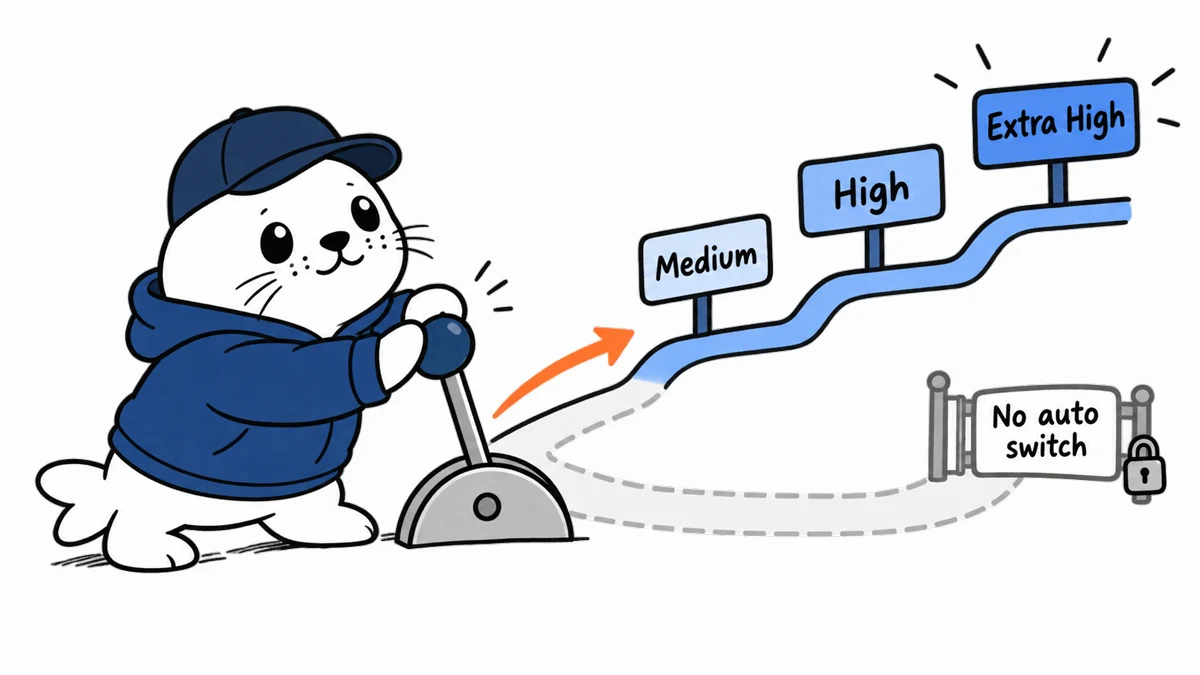
ChatGPT Plus and Pro no longer automatically move an Instant conversation to a higher Thinking level for a difficult prompt. Users who want deeper reasoning must select an appropriate Thinking option manually.
OpenAI announced the change on September 14, 2026. Asking the model to “think harder” does not change the selected reasoning level. The available choices depend on the account, but OpenAI’s current guidance includes Medium, High, Extra High and Pro in applicable interfaces.
What changed for ChatGPT Thinking
| Before | Now | User consequence |
|---|---|---|
| Instant could automatically route a complex prompt to higher Thinking | Plus and Pro Instant stays on its selected path | Choose Thinking manually for complex work |
| A user might rely on prompt wording | “Think harder” does not change the level | Use the model selector instead |
| Web offered a higher-intelligence setting | That setting is removed for Plus and Pro | Reasoning control moves to explicit choices |
| Product routing and safety routing could look similar | Safety switching can still occur | Do not treat the change as removal of safety behavior |
A prompt cannot override the selected level
Prompt language still helps define the task, evidence standard and desired output. It does not silently raise the reasoning level. A useful workflow therefore has two parts: choose the appropriate model mode, then write a prompt that supplies the constraints and asks for checks.
When Instant is the right choice
- Rewriting a short passage with clear constraints.
- Extracting fields from a familiar format.
- Answering a straightforward factual question with supplied context.
- Generating several lightweight alternatives.
- Continuing an iterative conversation where latency matters.
When to select deeper Thinking
- Comparing plans with interacting constraints.
- Debugging a system where several causes fit the evidence.
- Reviewing a contract, policy or architecture for edge cases.
- Designing a migration, evaluation or experimental method.
- Solving a multi-step problem where an early mistake compounds.
Higher reasoning is not a guarantee of correctness. It buys more deliberate processing, which should be paired with source checks, tests and explicit uncertainty. For high-stakes work, the user still owns validation.
A simple selection rule for teams
Start with the cost of being wrong. If an answer is cheap to verify, reversible and time-sensitive, Instant is often enough. If the task changes money, access, production systems or a published claim, select deeper Thinking and require evidence. Managed workspaces can behave differently, so teams should document the model choices available in their own interface.
How to preserve consistency in shared workflows
- Name the required Thinking level in the procedure, not only in the prompt.
- Save the prompt, model choice and source set with the output.
- Use a small evaluation set for recurring work.
- Compare latency and accepted-output rate across levels.
- Review the procedure after model or interface changes.
The change matters for coding and research agents
Our Codex versus Claude Code guide shows how agent quality depends on tool use and verification, not a model label alone. The same principle appears in Perplexity’s GPT-6 Astra production systems: a deeper reasoning mode is most useful when the workflow preserves evidence and tests the result.
The practical verdict
The new ChatGPT behavior gives Plus and Pro users more predictable control, but it removes a convenience that some people relied on without noticing. Choose Thinking explicitly for complex work, do not expect wording such as “think harder” to raise the level, and keep safety switching separate from ordinary product routing.
Primary sources
Checked September 16, 2026. Plus, Pro and managed workspace controls can differ, and OpenAI may change available options.


