An image can look finished and still fail the first requested edit. Use the same design brief for generation and revision when assessing Canva Craft.
What Canva announced
Canva introduced Craft in its October 22 newsroom announcement. It describes a two-stage process that plans a composition before rendering the image.
The company says Craft supports output up to 2K and more than 30 aspect ratios. It announces global access for Canva users through Dream Lab and access through a public API.
Canva MCP support and faster Craft variants are described as coming later. Those planned features should remain separate from a trial of the currently announced model.
Generation and editable layers need separate checks
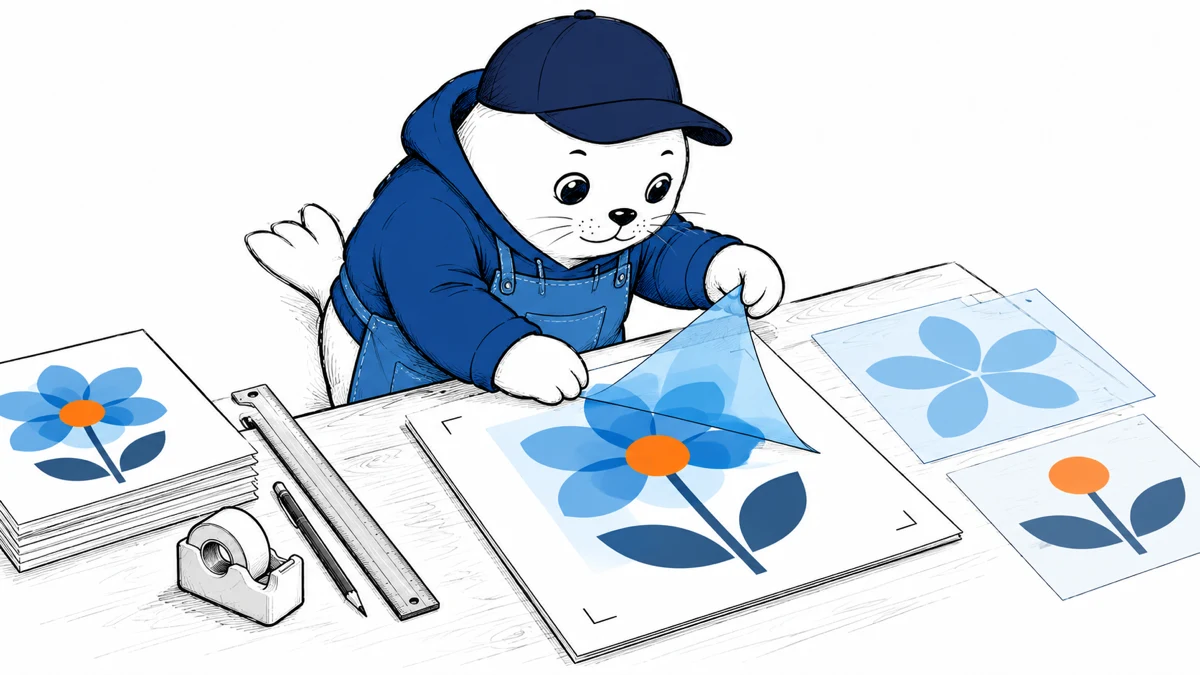
Canva connects the model to its design workflow, including Magic Layers. Generating a Craft image and converting that image into editable elements are separate operations.
Check whether an edit preserves the relationships that matter: text within a panel, spacing between objects, and the proportions of an illustration. A selectable element can still require cleanup.
Canva’s internal evaluations and leaderboard references are company-reported evidence. They do not show how a particular brand layout will behave after several revisions.
Use a fixed design brief with an awkward edit
I would choose a simple event poster with an exact title, a date, a required shape, and a defined output ratio. Supply the text as final copy, including capitalization.
- Compare every generated word with the approved text.
- Check the date, spacing, and relative size of key elements.
- Use the separate layer workflow where it is available.
- Change one text line without replacing the whole composition.
- Export the final design and inspect it at its actual display size.
Include one longer replacement title in the edit request. It shows whether the text and layout remain usable when the content no longer matches the original image’s proportions.
Record the work needed after generation
Count manual repairs and failed exports alongside the time saved on the first image. For a repeatable campaign, preserve the brief and accepted layout so another editor can reproduce the evaluation.
Confirm your account’s usage allowance and current API terms before committing a production workload. The launch announcement’s access statement does not establish every account’s quota or commercial arrangement.
Our Canva AI 2.0 workflow article examines campaign migration. The Google Pics, Canva, and Adobe Express comparison helps match the editor to the work.
Sources
What is the first real edit your team would request after accepting the generated design?
Checked October 25, 2026. Prepared with AI-assisted research and drafting, with claims checked against the linked sources. MustHave.ai has not performed the proposed product tests.