Replit
Replit combines a browser development environment, AI coding agent, collaboration, databases, and application hosting so people can build and publish software from one workspace.
Be the first to share your experienceWhat does it do?
Replit’s strongest idea is that the code, AI assistant, terminal, database, collaborators, and deployment can live in one browser workspace. That removes setup that stops many small software projects before they begin.
The tradeoff appears later. An integrated platform makes the first deployment easy, but you still need to understand what runs, what costs money, and how to recover it. Replit earns its place when you use the convenience to learn and ship, not to avoid ownership.
Agent works best with a bounded application
Replit Agent can turn a description into a project, plan tasks, write code, inspect the preview, fix errors, and continue through longer builds. The official Agent documentation is worth reading before a serious project because modes and usage affect both capability and cost.
Start with one user and one completed journey. “A client can submit a brief and see its status” gives Agent a testable target. “Build my business platform” encourages a large structure whose assumptions are hard to review.
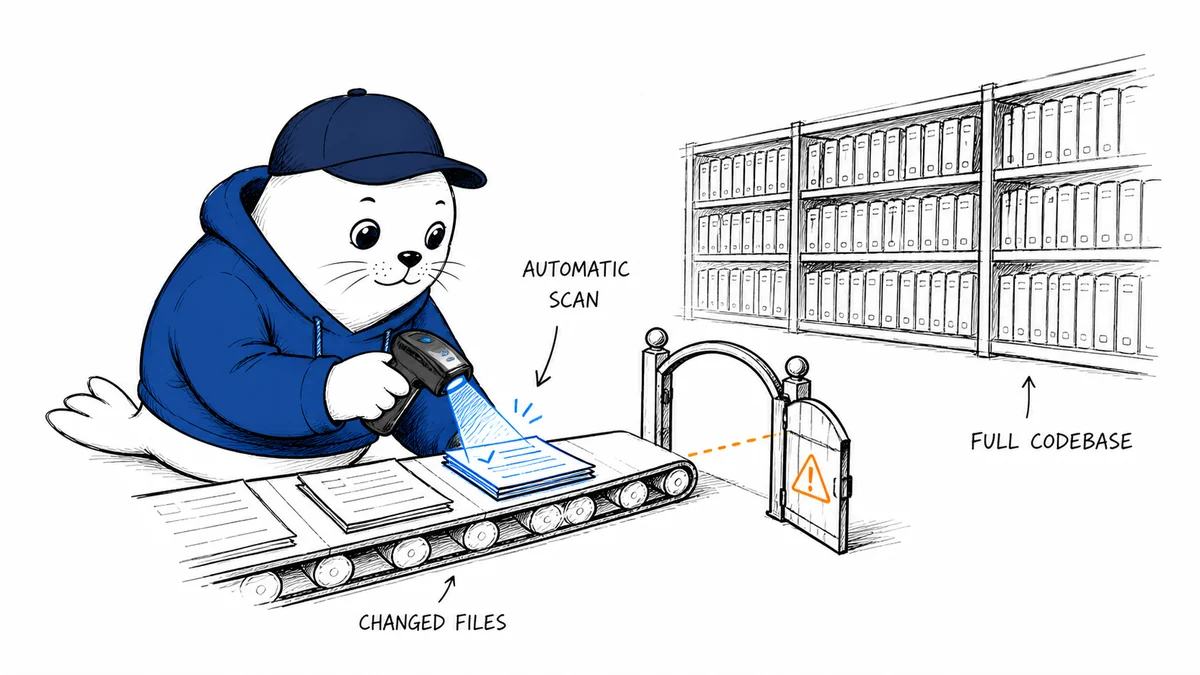
Use checkpoints and commit working states. When Agent changes authentication, the database schema, or deployment configuration, inspect the diff and run the relevant tests before continuing.
The browser workspace is genuinely convenient
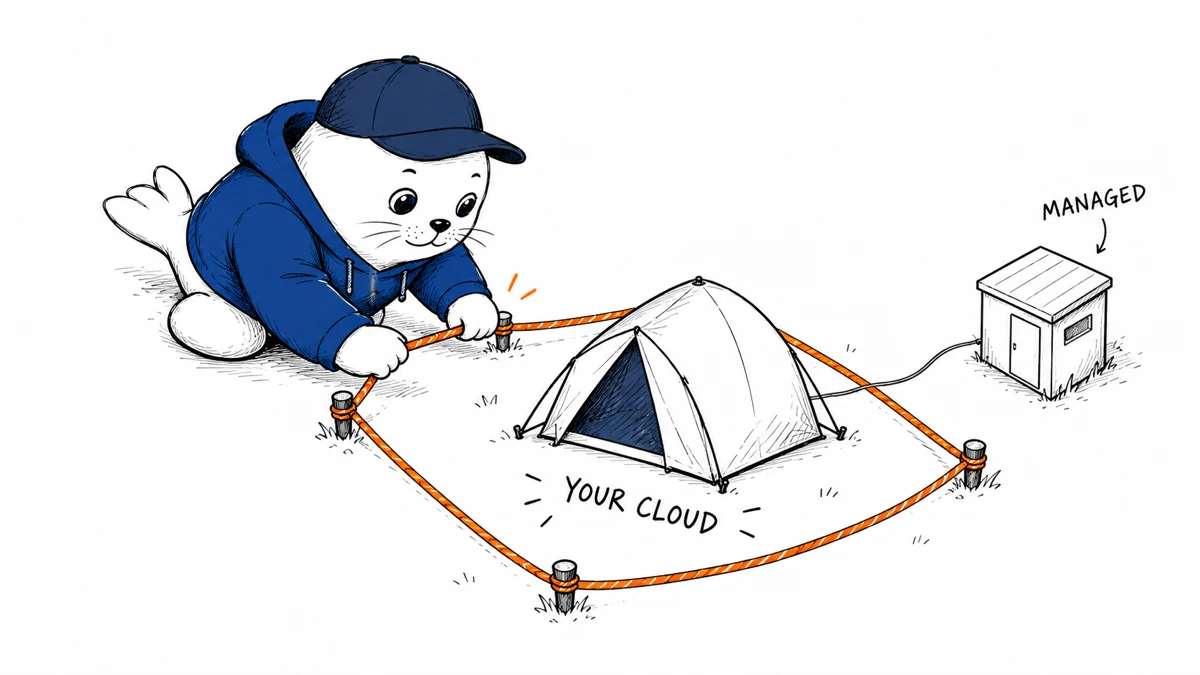
Replit includes an editor, shell, preview, package installation, secrets, collaboration, and hosted data services. A learner can move from a tutorial to a live application without configuring a local machine. A small team can share the same running environment instead of comparing setup notes.
Keep credentials in Secrets, never in source files or prompts. Separate development and production values. If Agent proposes a package, check its maintainer, release history, and permissions before installation.
The platform is useful for internal tools and demos because the feedback loop is short. For a public service, add logging, error monitoring, backups, abuse controls, and a clear owner for incidents.
Publishing is only the first operations task
Replit can publish and host applications directly. That is excellent for proving an idea. It does not answer how much traffic will cost, how long a deleted database can be restored, or what happens when the monthly credit pool is exhausted.
Read the deployment documentation, choose the appropriate deployment type, and test from a clean browser. Set a custom domain and HTTPS before sharing sensitive forms. Confirm that private routes are protected on the server, not hidden only in the interface.
Document how to export the repository and data. Even if you never leave Replit, that exercise exposes dependencies the project owner should understand.
Pricing changed in 2026
The current Replit pricing page lists Starter at $0 with daily Agent credits and one published app. Core costs $25 monthly or $20 per month on annual billing, includes $25 in monthly credits, and allows up to five collaborators.
Pro replaced the former Teams plan. It starts at $100 monthly or $95 per month on annual billing, includes $100 in monthly credits, and supports up to 15 builders plus viewers. Enterprise is custom.
Credits cover Agent and cloud services. The cheapest model for a routine change may be more sensible than the strongest one. Track completed features per dollar and enable cost controls before inviting collaborators.
A useful Replit test
- Build one small app with a database and two permission levels.
- Use Agent to fix a known bug and inspect the diff.
- Publish the app and test it from a fresh account.
- Find the usage dashboard, backup path, and spending controls.
- Export the repository and write a one-page recovery note.
This tests Replit as a development platform instead of judging it from code generation alone.
My verdict
Replit is a strong entry point for people who want to build software without assembling an entire development environment first. Agent and the integrated cloud make a prototype unusually quick to reach and share.
Core is the sensible paid tier for personal projects. Pro is a larger commitment that should be tied to a real team or commercial workload. Keep checkpoints, budgets, tests, and an export path, and Replit can carry a project much further than a browser tutorial.
Reviewed July 27, 2026 using Replit’s official pricing, Agent, AI billing, workspace, and deployment documentation. Plans, credits, models, and hosting rates can change.
Features
- Combines coding AI hosting and databases in one browser workspace
- Agent can plan build debug and test multi-step projects
- Free tier supports a meaningful first project
- Checkpoints and previews make progress easier to inspect
- Paid workspaces include several collaborators without per-seat fees
- Good fit for learning prototypes and internal applications
Community reviews
Write a reviewPractical experiences from people who have used this tool. Reviews are moderated before publication.
What was your experience?
No community reviews yet. Help the next person understand where this tool works well and where it falls short.