A desktop agent can cross the boundary between proposing an action and performing it. GitHub Copilot now offers that capability in public preview, so the permission model matters as much as the demo.
GitHub announced computer use for Copilot on October 1. The feature is available through Copilot CLI and the Copilot app on macOS and Windows. It can inspect accessible or visual context and perform actions such as clicking, typing, editing, pressing keys, scrolling, dragging, and navigating.
Approval happens at multiple layers.
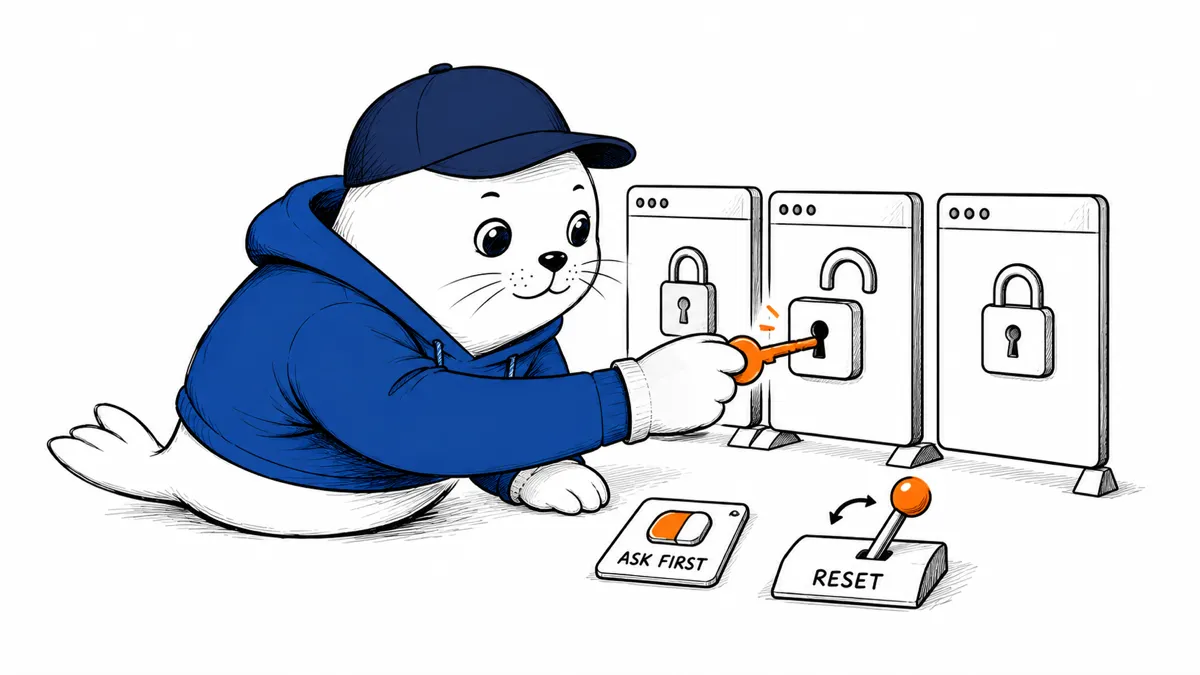
Copilot asks for permission before interacting with an application. A user can approve the current request or mark an app as always allowed, then reset remembered choices later. On macOS, the operating system can also require Accessibility and Screen Recording permissions. Those grants are broader platform capabilities, not merely a preference inside Copilot.
An enterprise administrator may turn off computer use through an organization-managed setting. That gives a company a policy switch, but it doesn’t replace endpoint configuration, least-privilege accounts, or reviewing what data appears on screen.
The useful question is what the agent can reach.
A browser window may contain production consoles, customer records, and password-manager overlays. A code editor may expose secrets, terminals, and extensions. A chat app may contain private conversations. Approving the application name alone does not describe all the content or actions reachable inside it.
Start with a disposable test account and a narrow app. Avoid opening unrelated sensitive windows during the session. If the task requires a destructive or external action, keep a person at the final confirmation step.
How to control a session
GitHub documents the commands. /computer on, /computer show and /computer off. The middle command is especially useful during testing because it makes the active computer-use state visible. Turn the capability off when the task ends rather than leaving it available for the next prompt.
The distinction mirrors our guide to GitHub agent approvals for high-impact actions: an agent can be technically able to perform a step without being the right party to authorize it.
Permission checklist before enabling computer use
- List the exact applications and accounts required for the task.
- Prefer one-time approval over always-allowed access during evaluation.
- Review Accessibility, Screen Recording, and equivalent Windows permissions.
- Close unrelated sensitive windows and turn off unnecessary browser extensions.
- Record the final action, result, and rollback owner for consequential changes.
- Reset remembered app approvals when a test or contractor engagement ends.
Computer use can remove tedious transitions between tools. It also joins contexts that a person previously separated. Treat the preview as a controlled automation environment, not as a general license to operate the desktop.